7
First-Time Operation
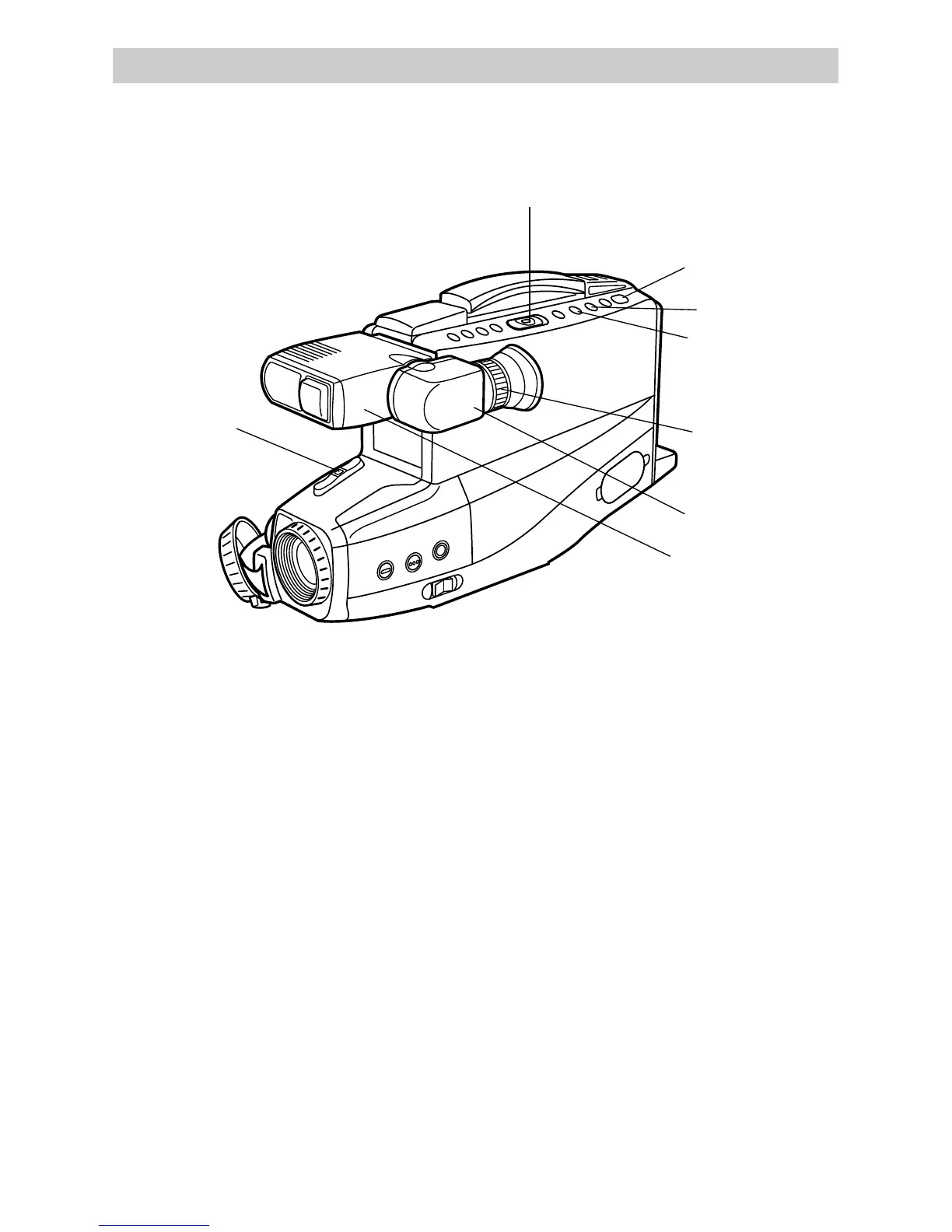
7. Start and stop recording.
Start and stop recording by pressing
and releasing REC/PAUSE. REC
appears in the viewfinder. You do not
have to hold the button to record.
Notes: If you do not record within five
minutes, the camcorder will automatically
shut off to prevent excessive tape wear.
Press REC/PAUSE to turn on the
camcorder.
Any material recorded on the tape will
automatically be erased if you record
over it.
8. Play back what you have
recorded.
• Press REC/PAUSE to stop recording.
• Press and hold the small button on
CAMERA/OFF/VCR while sliding
it to VCR.
• Press REW(rewind)/REVIEW to
rewind the tape.
• Press PLAY to play back the tape in
the viewfinder.
• Press STOP/EJECT when you are
finished playing back the tape.
• Details on viewfinder playback are
on page 44.
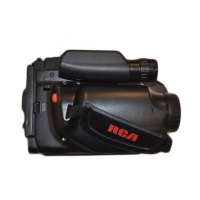
STOP/EJECT
PLAY
REW(Rewind)/
REVIEW
CAMERA/OFF/VCR Switch
Eyepiece
Electronic
Viewfinder
(Grasp Here
to Move)
REC (Record)
/PAUSE
Eyepiece
Focus
Control


 To Next Page