62
Playback
1/1000
AUTO
MAN
HAZE
SHDW
PUSH
SEPIA
F
R
O
N
T
L
I
G
H
T
B
A
C
K
L
I
G
H
T
FADE
TITLE
SP/SLP
DATE/TIME
COUNTER
QUICK RE
P
A
L
Y
/
P
A
U
S
E
S
T
O
P
P
L
A
Y
/
P
A
U
S
E
VCR
Caution: Pause is designed for momentary
interruptions and should not be used for an
extended period of time. If the camcorder
remains in pause for more than five minutes,
it enters the stop mode and turns off to
prevent excessive tape wear.
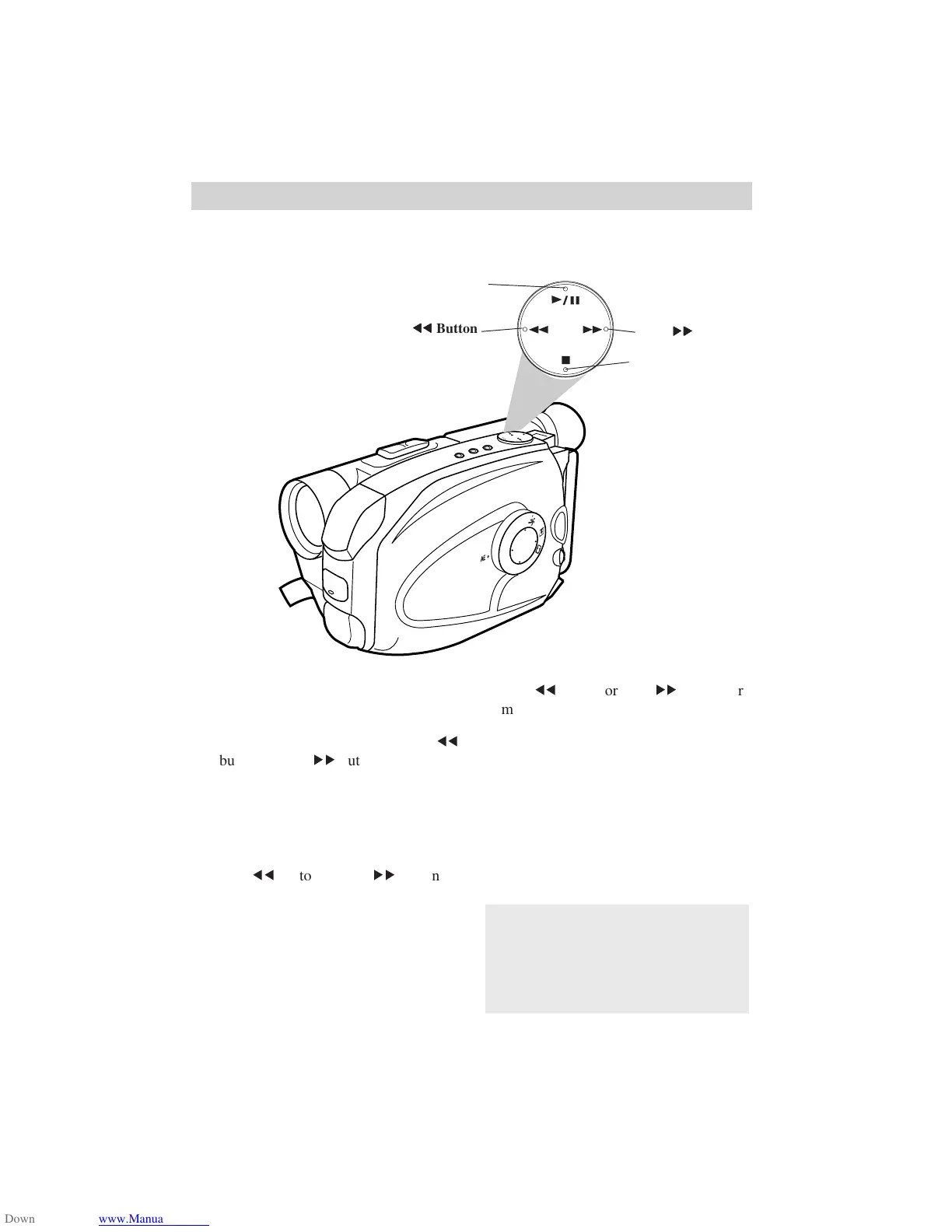
Playback Features
Position the Tape
Set POWER switch to VCR and
press STOP.
• Press and quickly release the VCR
55
button or VCR
66
button to rewind or
fast-forward the tape.
• Press STOP to stop the tape.
Visual Search
• During playback, press and release
VCR
55
button or VCR
66
button if
you want to search the tape visually in
forward or reverse.
• Press PLAY/PAUSE to return to normal
playback.
• For brief searching, press and hold
VCR
55
button or VCR
66
button for
more than two seconds.
• Release the button to return to normal
playback.
Stop-Action Pause
• During playback, press PLAY/PAUSE
to “stop the action” and view one frame
of the tape.
• Press PLAY/PAUSE to return to normal
playback.
STOP Button
PLAY/PAUSE Button
VCR
6666
6666
66
Button
VCR
5555
5555
55
Button



 To Next Page