38 Section 08: Digital TV
ߔ
Current
Program Screen
ߕ
Program Title
ߖ
Program Time
ߗ
Program
Information
ߘ
%0'
Touch this screen to toggle between
full screen and windowed mode.
Current Program Information
Program start and end time
s
is highlighted when Closed
Caption service is available.
s
is highlighted when
multilingual audio tracks are
available.
s
is highlighted when the
sound source is multi-channel
Dolby Digital surround sound.
s
shows the current
broadcast resolution.
%LECTRONIC0ROGRAM'UIDE
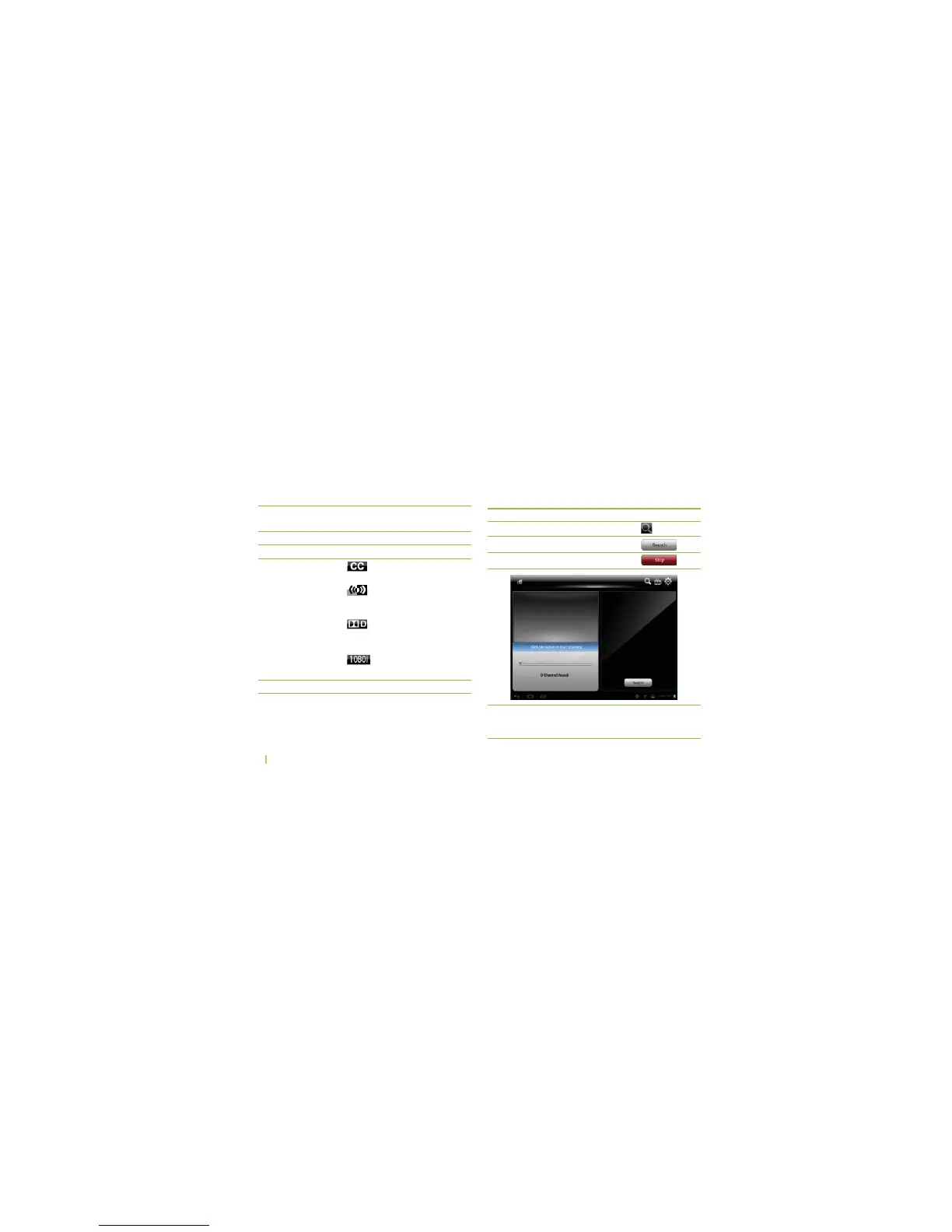
Auto Search
To...
...enter the Auto Search mode
...start auto channel search
...stop channel scan
You can...
...touch
...touch
...touch
* RF Channels may have different virtual channel numbers.
For example, the virtual channel for RF Channel 19 can
be 32-1 or 32-2.



 To Next Page