Section 08: Digital TV 39
To...
...use the Manual
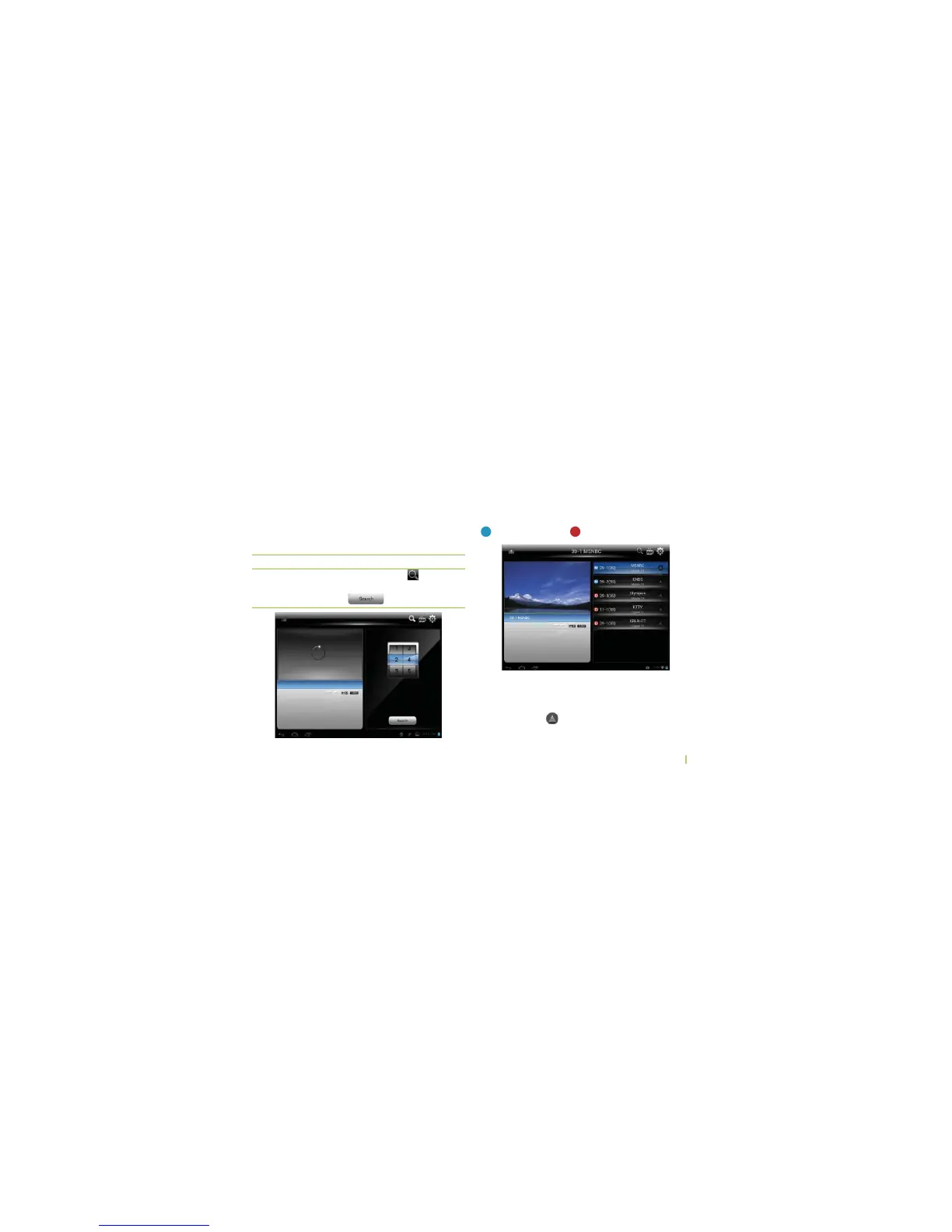
Tune menu mode
You can...
...touch and hold
Æ Select
RF number to scanÆ Touch
Manual Tune
It takes a long time to scan for channels by using the
“Auto Search” menu. If you know the RF channel
numbers, then you can scan more quickly by using the
"Manual Tune" menu.
Channel List
You can use "Channel List" to select a desired the
channel or edit Channel list.
M
: Mobile channel
D
(IGH$ElNITION$46CHANNEL
s4OREMOVEACHANNELTOUCHANDHOLDTHECHANNELFOR
a few seconds. This will display a pop-up through
which the channel can be removed.
s)FYOUSEETHE
" icon in channel list screen, then
THISMEANSTHATYOUCANUSE%0'DATA



 To Next Page