40 Section 08: Digital TV
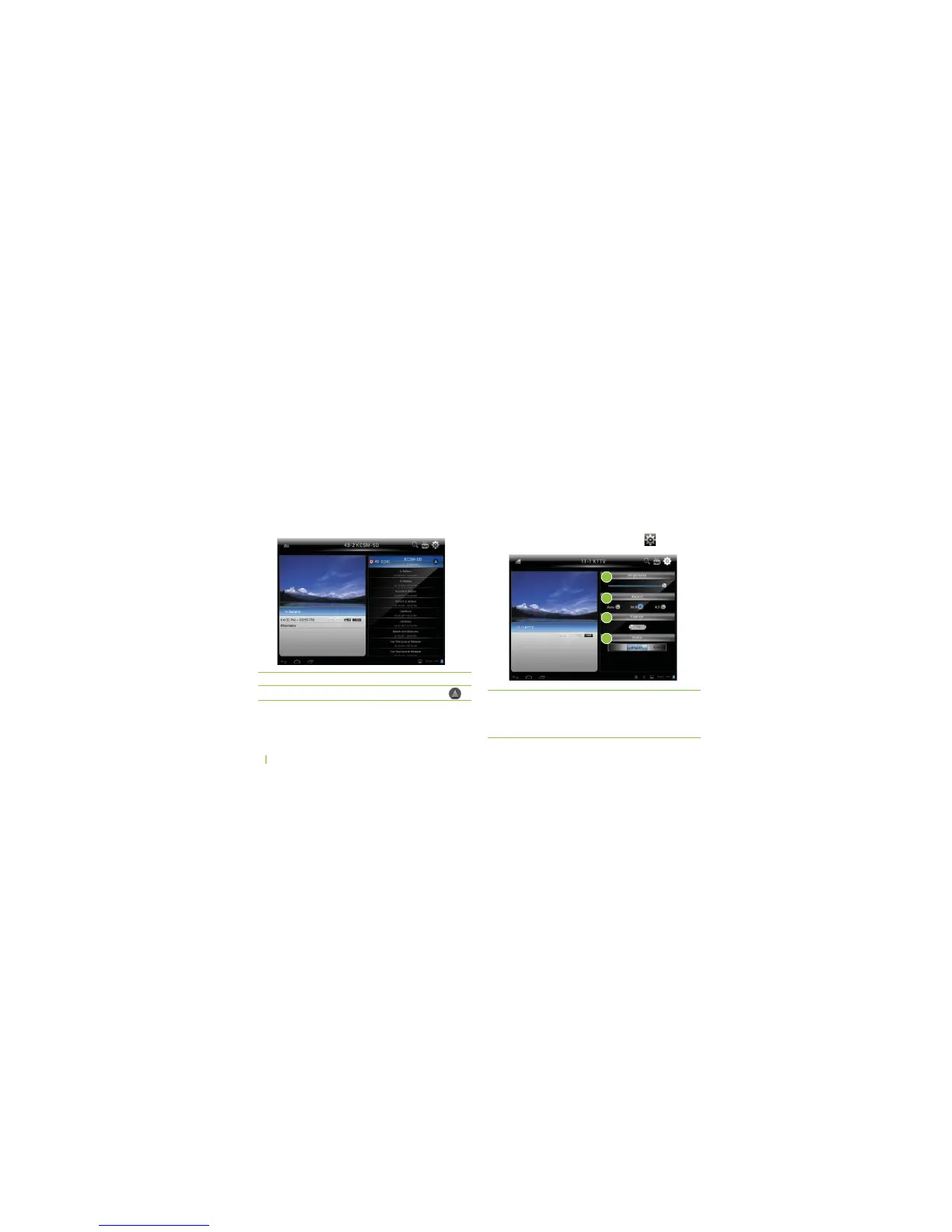
EPG (Electronic Program Guide)
%0'SHOWSSCHEDULEFORALL46PROGRAMS
%0'ALSOSHOWSTHECURRENTPROGRAMNAMESTARTAND
end time, and information detail.
4ORECEIVETHE%0'INFORMATIONFROMABROADCASTER
you must tune to the specific channel to receive the
broadcaster’s PSIP (Program and System Information
0ROTOCOLFOR%0'UPDATEIFITISAVAILABLE
To...
TOGGLEBETWEENCHANNEL,ISTAND%0'
You can...
...touch
Settings
You can change Brightness, Aspect Ratio, Closed
Caption and Audio settings.
To open the TV setting menu, touch the "
" icon.
1
2
3
4
ߑ
Brightness You can change brightness, from
TO
* Battery run time is highly
dependant on the Brightness.



 To Next Page