12
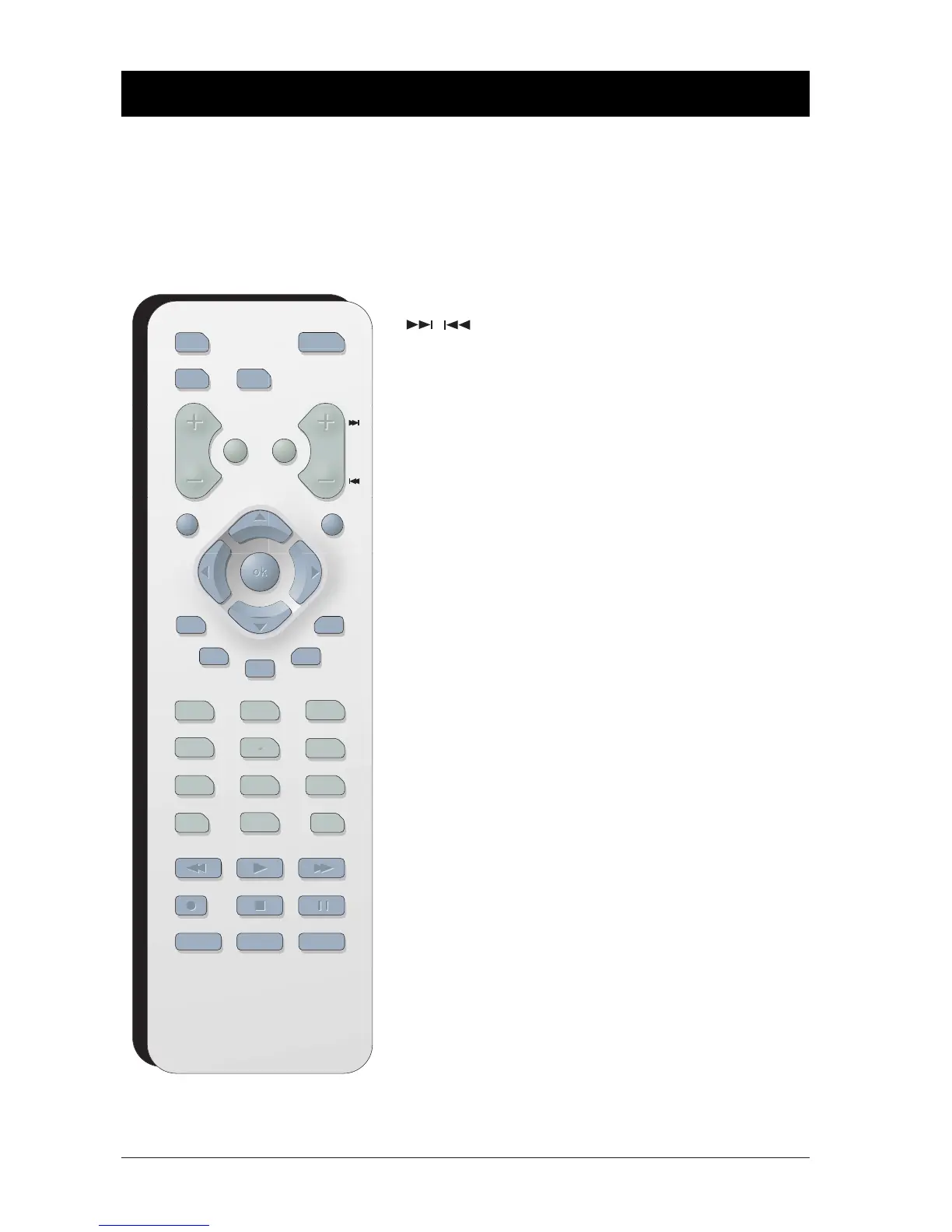
Button Descriptions for DVD Mode
In addition to operating your DVD Player, the remote that came with it will operate most RCA,
GE, and Proscan TVs and VCRs. However, this page only describes the buttons on the remote that
you will use with your DVD Player.
For descriptions of remote control buttons to be used with your TV and VCR (RCA, GE, and
Proscan only), go to the next page.
DVD function buttons listed alphabetically
Advances to the next/preceding chapter or
track.
0-9 Use to input information such as chapter
numbers, track numbers, or to make selections
on some menu screens.
AGAIN Quick reverse - replays approximately the last 6
seconds of a DVD movie.
ANGLE Accesses the Camera Angle icon of DVD disc
Info Display.Also used to rotate JPEG files 90°.
AUDIO Accesses the Audio icon in the Info Display that
enables you to play a disc in a different language.
CH+/- Advances to the next/preceding chapter or
track.
CLEAR Removes on-screen menus and displays.
DVD Puts the remote in DVD mode so it operates
the DVD player.
FORWARD Searches forward through the disc.
GO BACK/RETURN Goes back to the previous menu.
INFO Displays the on-screen Info Display when playing
discs.
MENU When playing a disc, displays the disc’s menu.
OK Selects the setting or menu that is highlighted.
ON•OFF Turns DVD player on and off.
OPEN•CLOSE
Opens and closes disc tray.
PAUSE Pauses disc play.With DVD discs, press two
times to search frame by frame.
PLAY Begins disc play.
PLAY MODE Accesses Play Mode icon in the Info Display.
REVERSE Searches backward through the disc.
STOP Stops playback. Press and hold to open and close
the disc tray. In order to see the DVD Player
menu, press the STOP button.
SUBTITLE Accesses the Subtitle icon in the Info Display.
Turns subtitles feature on and off.
TITLE/GUIDE Accesses the DVD disc guide (if available).
ZOOM Enlarges the picture (DVD and VCD formats) on
the screen.
Chapter 2 The Remote Control



 To Next Page