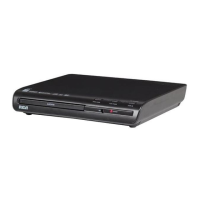
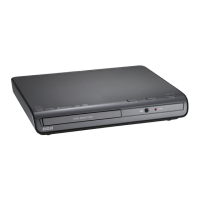
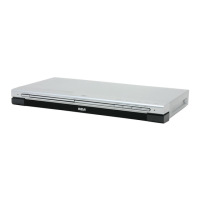
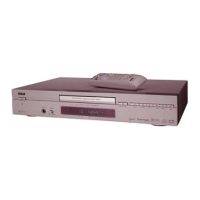
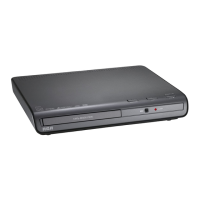
STANDBY/ON - Turns the player on and off.The indicator lights when the player is in standby
mode (off), and is not lit when the player is on.
OPEN/CLOSE - Opens and closes disc tray.
PLAY - Begins disc play.
STOP - Stops disc play.
(Prev.) - Goes to the beginning of the previous chapter or track.
(Next) - Skips to next chapter or track
L.E.D.s (Light Emitting Diodes) - One light corresponds to the STANDBY/ON button.The
other light corresponds to playback status.
For connection example, go to next page
Connections and Setup
7



 To Next Page