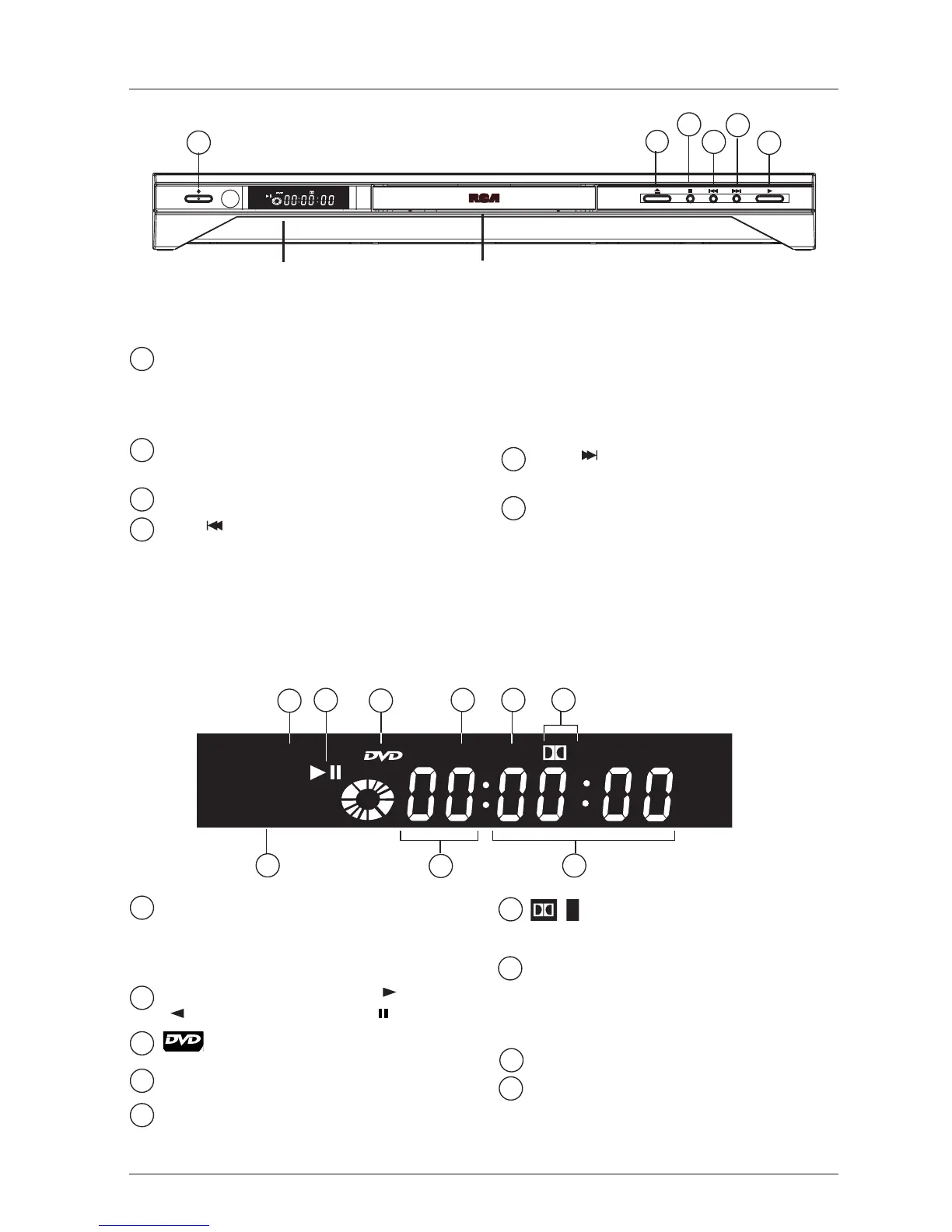
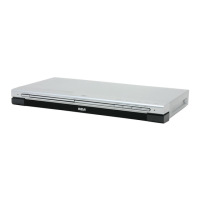
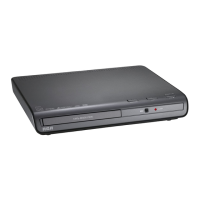
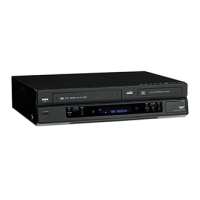
ON/STANDBY - Turns the player on and
off.The indicator light comes on when the
player is in standby mode (off but still
plugged into an AC outlet).
OPEN/CLOSE - Opens and closes the
disc tray.
STOP - Stops playing a disc.
PREV /VIDEO - During playback, goes
to the beginning of the chapter (DVD) or
track (CD), or to the beginning of the
previous chapter or track.
When you’re not playing a disc, accesses
Video Output options when you press and
hold the button for 3 seconds (page 35).
NEXT - Goes to the beginning of the
next chapter or track.
PLAY - Plays a disc, and closes the disc
tray if it is open.
Connections and Setup
5
Graphics throughout this User’s Guide are for representation only.
Front of the player
1
1
2
3
4
5
6
3
4
5
6
2
Player display
Shows the type of disc in the disc tray:
Audio CD (CD),
Video CD (VCD),
Super Video CD (SVCD).
Playback status: Forward play ( ), reverse
() or pause on still frame ( ).
appears when DVD disc is loaded.
MP3: mp3 file is loaded.
WMA:WMA file is loaded.
appears if the disc being played has
Dolby digital sound.
YPbPr PSCAN:appears when video is
being output in progressive scan format.To
change to interlace video format, press the
PREV/VIDEO button (see page 35).
Chapter or track being played.
Time elapsed:
DVD: hour and minutes
Audio CD: minutes and seconds



 To Next Page