Control Reference Guide
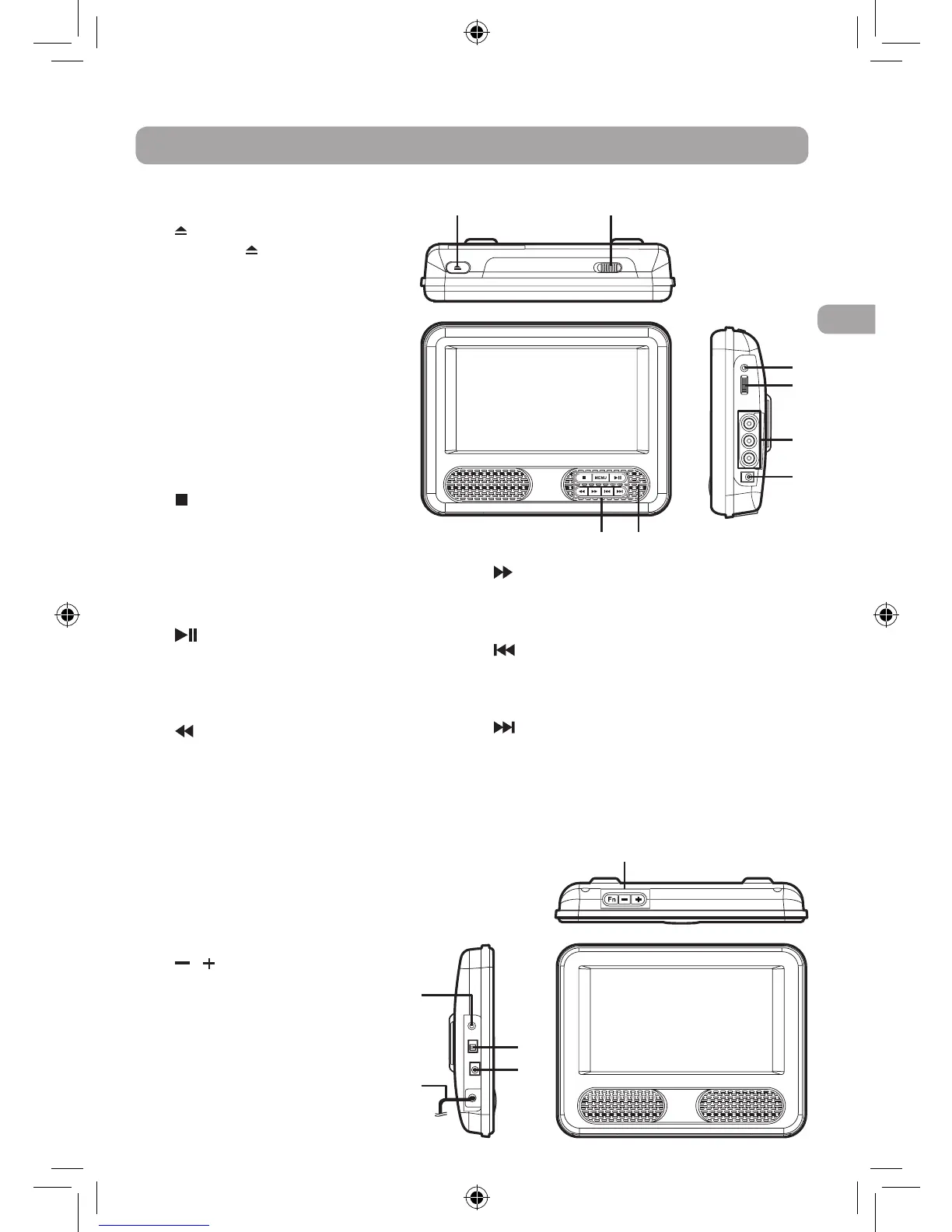
1) OPEN Button
Press the OPEN button and
hold the front panel to open
the disc door.
2) STANDBY(poweroff)/ON
Switch
3) Headphone Jack
4) VOLUME Control
Adjusts the volume.
5) AUDIO/VIDEOOUTJacks
6) DC IN 9V-12V Jack
7) Remote Sensor
Receives the remote control
signal.
8) STOP Button
Stops playing a disc.
MENU Button
Accesses DVD Disc Menu if a
DVD disc is currently playing.
Accesses Setup menu if disc is
not playing.
PLAY/PAUSEButton
Starts or resumes playback of a
disc. Pressing during playback
of a disc will cause playback to
be paused.
SEARCH Button
Performs fast reverse during
CD/DVDplayback.InDVD
menu, Setup menu or JPG
menu, press to scroll down.
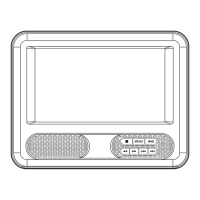
Monitor
9) Fn Button
Adjusts the monitor’s screen
brightness, contrast, color and mode
(16:9/4:3)orsetstodefaultsetting.
/ Buttons
Adjusts the volume.
Adjusts the settings (when
used with the Fn button).
10) Headphone Jack
11) ON/OFFSwitch
12) DC IN 9V-12V Jack
13) Built-in AV cable
DVD Player
11
10
12
13
SEARCH Button
PerformsfastforwardduringCD/DVD
playback. In DVD menu, Setup menu or
JPG menu, press to scroll up.
PREV Button
Goesbackwardtopreviouschapters/
titles/tracks.InDVDmenuorSetupmenu,
press to scroll left.
NEXT Button
Goesadvancetonextchapters/titles/
tracks. In DVD menu or Setup menu,
press to scroll right.
DRC69707E RCA 3L MTK.indd 7 8/9/2011 14:34:27


 To Next Page