10
Getting Started: Software Setup
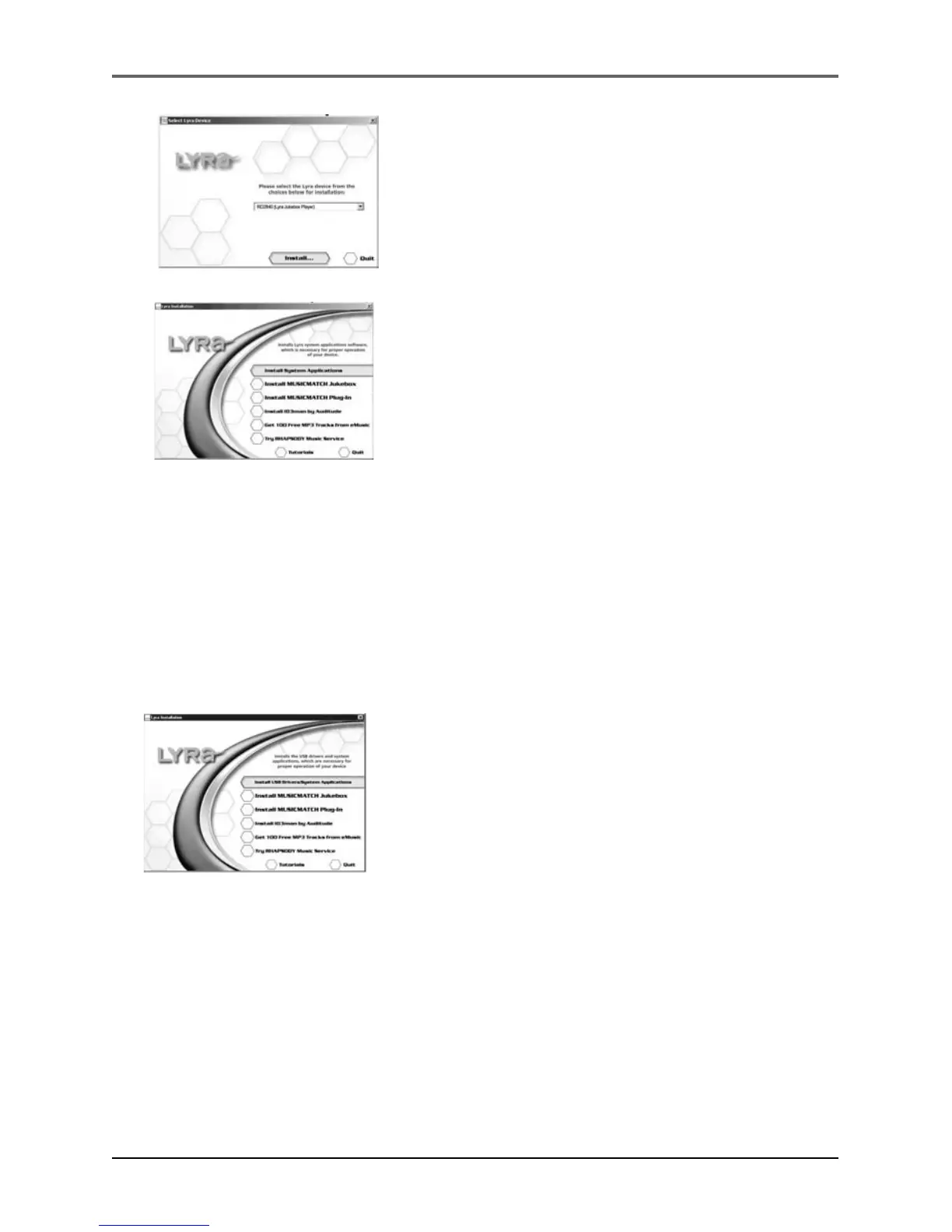
4. Click on the software component you want to
install. See next Section for details.
Installing Software Components
Install the USB Driver (Windows 98SE and Me Only)
For Windows 98SE and Me systems, you need to install a USB driver before your
computer can recognize your Lyra Personal Jukebox.
1. Click Install USB Driver/System Applications to
install the required driver for your Lyra Personal
Jukebox.
2. Follow the on-screen instructions to install all
necessary files.
3. Click Finish to complete installation and return
to the startup screen.
3. Select your Lyra model (RD2825/RD2840) on the
startup screen and click Install to access
installation programs corresponding to your Lyra
device.


 To Next Page