Getting Started: Software Setup
13
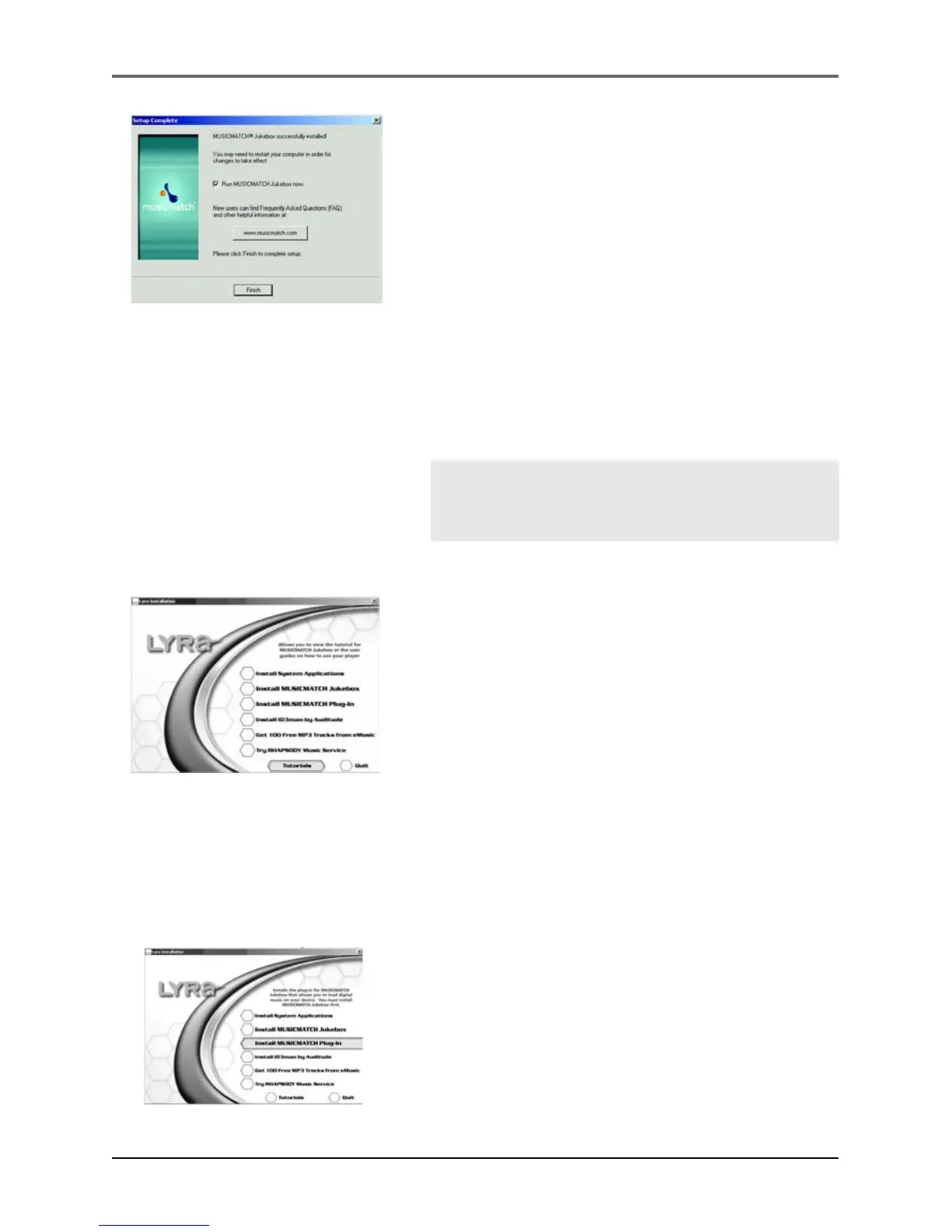
7. After installation is complete, click Finish.
8. If necessary, close the main setup screen.
9. Some computers might require you to restart
your computer. If this is necessary, a dialog box
will appear on the computer screen.
Note: As with any device that has a hard
drive, you must back up the drive. RCA and
Thomson are not responsible for lost data.
For more information on MusicMatch Jukebox, click
Tutorials on the CD or go to www.musicmatch.com.
Install MusicMatch Plug-in
MusicMatch requires a plug-in for your particular device in order to transfer files from
your computer to your Lyra Personal Jukebox.
1. Click Install MusicMatch Plug-in.
2. Follow the on-screen instructions to install all
necessary files.
3. Click Finish to complete installation and return
to startup screen.


 To Next Page