Chapter 1: Connections & Setup
6 Chapter 1
DC POWER (CAR) Connect the DC power cord to this jack from the car’s cigarette lighter socket
to give the unit power.
AC POWER (HOME) Connect the AC power cord to this jack from an AC outlet to give the unit
power.
INPUT VIDEO Receives video from another component, such as a VCR, camcorder or an Internet
access device, so you can see it on the DVD player’s LCD screen.
INPUT L/R AUDIO Receives audio from another component, such as a VCR, camcorder or an
Internet access device, so you can hear what’s being played on the connected component.
PHONES Allows another person to connect headphones to listen to the sound.
OK
D
I
S
P
L
A
Y
PLAY • PAUSE
PREV
NEXT
P
O
W
E
R
S
T
A
T
U
S
D
I
S
C
M
E
N
U
VOLUME
S
C
R
E
E
N
M
O
D
E
D
V
D
S
E
T
U
P
S
U
R
R
O
U
N
D
E
J
E
C
T
STOP
LCD
Screen
Storage
Compartment
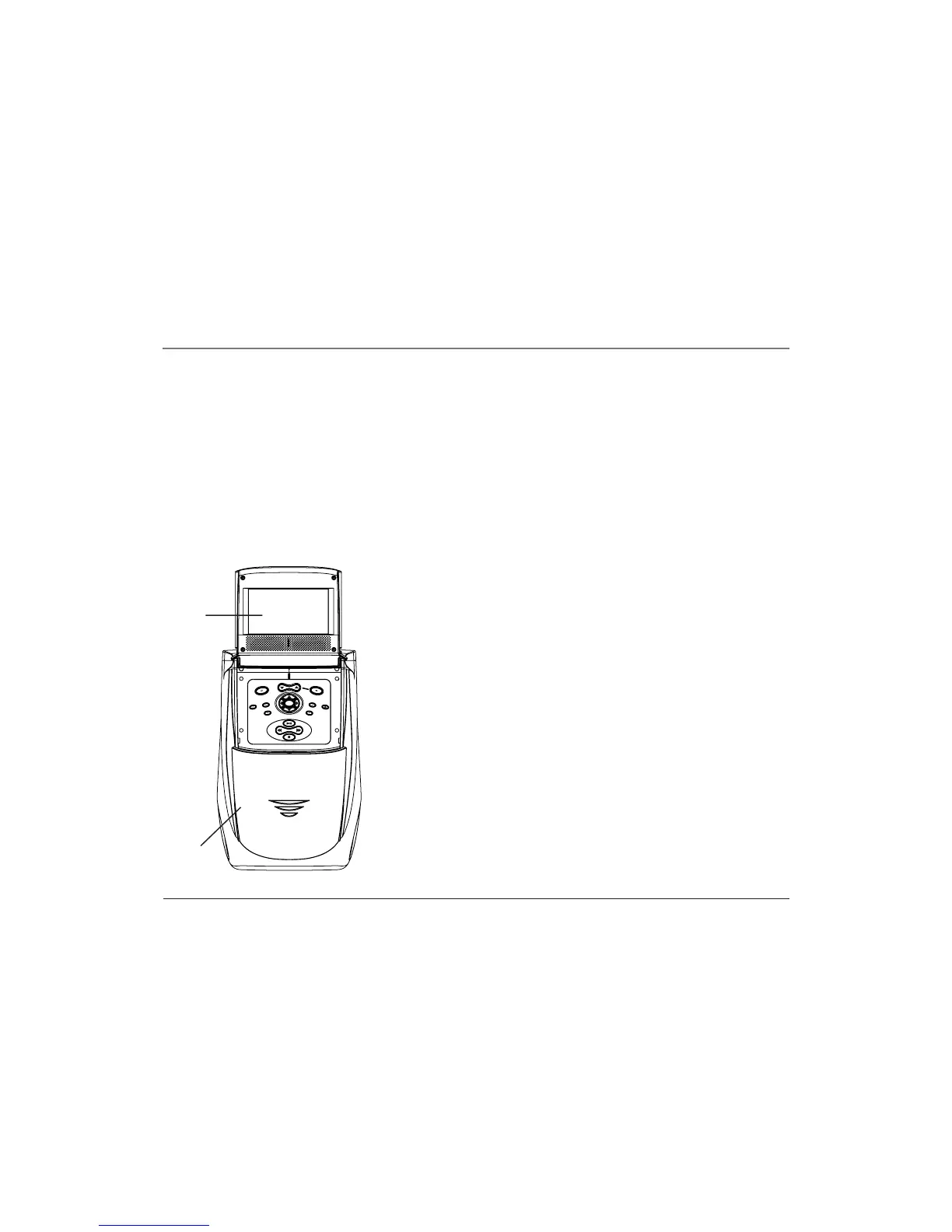
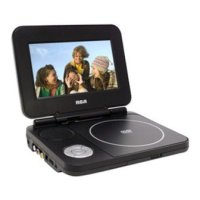
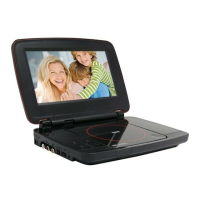
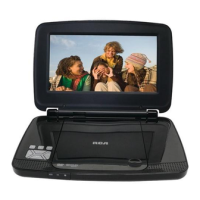
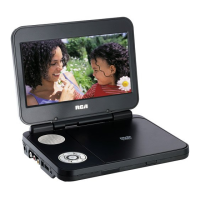
Buttons and Controls on the Mobile DVD
Player
LCD Screen Video appears here (when watching a DVD disc).
Storage Compartment Open the lid to store the supplied power cords.
Buttons (listed alphabetically)
Arrow (up, down, left, right) buttons Use these buttons to access items on
the LCD screen.
DISC MENU Displays the disc menu. The content of the menu varies from
disc to disc.
DISPLAY Cycles through the display options by pressing repeatedly:
brightness, contrast, color, sharpness or tint. The level can then be adjusted by
using the volume up or down button.
DVD SETUP Displays the DVD player’s setup menu.
EJECT Ejects the disc from the disc slot.



 To Next Page