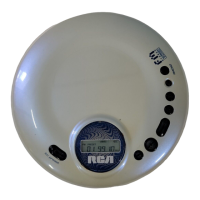
CD Playback
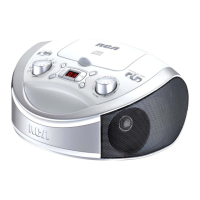
ATTENTION: To play a CD, you must disconnect any
device from the LINE-IN jack. This product has a “smart-
sense” feature, where it picks LINE-IN as the audio
source if a device is connected to the LINE-IN jack.
1. Slide the function selector to LINE-IN/CD. After a short
time, the “- -” icon will blink on the display.
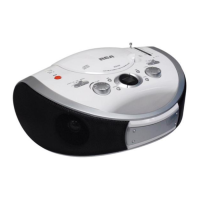
2. Open the CD door. Place a disc in the center with the label
side facing up and then close the CD door gently.
3. Then the total track no. is shown on the display.
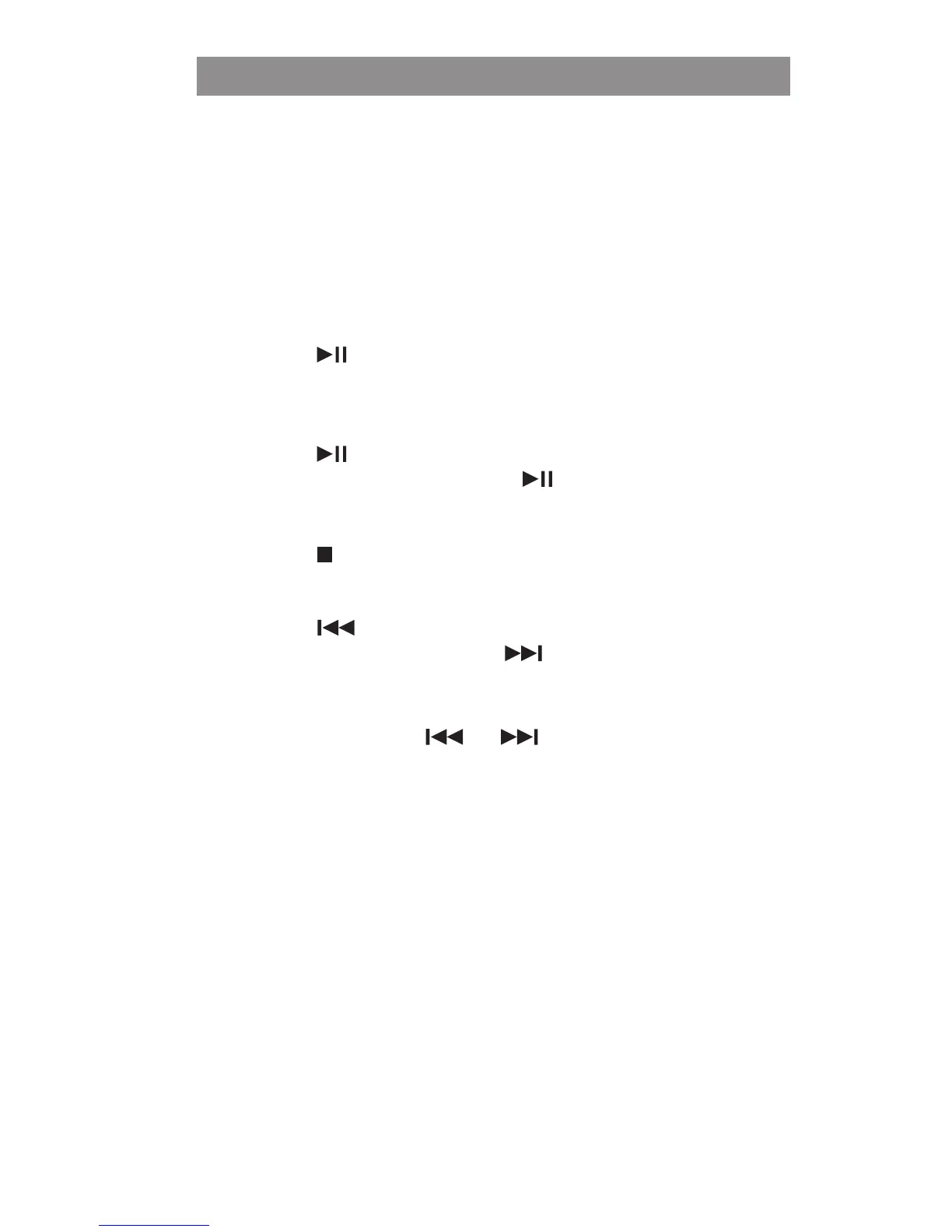
4. Press the
button to start playback.
• Adjust the VOLUME.
TO PAUSE PLAYBACK
• Press the button while a CD is playing to pause play.
• To resume playback, press the
button again.
TO STOP PLAYBACK
• Press the button.
TO SKIP TO A DIFFERENT TRACK
• Press the button to skip to the start of the current track
or previous tracks. Press the
button to skip to the next
track.
TO LOCATE A PARTICULAR POINT ON A TRACK
• Press and hold the or button during playback,
according to the desired direction, and release at the
desired point.


 To Next Page