Listening to the Radio
LINE IN Connection
TO CONNECT TO LINE IN FOR OTHER SOUND
SOURCES
You can connect audio devices such as your iPod, CD
players or MP3 players to the unit through the LINE IN jack.
Use a Line-in cable (not supplied), connect the LINE IN jack
on the back panel to the Line Out or Earphone jack of the
other audio devices.
TO LISTEN TO THE CONNECTED DEVICE
1. Slide the function selector to LINE-IN/CD mode. This
product has a “smart-sense” feature, where, if the LINE-
IN jack has a connection, it will select LINE-IN instead of
Radio or CD.
2. Turn on the audio device you have attached to the LINE IN
jack.
1. Slide the function selector to RADIO position.
2. Slide the band selector to FM or AM band.
3. Use the TUNING control to tune to the desired station.
4. Adjust the volume level.
AM / FM
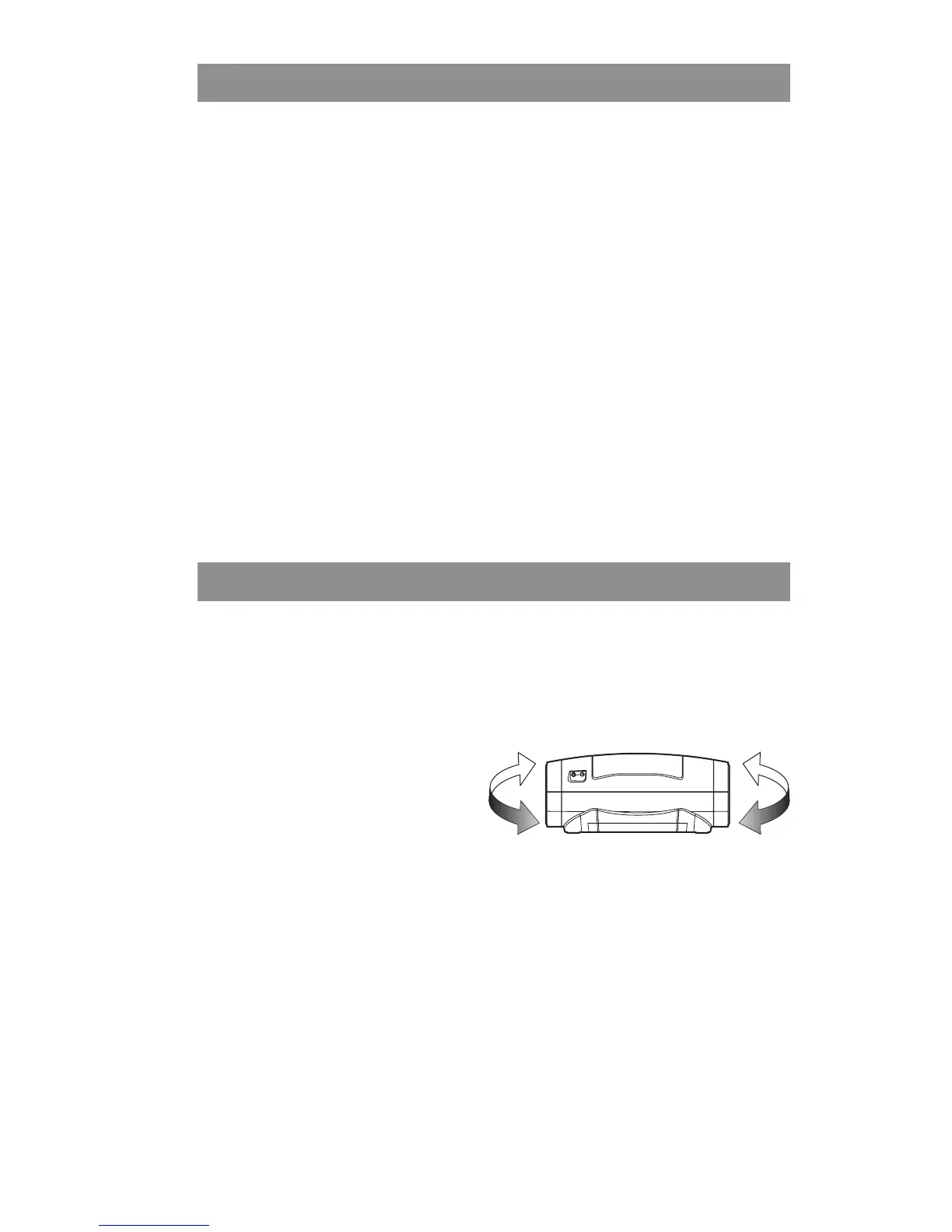
• R e p o sit ion t h e u nit
to get better AM / FM
reception.
Note: After listening to the radio, slide the function selector to
OFF position.


 To Next Page