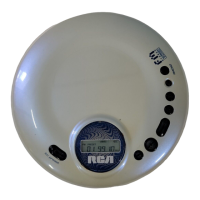
Repeat Playback
Random Playback
TO REPEAT CURRENT TRACK
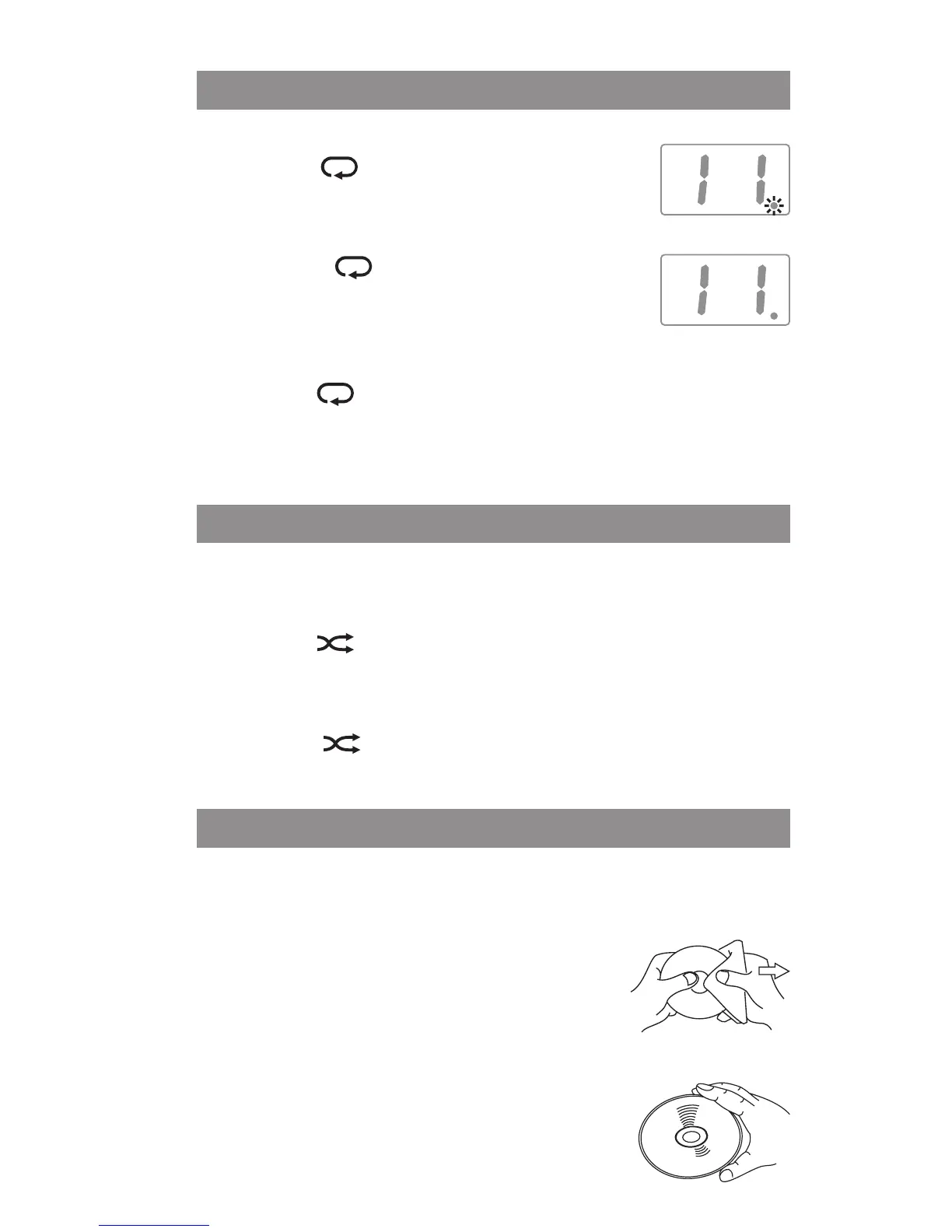
• Press the button once during playback,
the REPEAT ONE “ • ” indicator will blink.
TO REPEAT THE ENTIRE CD
• Press the button a second time to
repeat all tracks, the REPEAT ALL “ • ”
indicator will light up and remain on.
TO CANCEL PLAYBACK MODE
• Press the button until the “ • ” indicator is turned off.
Note: Repeat play can only be done when the unit is in the
play mode.
All tracks on the disc can be played in random order.
RANDOM PLAYBACK
• Press the button. All tracks will be played randomly.
After all tracks have played, the unit will stop automatically.
CANCEL RANDOM PLAYBACK
• Press the button again during RANDOM playback to
return to normal playback.
Maintenance
TO CLEAN THE UNIT
Do not use volatile chemicals on this unit. Clean by lightly
wiping with a soft cloth.
TO CLEAN THE CD
If the CD skips or will not play, the disc may
need to be cleaned. Before playing, wipe
the disc from the center outwards with a
cleaning cloth. After playing, store the disc in its case.
TO HANDLE THE DISC
Only touch the CD on the edge to avoid
finger prints on its surface. Do not stick paper
or tape nor write anything on the surface.


 To Next Page