TV SETUP
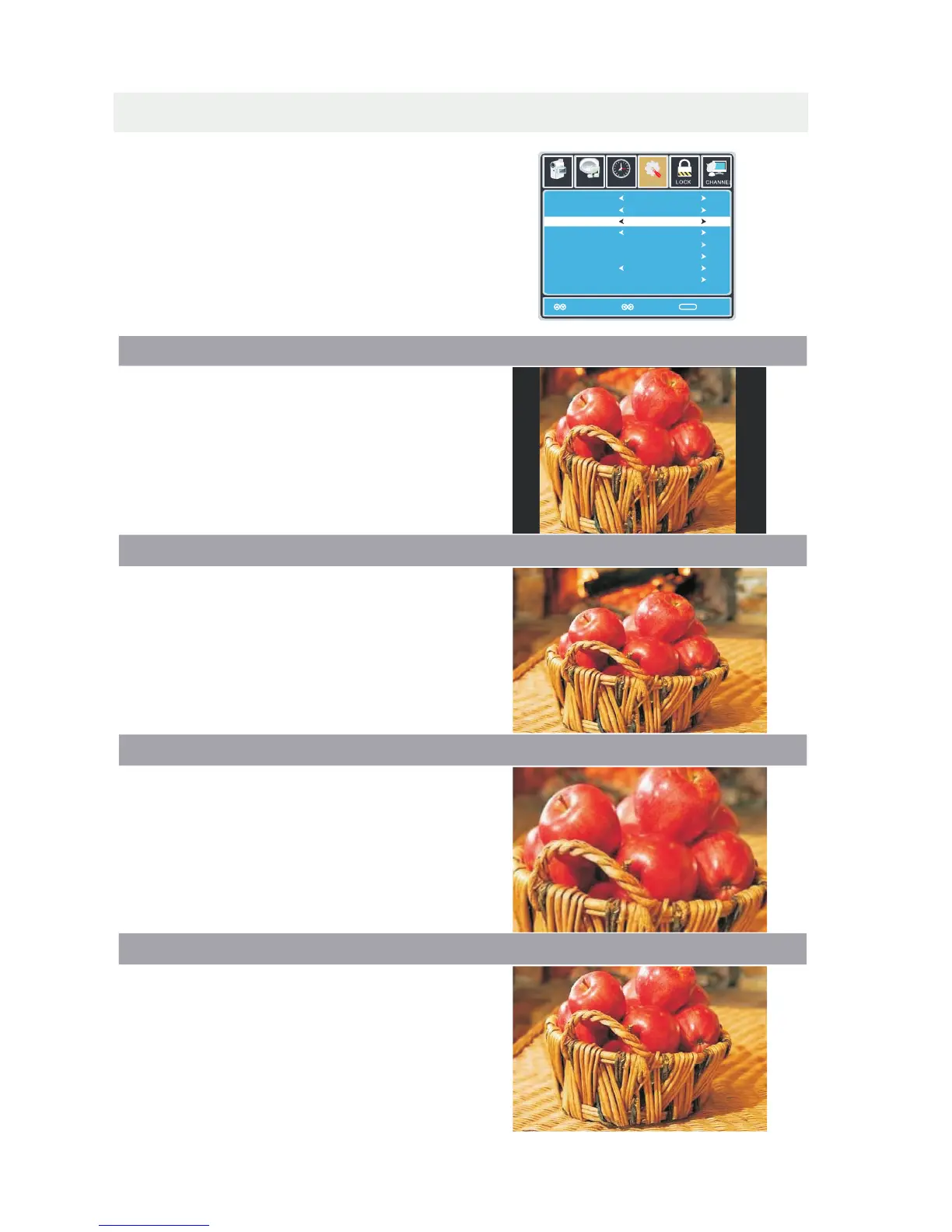
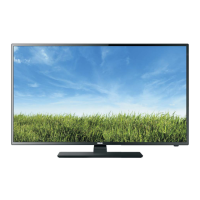
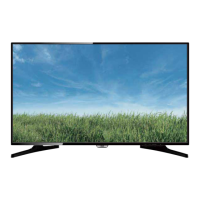
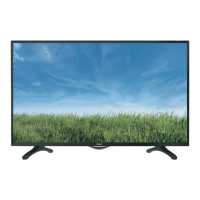
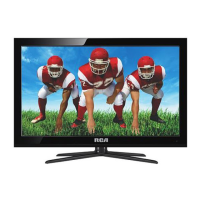
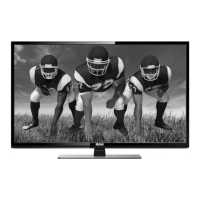
ZOOM MODE
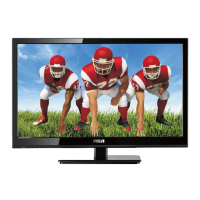
1 NORMAL.
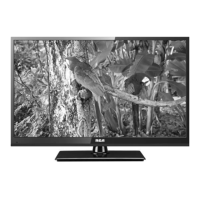
2 WIDE.
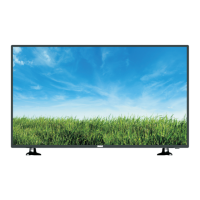
3 ZOOM.
4 CINEMA.
Press the MENU button on the remote control.
Navigate using the ◄►buttons to select SETUP.
Use the ▼ button to highlight Zoom Mode.
Navigate using the ◄► buttons to select the
viewing mode: Normal > Wide > Zoom > Cinema.
Recommended for viewing native
widescreen content and
undistorted 4:3 images.
(With Black Bars)
Stretches certain 4:3 content and
may reduce the black bars.
Stretches the image both vertically
and horizontally to fill the screen
when viewing widescreen content.
The zoom effect will crop images
somewhat.
When viewing 4:3 content,
Cinema mode will fill the entire
screen eliminating the side black bars.
It may also eliminate or reduce black
bars on certain widescreen movies.
26
Lock
12
6
Time Channel
Menu Language
Transparency
Zoom Mode
Noise Reduction
Advance
Close Caption
XVS
Restore Default
English
Move Select Exit
MENU
Picture
Off
Normal
Off
Setup
Audio
On
12
6
Time
Menu Language
Transparency
Zoom Mode
Noise Reduction
Advanced
Close Caption
XVS
Restore Default
English
MENU
Picture
Off
Normal
Off
Setup
Audio
On
Move Select
Return


 To Next Page