CONTROL REFERENCE GUIDE
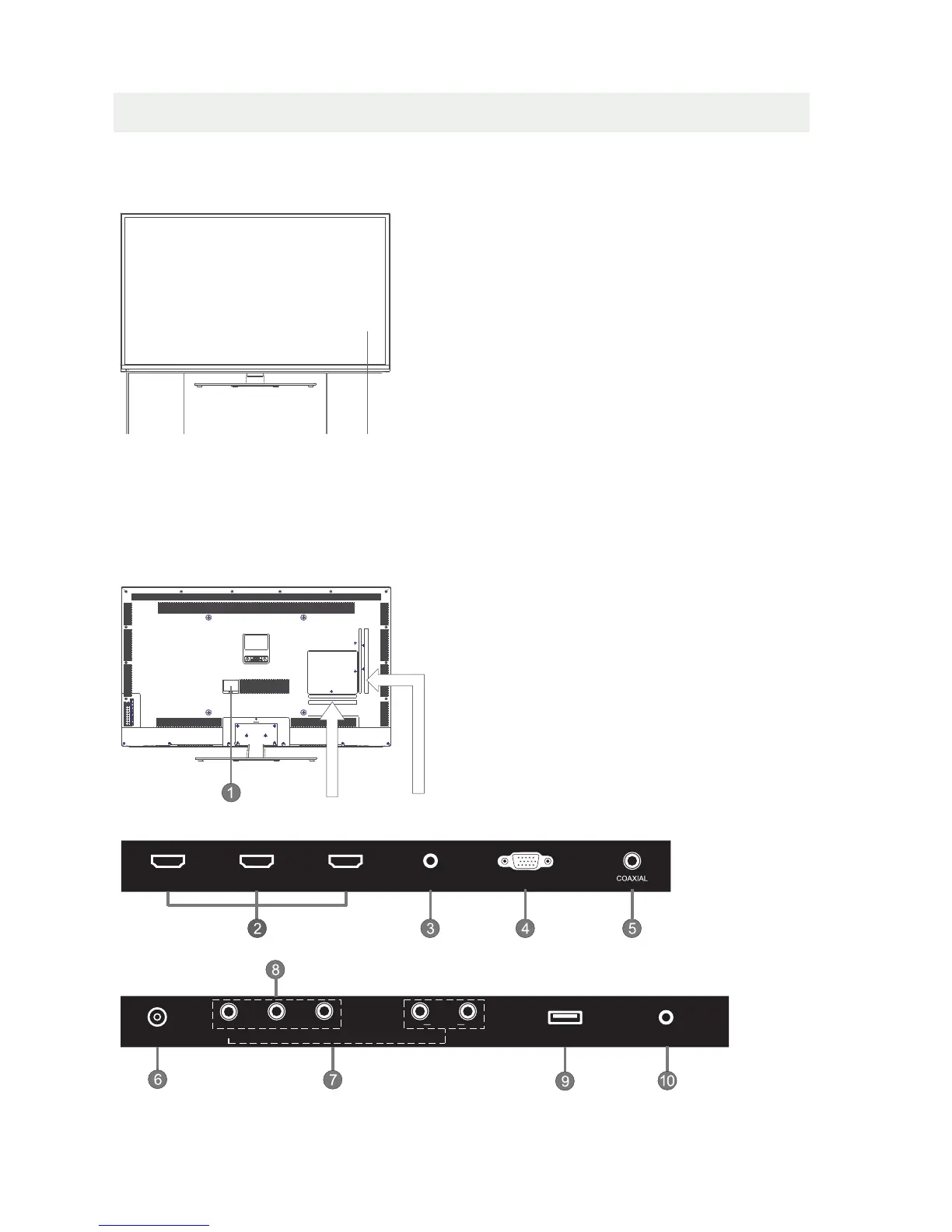
BACK VIEW
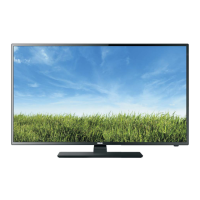
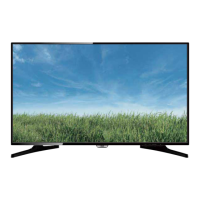
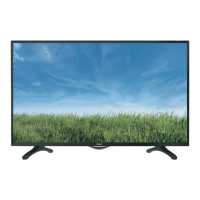
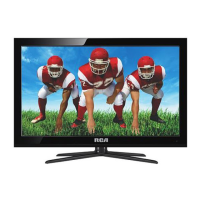
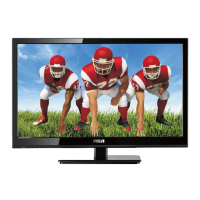
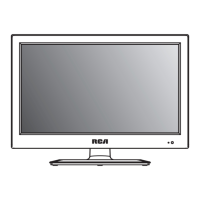
FRONT VIEW
1.Color Screen
2.Standby Indicator
Indicates whether the unit is ON
or in STANDBY (OFF) mode.
Light in red: The unit is in STANDBY.
Light in blue:The unit is turned ON.
3.Remote Sensor
Do not block this sensor or the
remote control will not work.
4. Speakers
5
1.Power cord
2.HDMI IN Jack
3.PC AUDIO IN Jack
4.VGA IN Jack
5.Coax OUT Jack
6.TV ANTENNA Terminal
7.AV (VIDEO/ AUDIO R/L) IN
8.COMPONENT IN Jack
9.Service Port
10.Headphone Jack
2
44
1
3
SERVICE PORT
Y
PRPB
R
L
AUDIO
RF
EARPHONE
VIDEO
AV IN
VGAPC AUDIO
HDMI2HDMI1 HDMI3



 To Next Page