@ ,,,,©...........0
L J L J
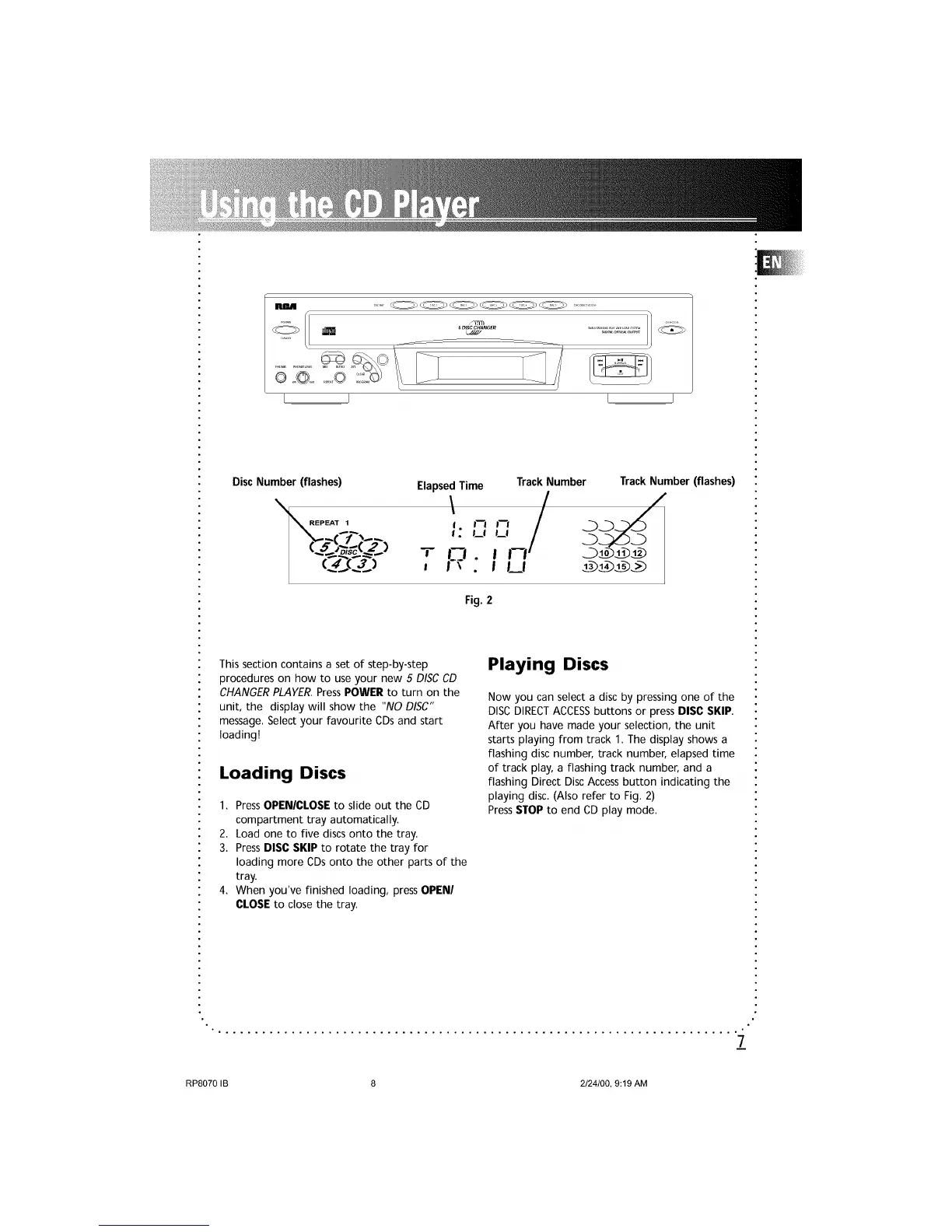
Disc Number (flashes) ElapsedTime
,,.,_,,_,/
.C-T..__ . J_l ijl_l
Track Number Track Number (flashes)
Fig.2
This section contains a set of step-by-step
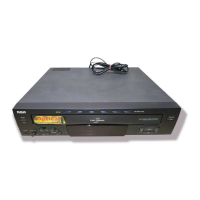
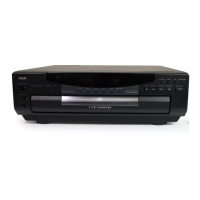
procedures on how to use your new 5 DISC CD
CHANGERPLAYER.Press POWER to turn on the
unit, the display will show the "NO DISC"
message. Select your favourite CDs and start
loading!
Loading Discs
1. Press OPENICLOSE to slide out the CD
compartment tray automatically.
2. Load one to five discs onto the tray.
3. Press DISC SKIP to rotate the tray for
loading more CDs onto the other parts of the
tray.
4. When you've finished loading, press OPEN/
CLOSE to close the tray.
Playing Discs
Now you can select a disc by pressing one of the
DISC DIRECTACCESSbuttons or press DISC SKIP.
After you have made your selection, the unit
starts playing from track 1. The display shows a
flashing disc number, track number, elapsed time
of track play, a flashing track number, and a
flashing Direct Disc Access button indicating the
playing disc. (Also refer to Fig. 2)
PressSTOPto end CD play mode.
7
RP8070 IB 8 2/24/00, 9:19 AM


 To Next Page
 Loading...