19
Using Projector Menu 3.0
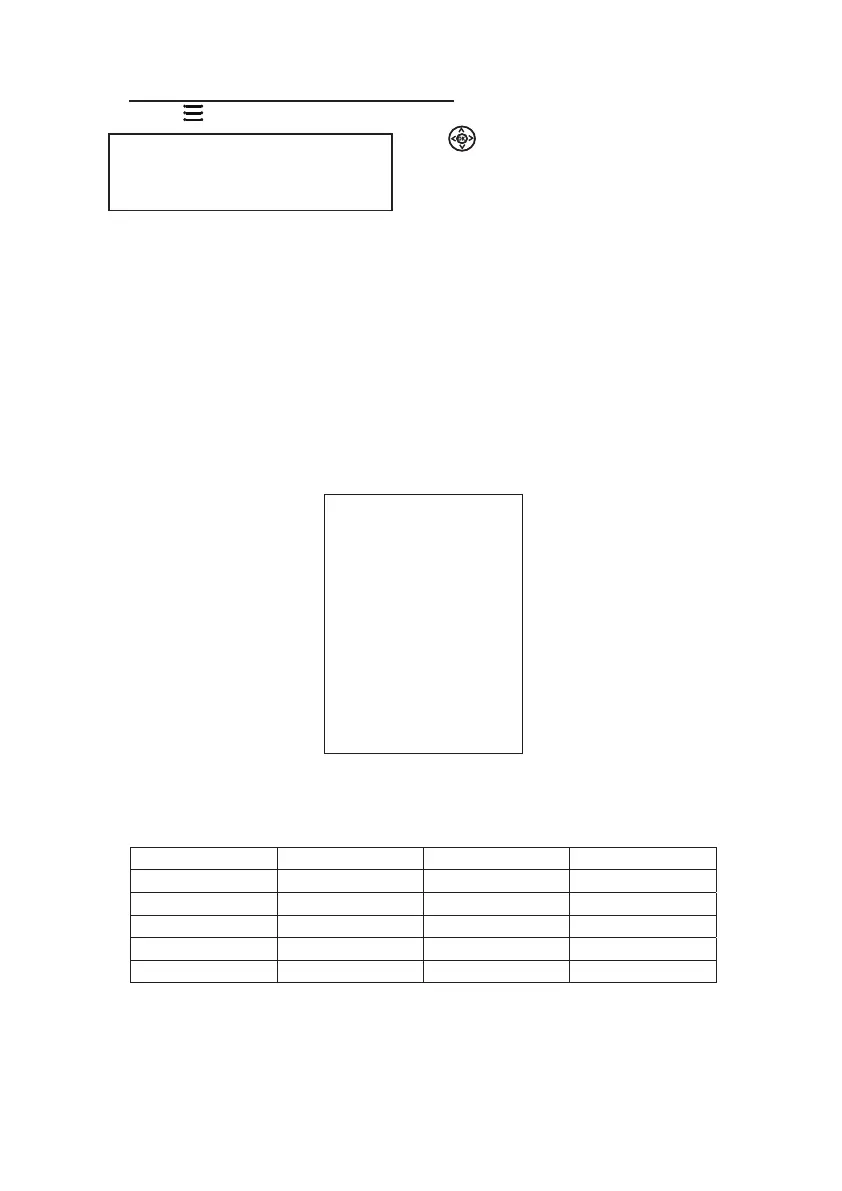
Press button to enter projector menu. Press again to previous status.
Use buttons to select manual page.
This manual showed on right upper of viewing
screen.
English Hrvatski Nederlands Chinese
Franais Deutech Slovenina Slovak
Espanol Italiano Norsk
Portugues Magyar Srpski
Esky Polski Svenska
Dansk Romnete Suomi
OK
MODEL RCA
RPJ133
RCA
SW Ver: V1.0
TF39-720
1. OSD Language
Select different language, Follow below figure.
3. Restore Factory Default
Select Y or N.
4. Panel Rotate
Select rotate 0, rotate 1, rotate 2, rotate 3..
5. INFO
Display the unit inform
ation as below.
0
English
OSD Language
Restore Factory Default
Panel Rotate
Info
Bluetooth
Turn Bluetooth ON or OFF
Bluetooth
2.



 To Next Page