In this menu,you can pair Bluetooth devices.
1.
Press the "HOME" and "LEFT" buttons at the
bottom of the remote control for 5 seconds.
2.When the LED
send the pairing signal to the TV and
display the information of the remote control on
the right side of the screen.
3.Press the OK button to display the
5.
pairing.
If the paired is displayed, the connection is
successful.
4.
If the couldn't pair appears, the connection fails.
Wait 30 seconds and then press the "HOME" and
"LEFT" buttons at the bottom of the remote control
for 5 seconds to repeat the previous steps.
Press BACK or EXIT button return to the previous
menu.
REMOTE&ACCESSORIES ADD AND USE OF MULTI MEDIA PLAYER
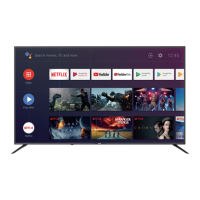
1. In the HOME interface, select the + icon in the APP
column to add the application, and click OK. Press up
and down to select the MultiMediaPlayer application,
and click OK to add it to the HOME interface.
2. Select OK key to enter Multi Media Player and display
Text
purchased the TV.
NOTE


 To Next Page