18
Deleting files from the player
You may delete any files transferred to the player.
1. Connect the player to your computer.
2. Open the player in Windows Explorer and then navigate to the folder containing the files.
3. Select the files you want to remove and then press the Delete key on the keyboard of your PC.
Disconnecting the player from the PC
Windows will show the player as a removable disk:
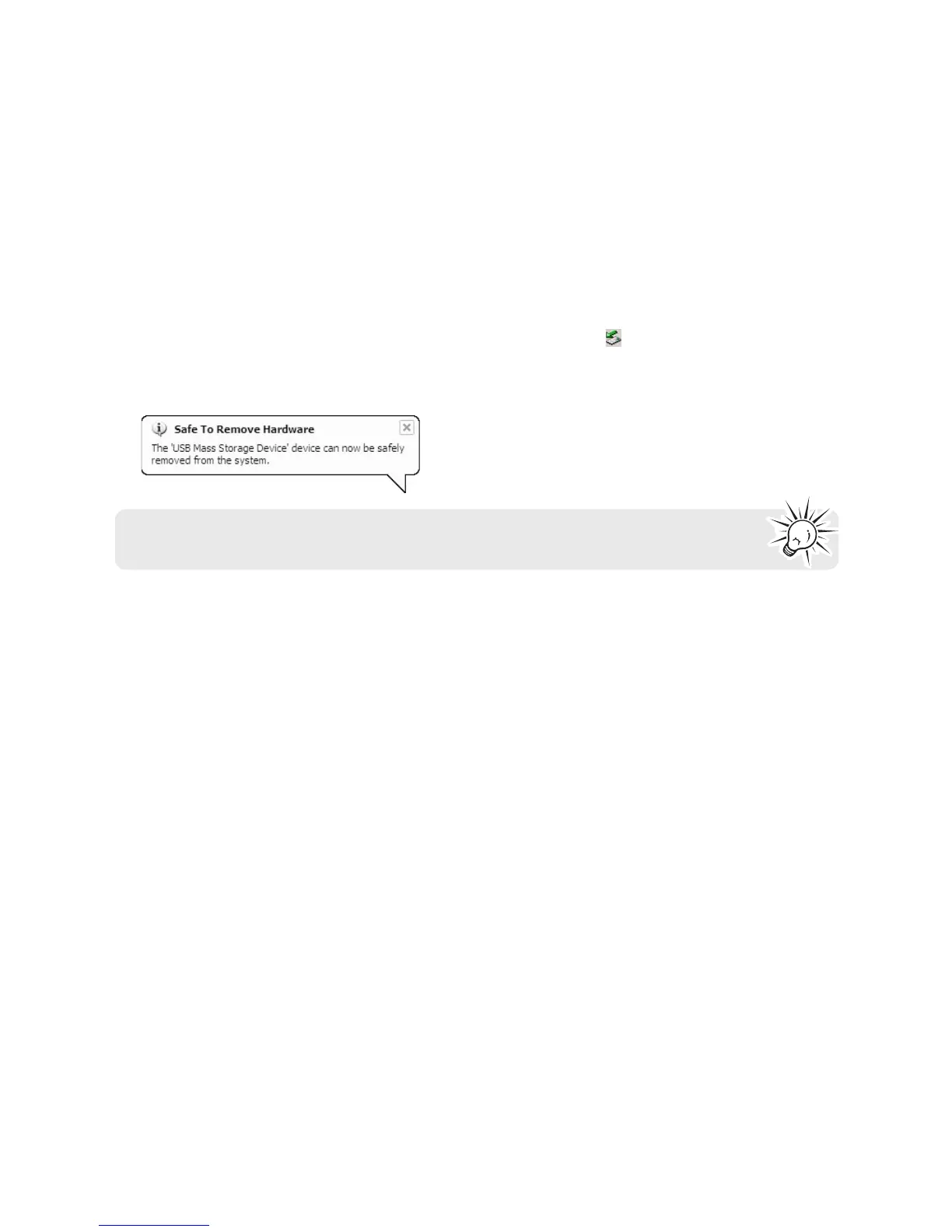
1. In the Windows system tray, click the Safely Remove Hardware icon
and then select the device with
the appropriate drive letter from the list of devices.
2. When the Safe to remove hardware message appears, unplug the player from the PC.
IMPORTANT: Do not disconnect the USB connection during file transfer. Doing so may
corrupt system files or the files being transferred.


 To Next Page