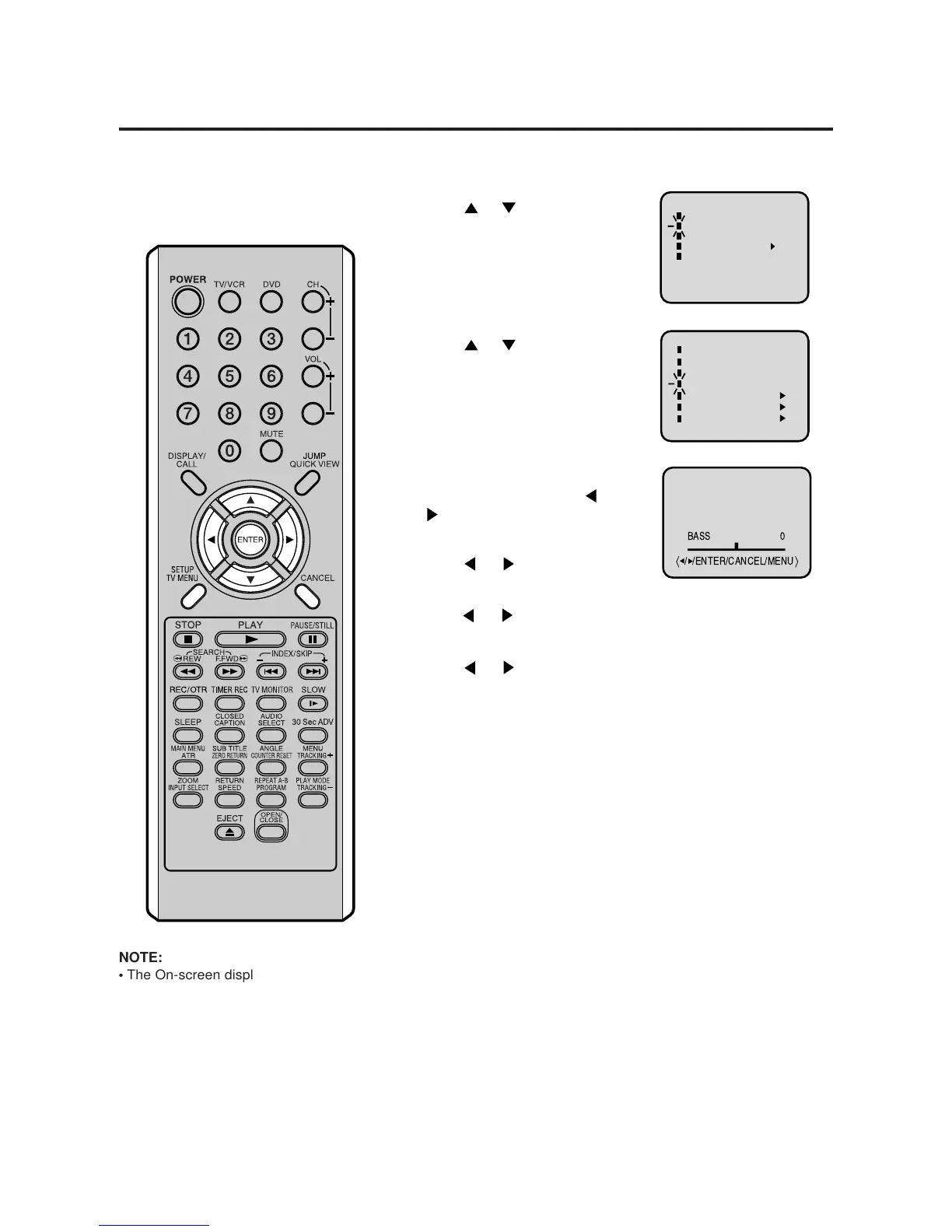
Sound control adjustment
Sound controls are factory preset
but you can adjust them individually.
BASS:
Press
or to adjust the
bass sound.
TREBLE:
Press
or to adjust the
treble sound.
BALANCE:
Press
or to obtain an
equal sound level from both
speakers.
Press or to select “TV
SETUP”, then press ENTER.
Press TV/VCR. Press TV/MENU, the TV/VCR menu screen will
appear.
Press
or to select
“AUDIO”, then press ENTER.
1
2
3
4
Press ENTER to select the item
you want to adjust. Press
or
to adjust the setting.
5
After your desired setting press TV MENU until the MENU
screen is cleared.
CANCEL
Pressing CANCEL while making sound adjustments will return all
adjustments to the factory preset levels.
NOTE:
•
The On-screen display will disappear
6 seconds after finishing an adjustment
or by pressing TV MENU three times.
The setting can only be adjusted when
they are displayed on the TV screen.



 To Next Page