EN - 17
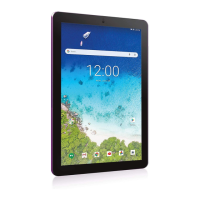
Finger slide
Slide your finger to scroll up
or down; pan the screen left or
right.
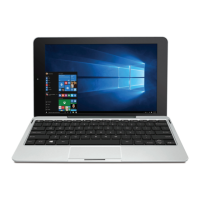
Left edge swipe
Swipe from the left edge of
the screen to shuffle your
running apps.
Here are some basic procedures for interacting with the
touchscreen.
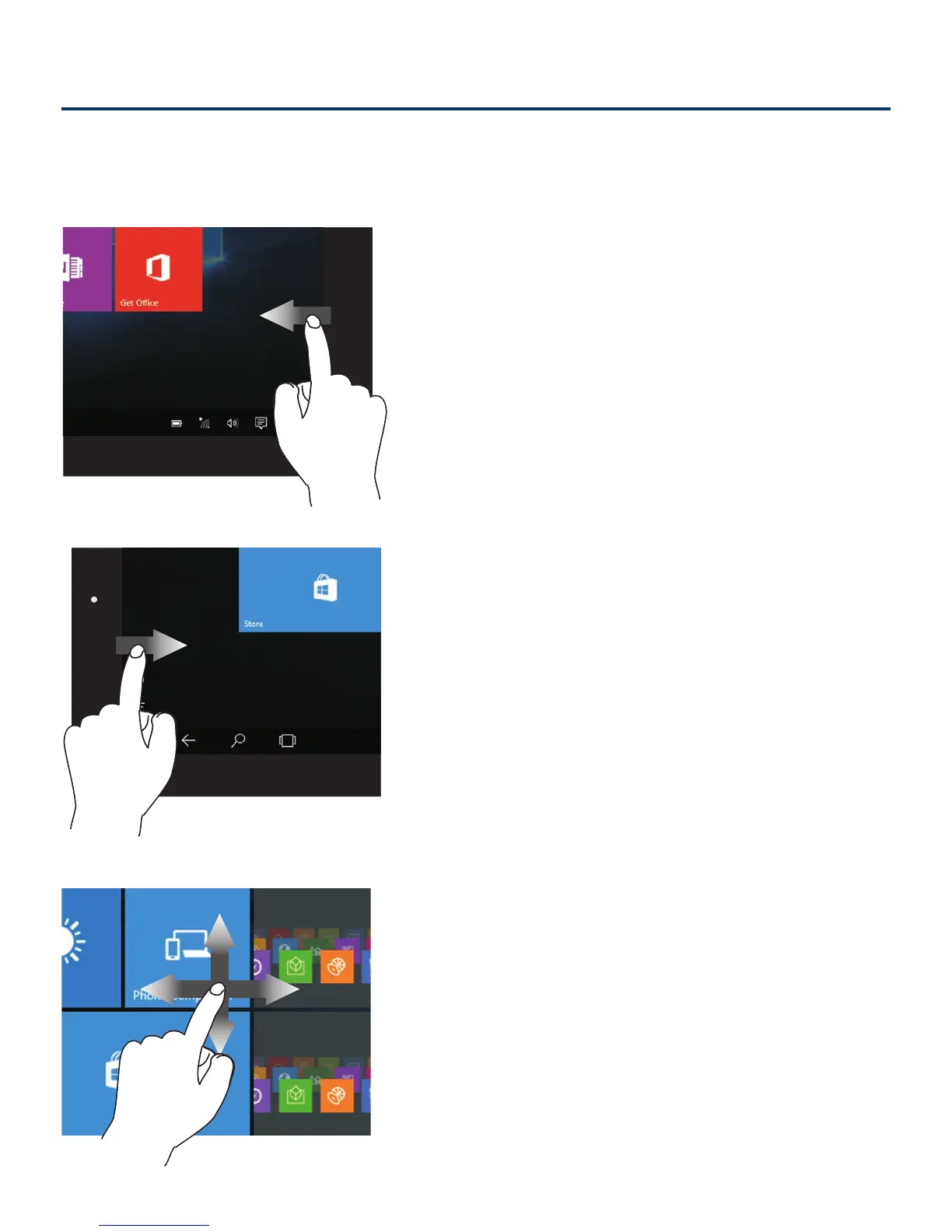
Right edge swipe
Swipe from the r ight edge
of the screen to launch the
Action Center screen.
Using the Touchscreen



 To Next Page