EN - 26
Screen Icons
Most used
Tap this icon in the upper-left corner of the screen to
enter the Most used screen.
Back
Tap Back icon to return to the previous screen.
•
Once you go back to the home screen, you can’t go
back any further in your history.
Windows
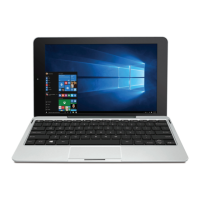
Tap Windows icon to switch between the Tablet Start
screen and the last app you opened.
All Apps
Tap this icon on the lower-left corner of the screen to
enter the All Apps screen.
Search
Tap Search icon to search the web and Windows.



 To Next Page