EasyManua.ls Logo

Rcom REPTILE PRO 90 - User Manual

Rcom REPTILE PRO 90
24 pages
Print Icon
To Next Page IconTo Next Page
Loading...
WATER
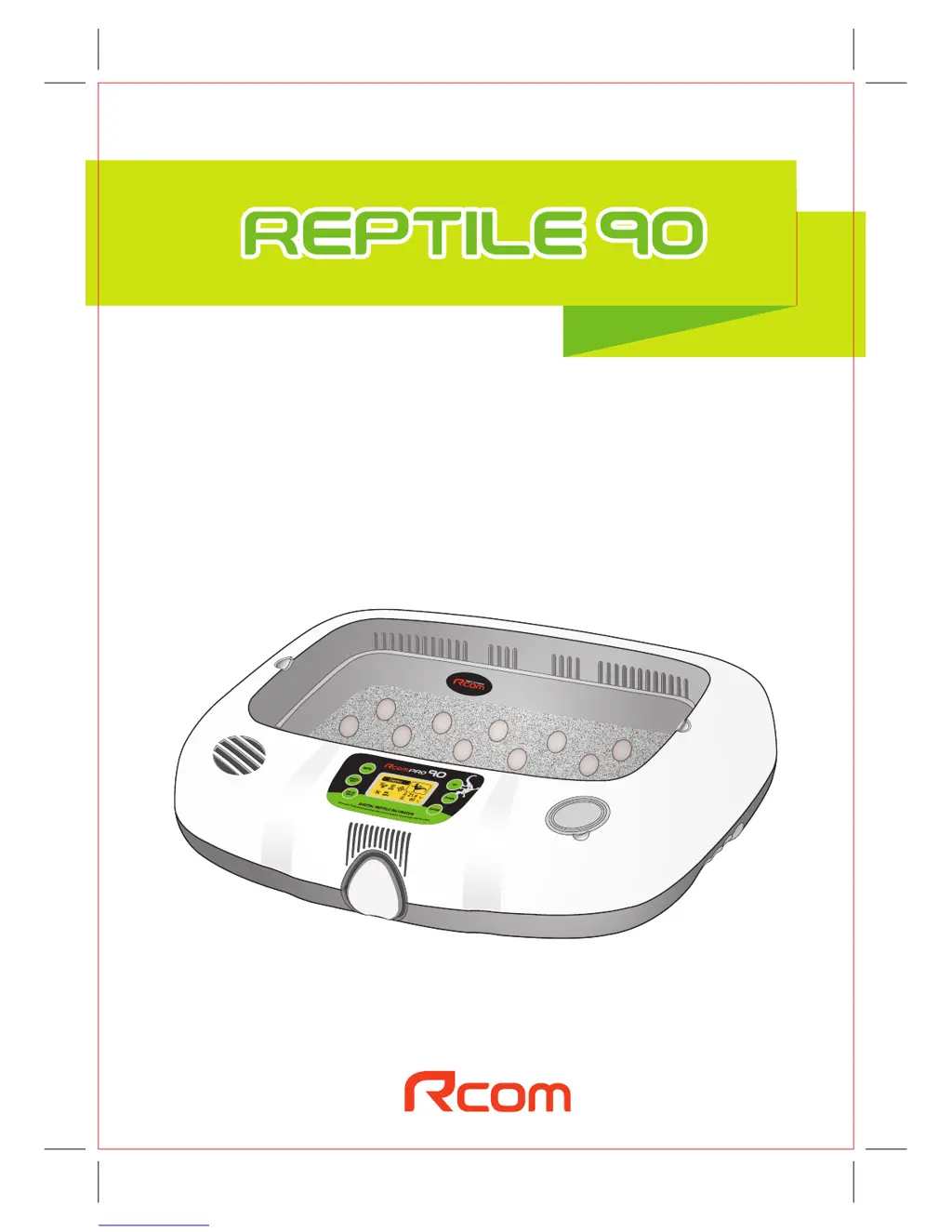
DIGITAL REPTILE INCUBATOR
REPTILE PRO 90
USER'S MANUAL
Love of life begins with "Rcom"
Ver. 4
Rcom Reptile Incubator Pro 90 User Manual
North America Sales & Service www.RcomCo.com

Questions and Answers

  • B
    bradleywandaAug 3, 2025
    What to do if the temperature is too high or too low in my Rcom Accessories incubator?
    • N
      nwoodsAug 3, 2025
      If your Rcom Accessories incubator's temperature is too high or too low, first, adjust the set temperature to the desired level. If the issue persists, unplug the incubator, separate the main body, and clean the fan area with a brush to improve air circulation.
  • T
    Tracey JeffersonAug 10, 2025
    What to do if humidity is too high or too low in Rcom Accessories?
    • K
      kristin97Aug 10, 2025
      If the humidity level in your Rcom Accessories incubator is too high or too low, start by refilling the water sufficiently. Then, check for any foreign objects that may have been inserted and ensure everything is properly closed. Finally, adjust the environment of the incubation room.
  • A
    Adriana WallAug 18, 2025
    Why is my Rcom Accessories incubator making noise?
    • M
      montoyawilliamAug 18, 2025
      If your Rcom Accessories incubator is making noise, ensure that there are no objects placed on top of it. Then, move the incubator to a more stable location. If the noise continues, unplug the incubator, separate the main body, and clean the fan area with a brush to improve air circulation.
  • B
    Barry WagnerAug 26, 2025
    How to troubleshoot no power issue on Rcom Accessories?
    • Z
      Zachary AndersonAug 26, 2025
      If your Rcom Accessories incubator shows no signs of power, try plugging it in again. Check other electrical and electronic products nearby to ensure the socket is working. If it still doesn't work, try a different socket.

Summary

Introduction to Rcom Reptile 90

Safety Precautions

Provides critical electrical and setting cautions to prevent damage, fire, electric shock, and incubation failure.

Setup and Easy Operation

Details how to set up other functions, perform calibration, manage alarms, and operate the incubator easily.

Before Use

Incubation Process

Preparation and Starting Incubation

Guides on preparing the incubator and materials like vermiculite and water before starting the incubation process.

Function Settings

Automatic Incubation Mode

Explains how to use automatic incubation modes based on reptile species for optimal environment control.

How to Clean the Incubator

Product Information

Troubleshooting Common Issues

Provides common issues, their causes, and countermeasures for the Rcom Reptile Incubator.

Rcom REPTILE PRO 90 Specifications

General IconGeneral
CategoryAccessories
Capacity90 eggs
Automatic turningYes
ModelREPTILE PRO 90
BrandRcom
MaterialPlastic
VentilationYes
Safety StandardCE Certified

Related product manuals