EasyManua.ls Logo

Rcom USB 20 - User Manual

Rcom USB 20
28 pages
Print Icon
To Next Page IconTo Next Page
Loading...
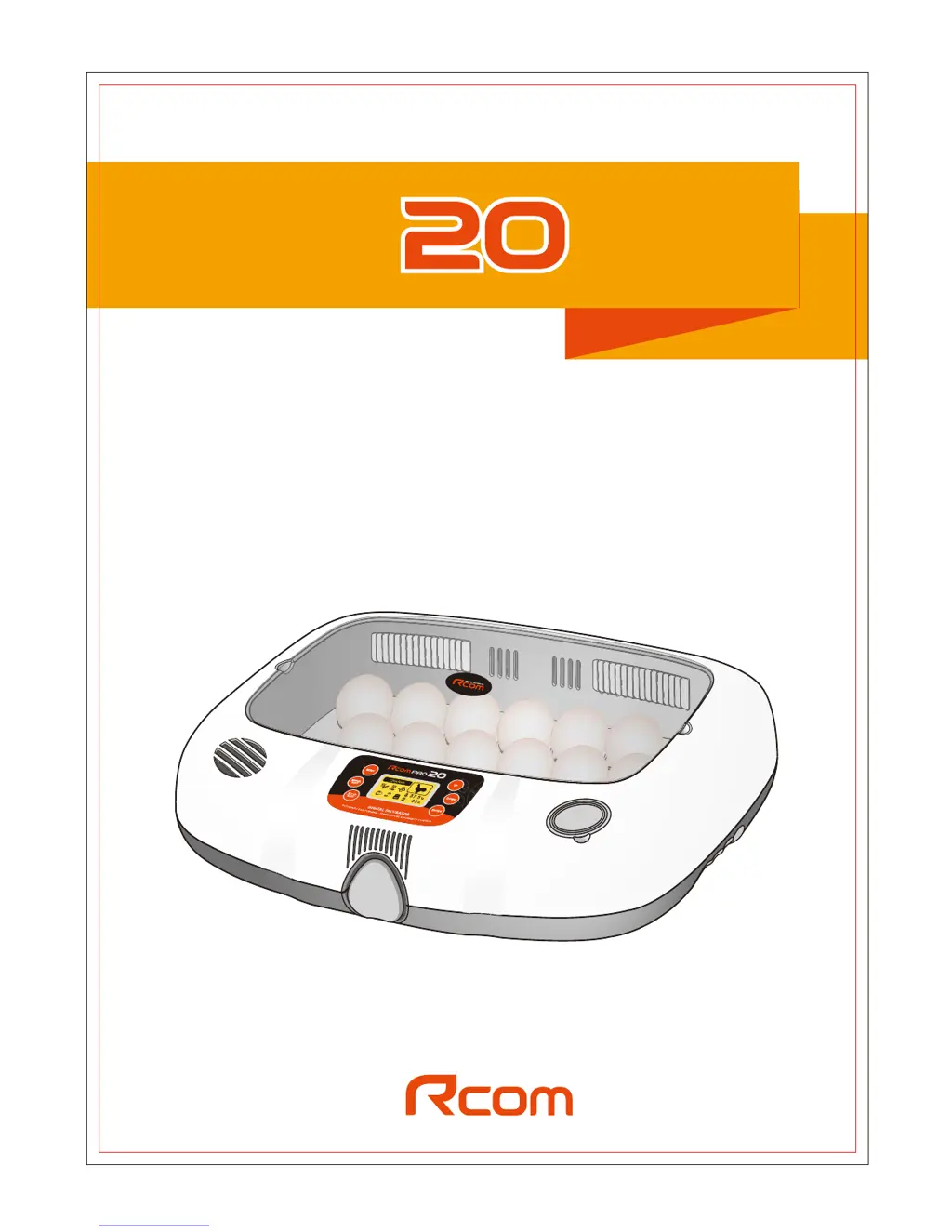
USB 20 / PRO 20
REV. 4.0
DIGITAL EGG INCUBATOR
USER'S MANUAL
-PWFPGMJGFCFHJOTXJUI3DPN
K5H9F
Fklfnhq



Questions and Answers

  • R
    Ryan ShortAug 17, 2025
    Why is the Rcom Accessories incubator humidity not reaching the set value?
    • D
      Dr. Adam LarsonAug 17, 2025
      If the Rcom Accessories incubator humidity doesn't reach the set value and the real-time graph is irregular, it might be due to insufficient water or the humidification pad's reduced absorption from water impurities. Try boiling the humidification pad in water with 10% vinegar.
  • M
    Mr. Richard MarshAug 20, 2025
    What to do if the connecting mark doesn't appear after connecting the Rcom Accessories incubator to the computer?
    • J
      John MyersAug 20, 2025
      If you've connected your Rcom Accessories incubator to the computer but the connection mark isn't showing, it's normal for the first connection to take about 1-2 minutes as the computer automatically finds the connecting port. Subsequent connections will be direct. Also, ensure the incubator has power, as the sign won't appear without it.
  • M
    Michael SheaAug 22, 2025
    Why are the real-time temperature and humidity graphs not indicated on my Rcom Accessories incubator?
    • D
      dixonjohnAug 23, 2025
      If the real-time temperature and humidity graphs aren't showing on your Rcom Accessories incubator, it could be because the incubator is transmitting stored data to the PC after a USB connection was removed or the program was terminated during incubation. The graph will reappear after transmitting is complete.
  • M
    Mary GlennAug 26, 2025
    What to do if the temperature and humidity is not applied normally on my Rcom Accessories incubator?
    • T
      Travis GuerraAug 26, 2025
      If the temperature and humidity are not being applied normally in your Rcom Accessories incubator, it might be because you terminated the program or removed the USB cable before all the data transferred to the incubator. Make sure the transfer sign has disappeared before terminating the program or removing the USB cable.
  • R
    Russell WattsAug 28, 2025
    Why is the computer data different from incubator data for my Rcom Accessories?
    • M
      Matthew CruzAug 28, 2025
      If the computer data differs from the Rcom Accessories incubator data, it may be because you started the incubation from the incubator itself, not from the computer.
  • M
    Michelle ChaseAug 31, 2025
    How to fix Rcom Accessories incubator if it doesn’t operate normally on the program?
    • E
      Elizabeth JamesAug 31, 2025
      If your Rcom Accessories incubator isn't operating normally, unplug the power cord and cut the power supply. After 1-2 minutes, plug the power cord back in.
  • B
    Benjamin LewisSep 3, 2025
    Why is the Weight & Density loss graph not indicated well on my Rcom Accessories?
    • A
      Anthony MooreSep 3, 2025
      If the Weight & Density loss graph is not indicated well on your Rcom Accessories, it means that you didn't input exact egg data or the range of data goes off the rails.
  • M
    marcus13Sep 5, 2025
    What to do if the Incubation starting alarm sounds more than 2 times on my Rcom Accessories?
    • C
      Connor LeSep 5, 2025
      If the incubation starting alarm sounds more than 2 times on your Rcom Accessories incubator, it could be due to the connection conditions between the incubator and PC. If it continues, try disconnecting and reconnecting the power cord after 1-2 minutes.
  • S
    scott39Sep 8, 2025
    Why is there no D-Day display and Bird icon on LCD of my Rcom Accessories?
    • S
      Savannah AdamsSep 8, 2025
      If there is no D-Day display and Bird icon on LCD of your Rcom Accessories, it means that you added new( non registered) species of birds on program logo window. It is normal, and there is no problem. You also can upgrade firmware version later.
  • T
    taylormatthewSep 12, 2025
    What to do if the Rcom Accessories Incubator View Window is opened?
    • Z
      zamorabillySep 12, 2025
      Be sure to cover the incubator view window of your Rcom Accessories.

Rcom USB 20 Specifications

General IconGeneral
BrandRcom
ModelUSB 20
CategoryAccessories
LanguageEnglish

Related product manuals