DCN: 140-01773-03 Page 19
Remote Sensors
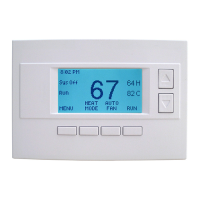
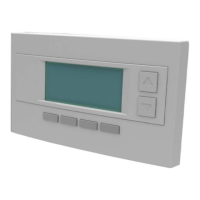
The thermostat has two remote temperature sensor inputs.
Remote Sensor RS1. When connected, the thermostat will use the RS1 remote sensor
instead of the internal sensor. Temperature displayed will be the RS1 temperature.
Remote Sensor RS2. Selectable Indoor or Outdoor Sensor type. RS2 can be selected to
be an indoor remote sensor or an outdoor remote sensor in the Installer Settings Remote
Sensors menu item.
RS2 set to Indoor (default setting). When set to Indoor sensor type, RS2 is an averaging
sensor that is averaged with the internal thermostat temperature sensor. If RS1 is also
attached, RS2 will be averaged with the RS1 sensor instead (since it replaces the internal
sensor).
RS2 set to Outdoor. When set to Outdoor sensor type, RS2 will be used to display
outdoor temperature on the thermostat.
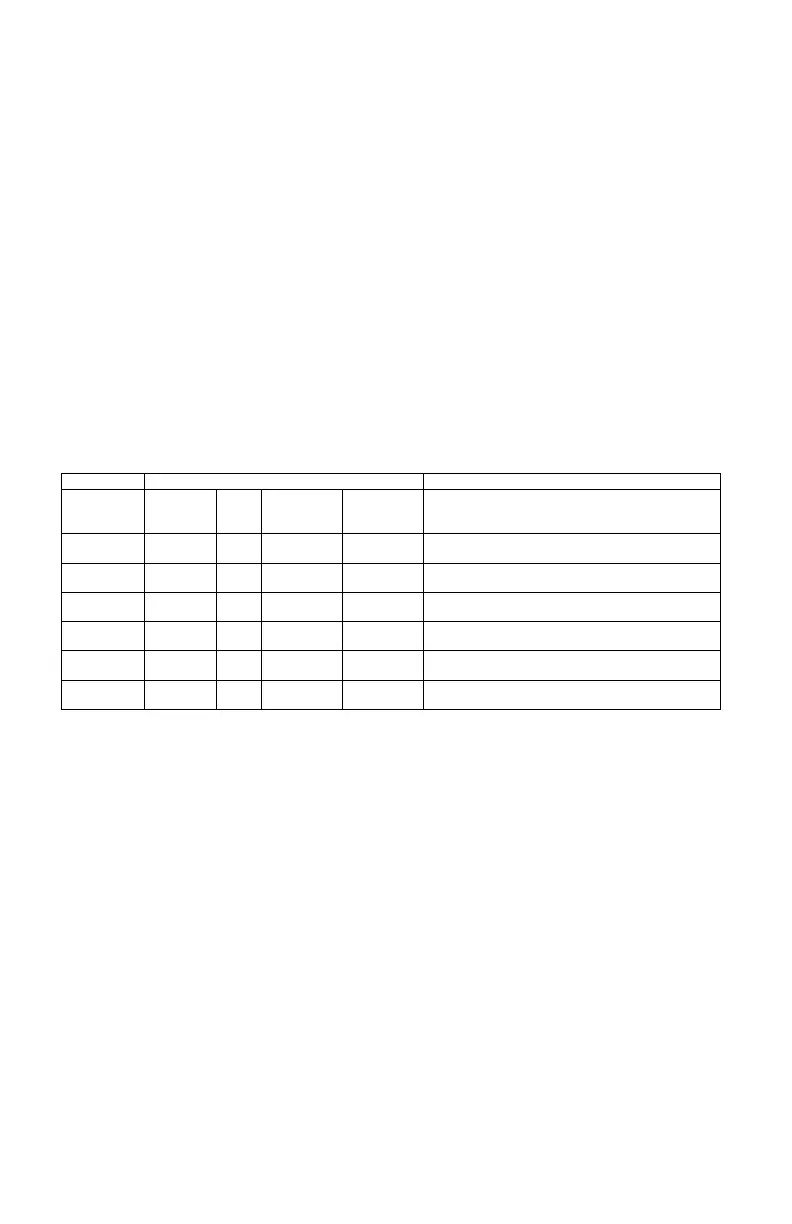
Remote sensor configurations
Use internal sensor for room temperature
Use RS1 sensor for room temperature.
Internal sensor not used
Average internal sensor with RS2 sensor and use
the average for room temperature
Average RS1 and RS2 sensors and use the
average for room temperature
Internal sensor used for room temperature
RS2 sensor used for outside temperature
RS1 sensor used for room temperature
RS2 sensor used for outside temp temperature
Z-Wave Remote Sensors
Z-Wave remote sensors can also be used for remote thermostat sensors. When Z-Wave
remote sensors are installed on the same Z-Wave network as the thermostat, their node
IDs can be linked to the thermostat as either RS1 or RS2 remote sensors. Note: Do not
attach both hardwired remote sensors and Z-Wave remote sensors at the same time.
In the Installer Settings Remote Sensor menu, set the Z-Wave network node ID for the Z-
Wave remote sensor that is to be used for either the RS1 or RS2 remote sensor. The
thermostat will use the Z-Wave remote sensor temperatures the same as if it was
hardwired to the RS1 or RS2 terminals. The function of the thermostat with a Z-Wave
remote sensor is identical to the RS1/RS2 usage shown above.


 To Next Page