REACH DEC1000
User Manual
Copyright© Shenzhen Reach IT Co., Ltd. 16 / 24
-: Delete VOD server.
OK: After Selecting the VOD server, press it to enter the VOD interface.
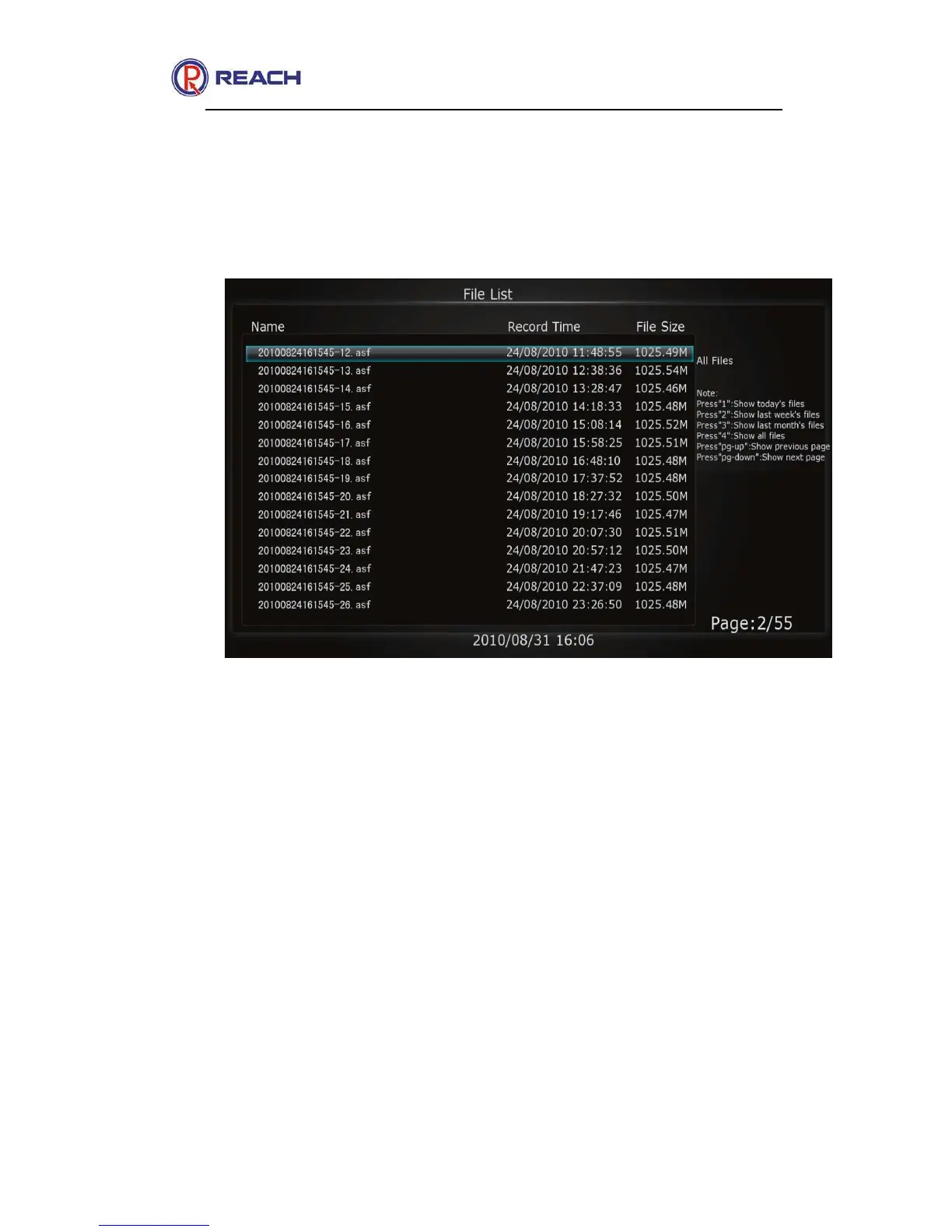
The following interface is as below
To show different files by pressing the number buttons [1]~~[4], and turn
the file pages by pressing the [Up] and [Down] PG buttons on the remote
controller. Choose any file and press [OK] to play. You can press the
buttons [Fast Forward], [Backward], [Pause] and [Play] to control the
playing progress.
If you need to cycling play on the demand file, press button [8] to switch
to the cycling play mode.
If you need to exit playing on demand file, press [EXIT] button, then you
will be back to the VOD file list.
The video on demand previewing mode is as below:



 To Next Page