REACH DEC1000
User Manual
Copyright© Shenzhen Reach IT Co., Ltd. 23 / 24
Server: To edit the added remote server’s name.
IP Address: To enter and edit the server’s IP address.
Port: To enter the multicast port when receiving multicast.
Channel Number: To enter the channel number of receiving unicast.
Save: Save the entered server information and finish the addition.
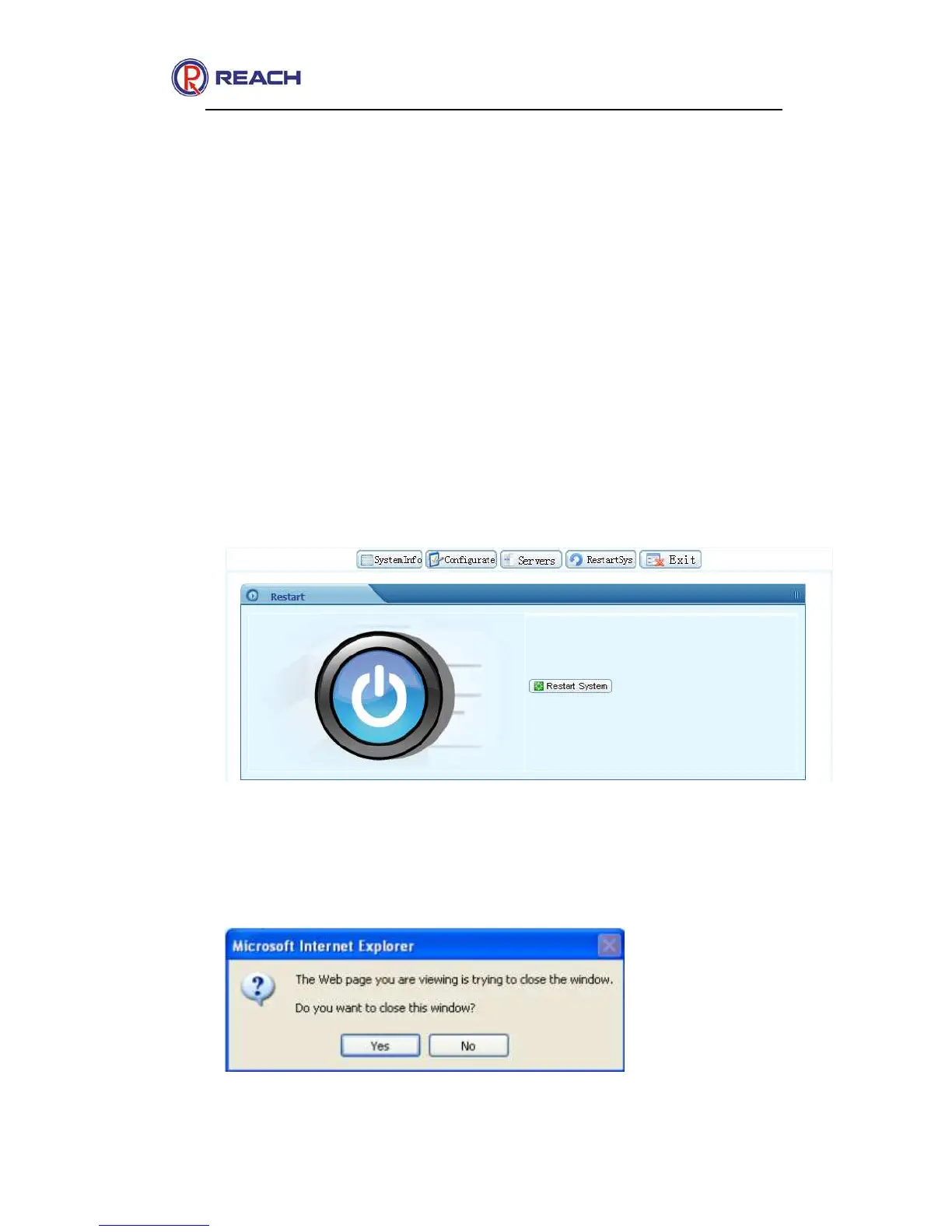
2.2.5.5 Restart System
It is mainly used to remotely restart the decoder through network, as
shown in the following figure:
3.2.6.6 Exit
To exit the logged on Web management interface.



 To Next Page