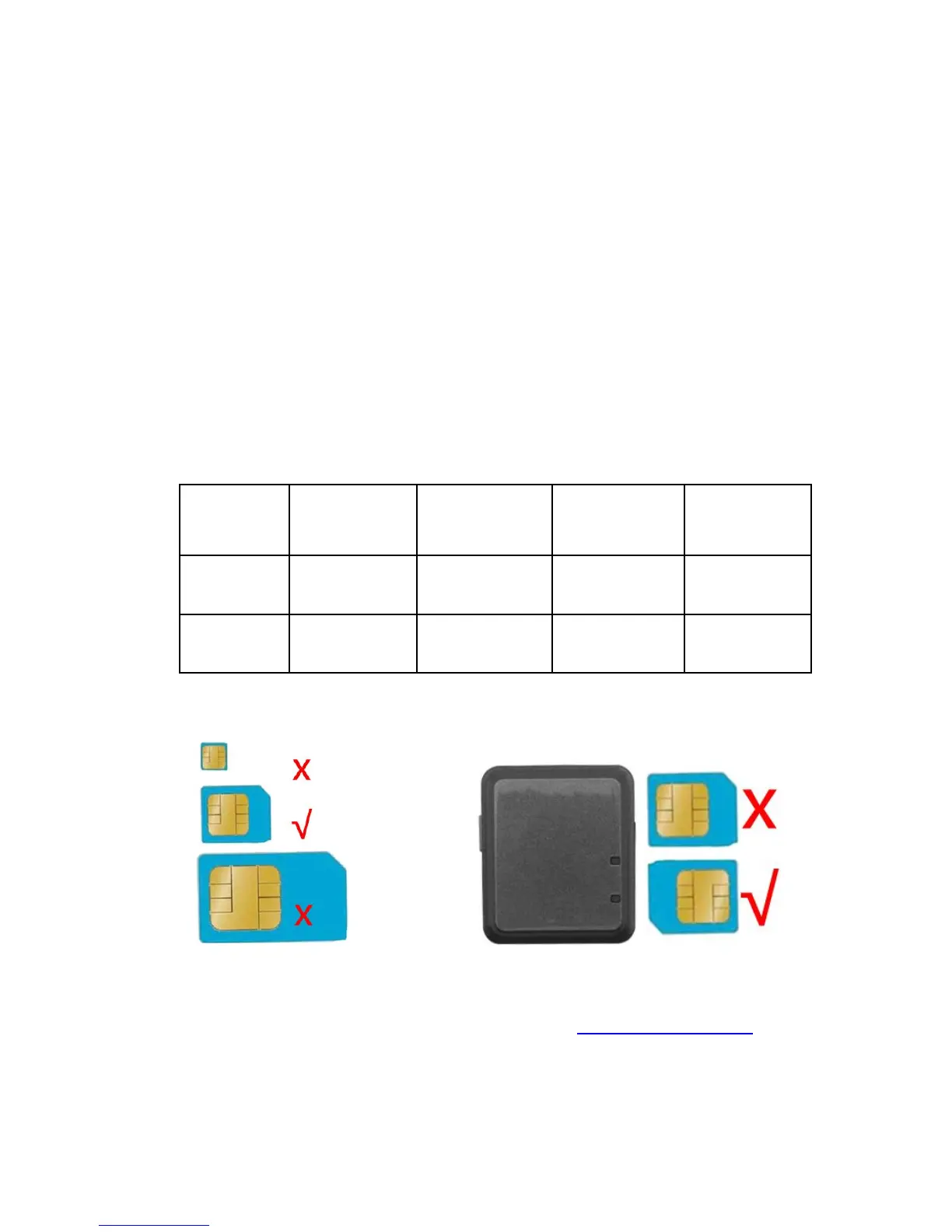
Prepare for work
Please use GSM network Micro-SIM card (same like
micro card for Iphone4) for the product. And please note:
been activated
Switch on
Please insert the Micro-SIM card into the card slot as
directed.
Press the Switch button for 3 sec, then the tracker
starting up with light on.
Indicator light directions
As picture shows:
Platform tracking
Please visit online inquiry platform www.gps123.org
and login with the ID number, the 10 numbers are on the
back of the tracker, the initial password is 123456. With the
inquiry platform you could change the password, track the
tracker, replay trace and setting Geo-fence etc..


 To Next Page