EasyManua.ls Logo

Real-El S-210 - User Manual

Real-El S-210
6 pages
Print Icon
To Next Page IconTo Next Page
Loading...
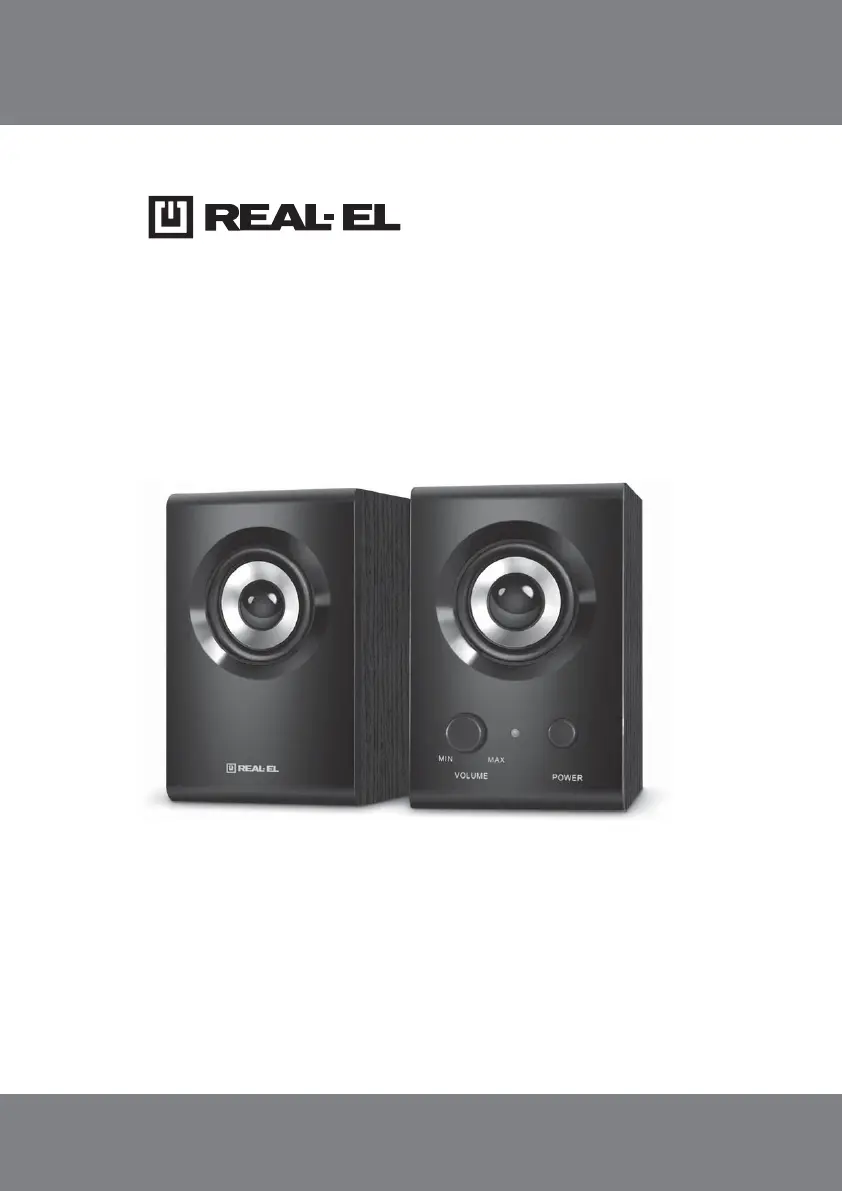
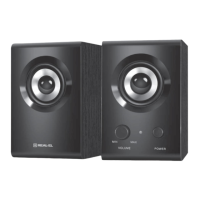
S-210
2.0 USB MULTIMEDIA
SPEAKER SYSTEM
OPERATION MANUAL

Questions and Answers

  • N
    Nicole WeeksJul 28, 2025
    What to do if my Real-El Speaker System has no sound or the sound is too quiet?
    • N
      ndanielJul 28, 2025
      If there is no sound or the sound from your Real-El Speaker System is too quiet, the volume level might be set too low. Try adjusting the volume control knob. Also, ensure that the audio source is properly connected.
  • D
    Daniel MaciasAug 12, 2025
    Why is the sound distorted on my Real-El Speaker System?
    • J
      Jessica BryantAug 12, 2025
      Sound distortion in your Real-El Speaker System is often due to a large amplitude of the input signal. To fix this, turn down the source volume and the MSS volume.

Summary

Safety Precautions

Technical Description

MSS Special Features

Lists compact design, high quality driver, improved sound, compatibility, and USB power.

Preparation and Operation

Speaker Placement

Place speakers symmetrically at least one meter away from monitors and TVs.

MSS Connecting

Connect USB cable to port, signal cable to sound card, and adjust volume.

Troubleshooting

Technical Specifications

Real-El S-210 Specifications

General IconGeneral
BrandReal-El
ModelS-210
CategorySpeaker System
LanguageEnglish

Related product manuals