EasyManua.ls Logo

Real-El S-60 - User Manual

Real-El S-60
6 pages
Print Icon
To Next Page IconTo Next Page
Loading...
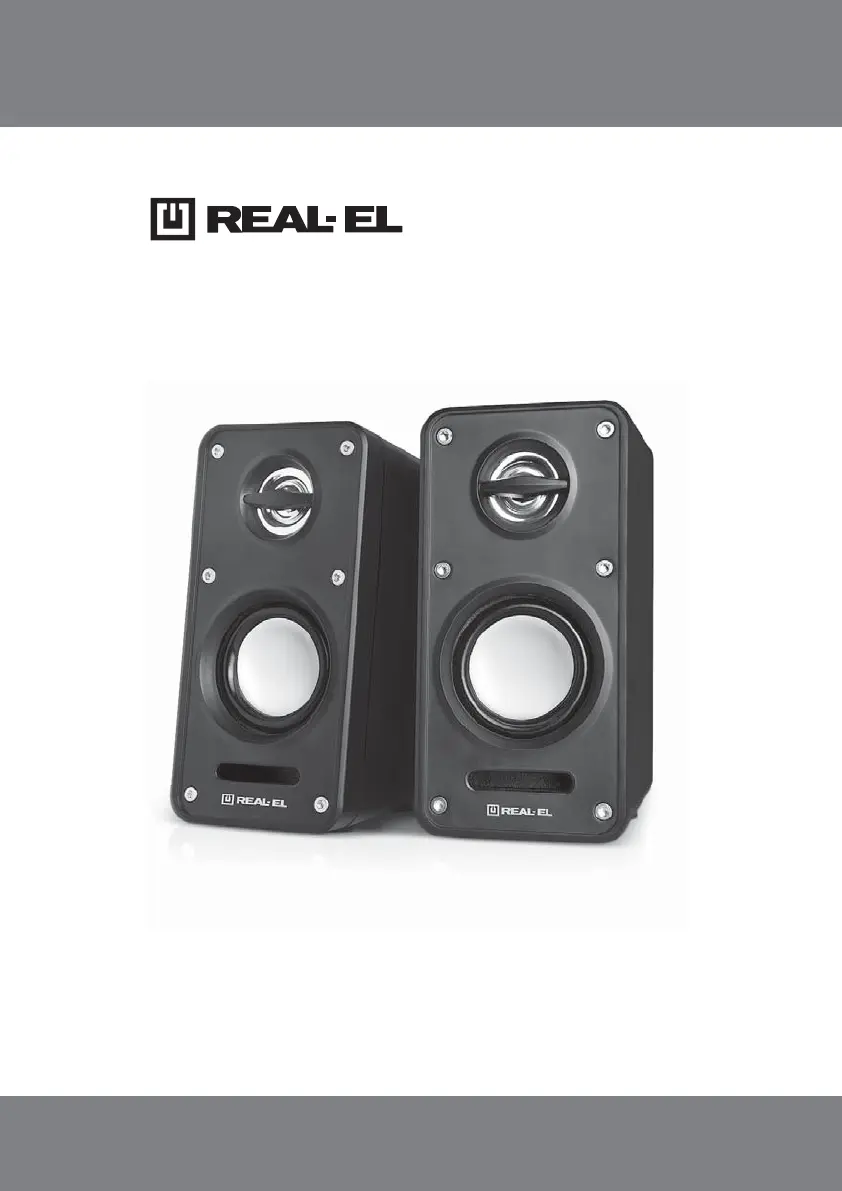
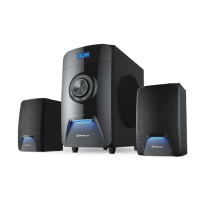
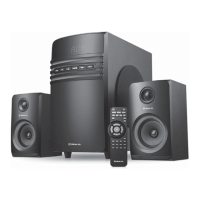
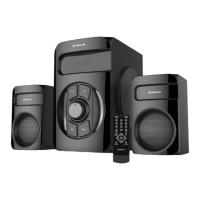
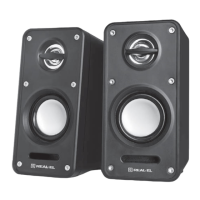
S-60
2.0 USB MULTIMEDIA
SPEAKER SYSTEM
OPERATION MANUAL

Questions and Answers

  • J
    Jamie JohnsonJul 28, 2025
    What to do if my Real-El Speaker System has no sound or the sound is too quiet?
    • E
      Erik TaylorJul 28, 2025
      If there is no sound or the sound from your Real-El Speaker System is too quiet, the volume level might be set too low. Try adjusting the volume control knob. Also, ensure that the audio source is properly connected.
  • B
    Beth FloydAug 13, 2025
    Why is the sound distorted on my Real-El S-60?
    • B
      Brian JohnsonAug 13, 2025
      Sound distortion in your Real-El Speaker System is often due to a large amplitude of the input signal. To fix this, turn down the source volume and the MSS volume.

Summary

Buyer Recommendations

Package Contents

Safety Precautions

Technical Description

Preparation and Operation

Speaker placement

Guidance on positioning speakers for optimal audio performance and avoiding interference.

MSS Connecting

Step-by-step instructions for connecting the multimedia speaker system to audio sources.

Troubleshooting

Technical Specifications

Real-El S-60 Specifications

General IconGeneral
Type2.1 Speaker System
Total Output Power (RMS)60 W
Frequency Response20 Hz - 20 kHz
Signal-to-Noise Ratio≥75 dB
Satellite Speaker Output Power (RMS)2 x 15 W
Satellite Speaker Driver3"
Subwoofer Output Power (RMS)30 W
Power SupplyAC 220V, 50Hz
BluetoothYes
USBYes
Remote ControlYes
InterfacesRCA, AUX
MaterialWood ( корпуса сабвуфера и сателлитов)

Related product manuals