Check the Battery Level
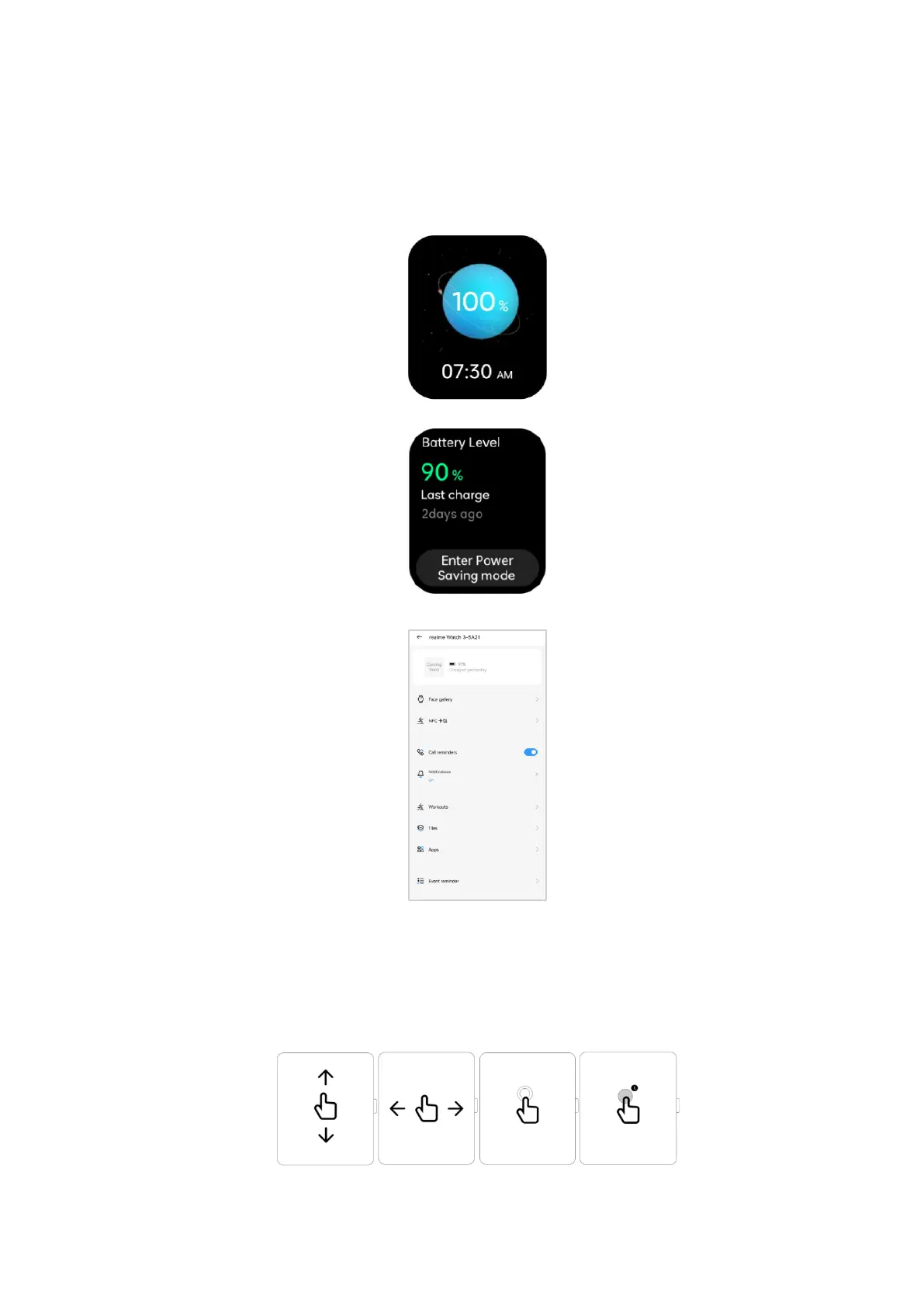
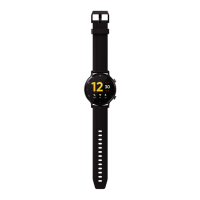
You can check the battery level of the watch by the following methods.
Method 1: the watch will automatically recognize your charging scenario; when the watch
is connected to the power supply, the charging indicator will show the battery level.
Method 2: Check it on the [Watch-Settings-Battery] interface.
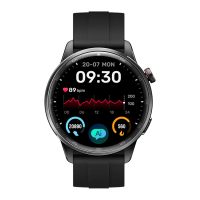
Method 3:go to “Device” page in the realme Link App to check the battery level.
1.6 Physical Buttons and Screen Control Gestures
The watch is equipped with a color screen, supporting full-screen touch operations such
as swipe-up, swipe-down, swipe-left, swipe-right, press-and-hold.
side key


 To Next Page