EasyManua.ls Logo

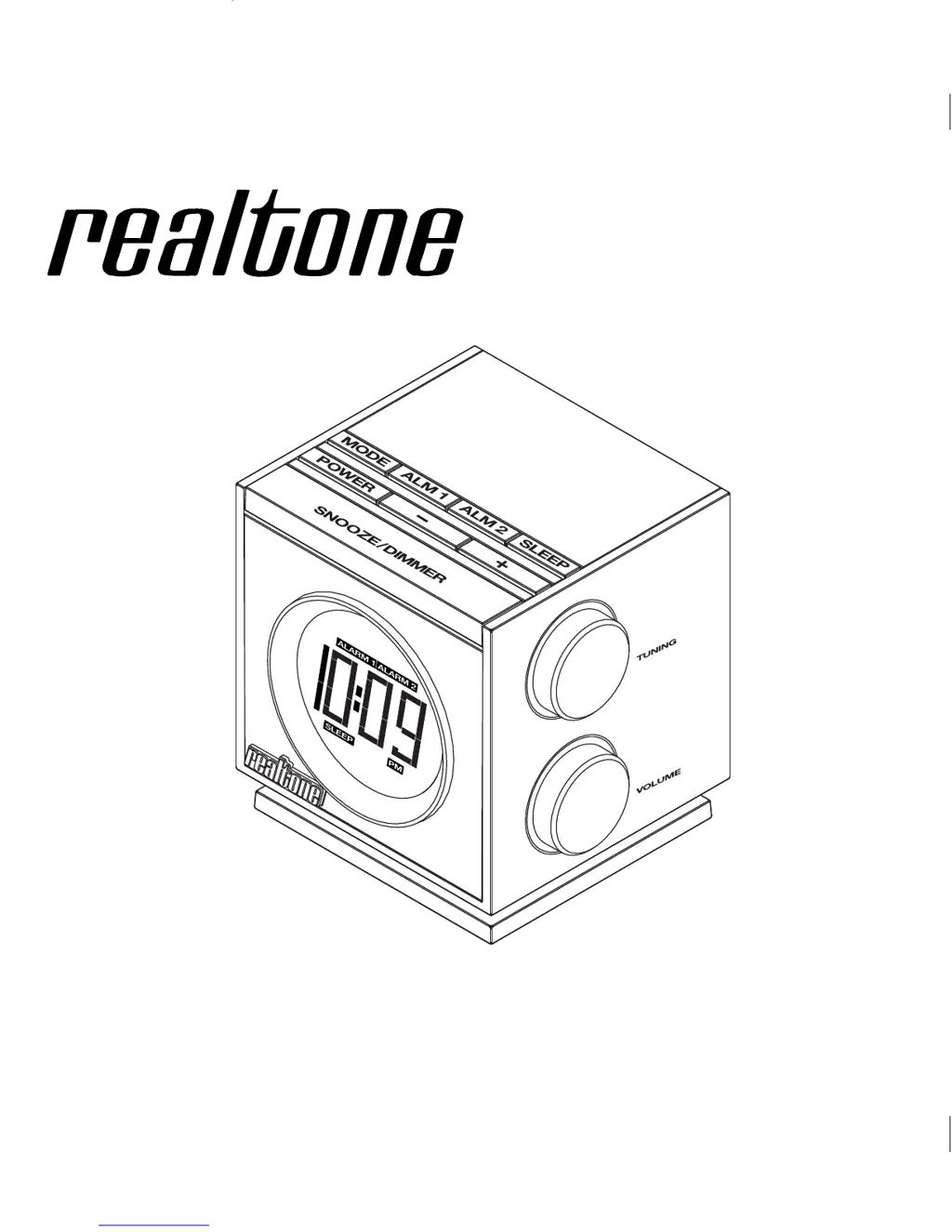
Realtone RT205 - User Manual

Realtone RT205
10 pages
Print Icon
To Next Page IconTo Next Page
Loading...
Model: RT-205 (English Version)
Instruction Manual
Date: Mar 13, 2012
Print color : Black text on white paper
Size: 125W x 125H mm
Model RT205
AM/FM Dual Alarm
Clock Radio
Questions? Visit www.realtoneaudio.com

Questions and Answers

  • L
    Lisa GrossJul 29, 2025
    How to fix a Realtone RT205 that won't turn on?
    • Y
      yvillanuevaJul 29, 2025
      If your Realtone Clock Radio doesn't turn on, ensure the power cord is connected to a working wall socket and that the outlet is switched on. Test the outlet with another device to confirm it's functioning correctly.
  • H
    hrobertsAug 3, 2025
    Why does my Realtone RT205 Clock Radio have no sound?
    • D
      Donna DanielsAug 3, 2025
      If there is no sound coming from your Realtone Clock Radio, ensure that the volume is turned up.
  • M
    Mark RobinsonAug 7, 2025
    Why is my Realtone Clock Radio alarm not working?
    • D
      Diana WhiteAug 7, 2025
      If the alarm on your Realtone Clock Radio isn't working, double-check that you've correctly set the AM/PM for both the current time and the alarm time. Also, ensure you've set the alarm time and source for the correct alarm icon (1 or 2) displayed on the clock.
  • A
    Aaron FlemingAug 11, 2025
    What to do if Realtone RT205 sound is distorted?
    • P
      perryseanAug 11, 2025
      If the sound from your Realtone Clock Radio is distorted, try decreasing the volume. If you're using an external sound source like an older iPod, reduce the output volume on that device as well.
  • J
    Jacqueline BrownAug 16, 2025
    Why is the battery low icon flashing on my Realtone RT205?
    • D
      Donald AndersonAug 16, 2025
      If the Battery Low icon is always flashing on your Realtone Clock Radio, it could be due to a weak backup battery that needs replacing. Also, verify that the battery is installed correctly, matching the polarity (+/-) with the diagram inside the battery compartment.
  • W
    William GuerraAug 25, 2025
    How to improve AM radio reception on a Realtone RT205 Clock Radio?
    • A
      Alison GomezAug 25, 2025
      If the AM band on your Realtone Clock Radio is very noisy, the unit might not be located properly. Try moving or rotating the unit to find the best reception.
  • S
    Scott EscobarSep 10, 2025
    What causes erratic performance in a Realtone Clock Radio?
    • R
      Rachel LopezSep 12, 2025
      If your Realtone Clock Radio's performance is erratic, the unit may be reacting to external interference. Try moving the unit away from potential sources of interference such as computers, modems, wireless devices (routers), or fluorescent lights.

Summary

A Consumer Guide to Product Safety

FCC Information

Controls and Indicators

Top Panel Controls

Identifies buttons and switches on the top surface.

Side and Rear Panel Features

Details controls on the sides and rear, including knobs and ports.

Unit Display Elements

Explains indicators and the main time/frequency display.

Quick Start Guide

Initial Setup Steps

Connect power, extend antenna, and set the clock.

Alarm and Radio Operation

Learn to set alarms and tune into radio stations.

Using the RT205 Clock Radio

Power, Clock, and DST Adjustment

How to connect power and set the clock, including Daylight Saving Time.

Alarm Setting and Management

Procedures for setting, arming, disarming, and resetting alarms.

Snooze, Sure Alarm, and Radio Tuning

Using snooze, sure alarm, and tuning radio stations.

Advanced Features and Maintenance

Audio Input and Sleep Timer

Using the line-in jack and setting the sleep timer.

Display Dimmer and Battery Replacement

Adjusting screen brightness and replacing the backup battery.

Important Safety Instructions

Troubleshooting Common Issues

Limited 90 Day Warranty

Realtone RT205 Specifications

General IconGeneral
Display TypeLED
Snooze FunctionYes
Radio BandsAM/FM
Clock Format12/24 Hour
Sleep TimerYes
Alarm TypeBuzzer or Radio
Power SourceAC Power Adapter

Related product manuals