2
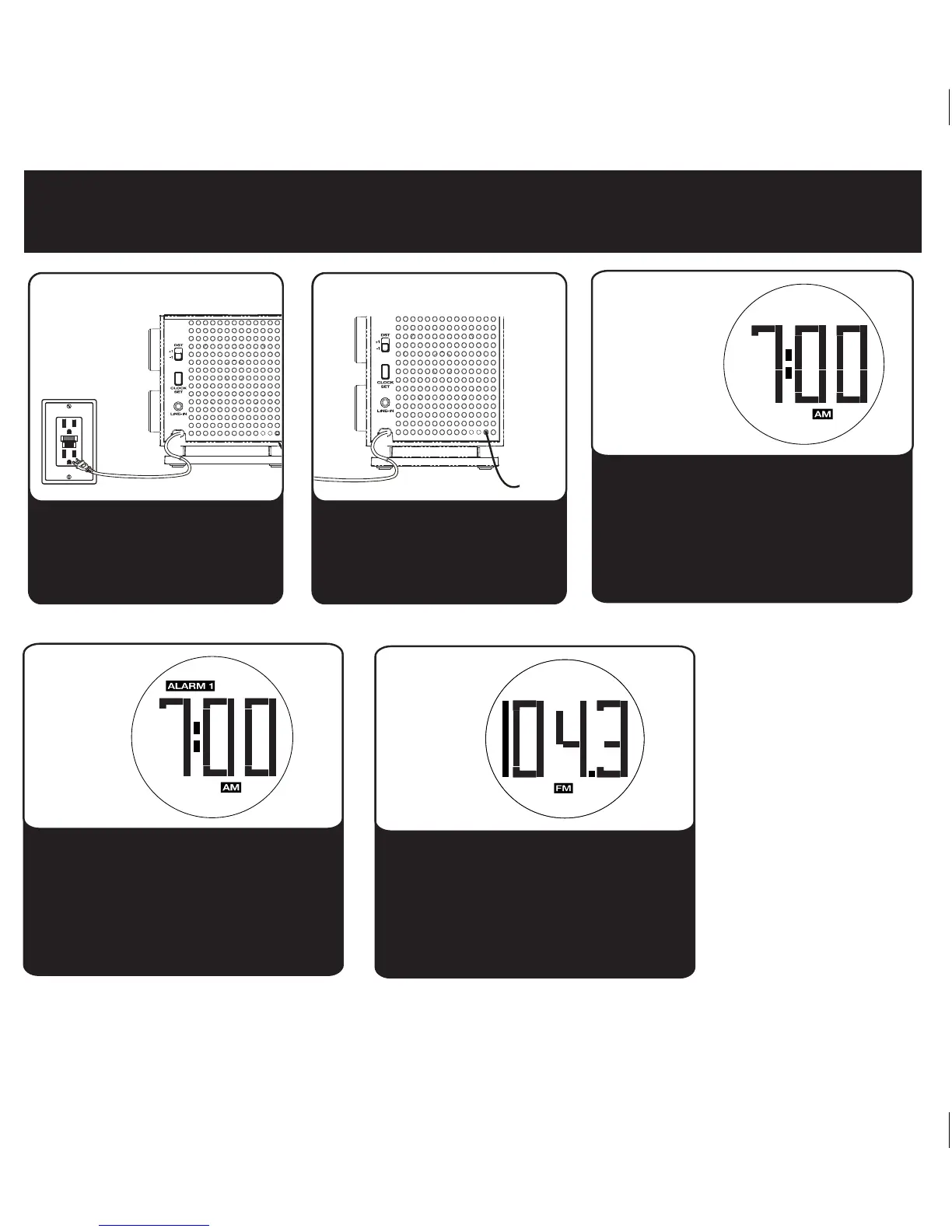
2: antenna
Quick Start
Fully extend the FM antenna
wire.
1: power
RESET
RESET
TEST
TEST
Connect AC plug on back of the
unit into a wall socket. Remove
the tab from the battery backup
compartment on the bottom of
the unit.
• Move the DST switch on back of unit to
+1 or -1 (adds or subtracts an hour)
• Press & hold the Clock Set Button on
back until the display flashes
• Press the + or – Buttons to adjust the
time (hold for rapid setting)
• Press the Clock Set Button again.
3: clock set
Press and hold Alarm 1 or Alarm 2
Button until display flashes. Press the +
or – Buttons to adjust the alarm time (hold
for rapid setting). Press the Mode Button
to select buzzer or radio as alarm source.
Press the Alarm Button to confirm alarm
setting.
4: alarm
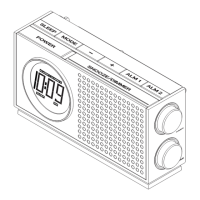
Press the Power Button to turn unit ON.
Press the Mode Button as needed to
select AM/FM band. Turn the Tuning
Knob to tune in a station.
4: radio


 To Next Page