Charging the Battery
1. Charge the device for up to 4 hours
before using it for the first time.
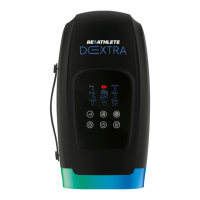
2. To charge, plug the USB-C cable into
the USB-C charging port on the side of
the massager.
3. The four Battery indicators will flash
during charging to indicate the battery
charge level:
• LED flashes: less than 25%
• LEDs flash: 25% to 50%
• LEDs flash: 50% to 75%
• LEDs flash: 75% to 100%
4. The Battery LEDs will stop flashing, and
all four will remain lit for five minutes
and then turn off when the battery is
fully charged.
5. Always unplug the charging adapter as
soon as the device is fully charged.
6. As you’re using the device, the four
Battery LEDs indicate the current
battery level:
•
LEDs lit: 75% to 100%
•
LEDs lit: 50% to 75%
•
LEDs lit: 25% to 50%
•
LED lit: less than 25%
It is recommended to charge the
battery before it reaches 25%.
7. When the battery is very low, all of the
lights on the screen will turn on, flash
three times, and then the device will
shut down automatically. Charge the
device before trying to use it again.
8. Average run-time varies depending
on the settings used (heat, vibration,
low/high intensity, etc.). The average
run-time is 2–3 hours per charge when
you use heat and/or operate at higher
intensities. The average run-time is 3–4
hours when you don’t use heat and/or
operate at lower intensities.


 To Next Page