23
Using MIDI
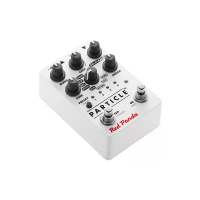
The Particle is a class-compliant USB device, which allows you to:
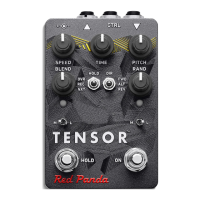
• Control all parameters of the Tensor
• Access additional hidden parameters
The Particle can work with any USB MIDI host, including:
• Macintosh and Windows computers. The Tensor shows up as a MIDI device and is available to all pro-
grams.
• Apple iPad, iPod touch, and iPhone using the Lightning to USB 3 Camera Adapter. We provide
TouchOSC templates for download from our web site.
• Standalone USB MIDI hosts allow you to connect the Tensor to hardware with 5-pin DIN MIDI connec-
tors without the use of a computer. Examples include:
iConnectivity iConnectMIDI4+
iConnectivity mio4
Disaster Area Designs Gen3 MIDI controllers with their gHOST option
Kenton MIDI USB Host MkII
MidiPlus USB MIDI Host
Sevilla Soft USB Host MIDI 2
See our Knowledge Base for up-to-date information
The Particle sends and receives on MIDI channel 1 by default. You can change the MIDI channel using
MIDI System Exclusive messages, our web-based editor, or the TouchOSC template available on our web
site. The MIDI channel is remembered when power is o. See "System Exclusive (SysEx)" on page 28
for more information.


 To Next Page