EasyManua.ls Logo

RED 585-160 - User Manual

RED 585-160
12 pages
Print Icon
To Next Page IconTo Next Page
Loading...
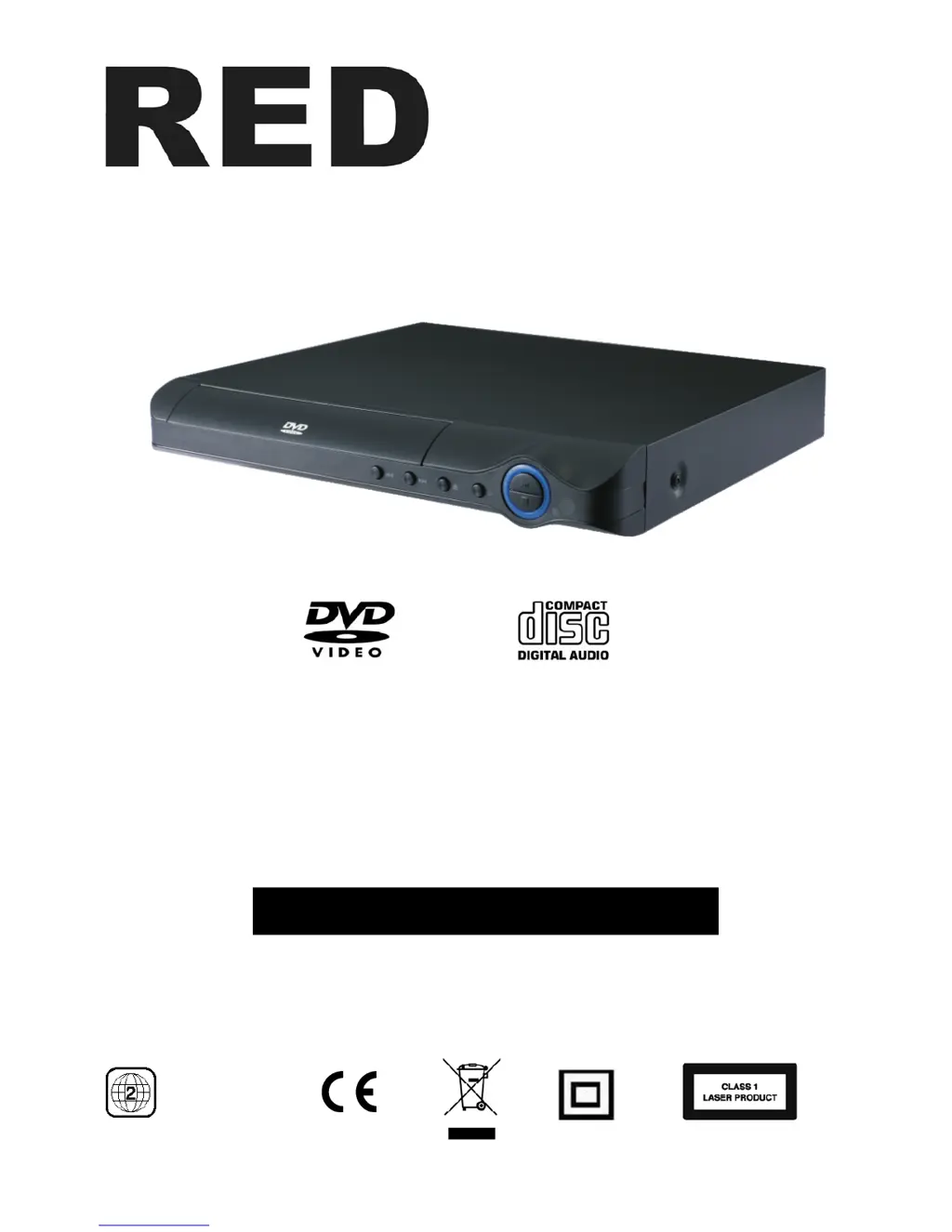
HDMI DVD Player
Model 585-160 / SKU 121665201(online)
110-240V~ 50/60Hz 10W
Please read these instructions before use and retain for future reference
Region code
FOR HOUSEHOLD AND INDOOR USE ONLY

Questions and Answers

  • D
    David SmithAug 16, 2025
    How to fix picture noise on RED 585-160?
    • C
      Carrie GonzalezAug 16, 2025
      If you're experiencing picture noise or distortion with your RED DVD Player, check if the disc is dirty or damaged. Ensure the DVD player is connected directly to the TV. Also, the TV set color controls might need adjusting. Note that some picture distortion is normal during rapid advance or reverse.
  • T
    Thomas LeAug 19, 2025
    What to do if I lost password for RED 585-160?
    • W
      william06Aug 19, 2025
      If you've lost or forgotten your password for the RED DVD Player, try entering '8888'.
  • S
    Sharon MarquezAug 21, 2025
    Why my RED DVD Player does not play?
    • J
      Jason GonzalesAug 22, 2025
      If your RED DVD player isn't playing discs, check the following: * Ensure the standby button hasn't been pressed. * Verify a disc is loaded correctly (not upside down). * Confirm the disc's region code and type are compatible. * Make sure the DVD rating doesn't exceed the parental level set. * Check if the disc is dirty or damaged.
  • M
    Mikayla MirandaAug 25, 2025
    Why there is no sound on RED 585-160?
    • T
      Teresa EatonAug 25, 2025
      If you're experiencing no, poor, or intermittent sound with your RED DVD Player, consider the following: * Check if the mute button on the TV has been pressed. * Ensure the TV volume isn't set to minimum. * Verify the TV is switched on. * Confirm the connection cables are correctly fitted and undamaged. Note that there is no sound output during pause, frame advance, slow, and search functions.
  • H
    Heather WoodAug 27, 2025
    How to fix no picture on RED DVD Player?
    • L
      Linda ObrienAug 27, 2025
      If you're not getting a picture from your RED DVD Player, check these things: * Make sure your TV is switched on and set to the correct AV signal. * Check that the connection cables are correctly fitted and undamaged. * Verify that a DVD or Picture disc has been inserted. * Ensure the disc isn't dirty or damaged.
  • R
    raymond43Aug 30, 2025
    Why the remote control of my RED 585-160 does not work?
    • A
      agarnerAug 30, 2025
      If the remote control for your RED DVD Player isn't working, check these items: * Are the batteries exhausted? * Have the batteries been correctly fitted? * Are there any obstacles between the remote and the sensor on the DVD player? * Is the remote too far away from the sensor?
  • J
    Jane HamiltonSep 2, 2025
    Why skip function does not work on RED DVD Player?
    • D
      Diane GoldenSep 3, 2025
      If the skip or search function isn't working on your RED DVD Player, it may be because some discs are programmed to disable these functions during certain sections, such as warnings or legal information. Also, single chapter discs do not permit the use of the skip function.
  • S
    Sean LeeSep 5, 2025
    How to set full screen on RED 585-160?
    • M
      Mark RodriguezSep 6, 2025
      If the picture on your RED DVD Player isn't full screen, you may need to select the correct TV display setting for your TV. Check the setup menu under video options.
  • M
    Maria RobinsonSep 8, 2025
    What to do if my RED 585-160 DVD Player has no power?
    • S
      Sara WardSep 8, 2025
      If your RED DVD Player has no power, make sure the power lead is correctly connected to the mains socket and that the socket has power.
  • M
    msimmonsSep 12, 2025
    Why blue front panel light does not switch off on RED 585-160 DVD Player?
    • E
      Elizabeth BlevinsSep 12, 2025
      This is normal. The blue light stays on in standby (off) mode. To switch off completely your RED DVD Player, unplug it or switch it off at the mains.

Summary

Safety Precautions

Electrical and Laser Safety Warnings

Crucial warnings regarding electric shock risks and laser beam exposure.

DVD Player Parts and Controls

Remote Control Functions

Button Operations

Details the function of each button on the remote control for operating the DVD player.

Remote Control Usage

Connecting the DVD Player

AV and SCART Connections

Diagrams illustrating how to connect the player using AV and SCART cables.

Installation Safety Precautions

Crucial safety warning to disconnect power before installation.

Configure the TV

Playing Discs

DVD Playback Guide

Instructions on how to play DVD discs, including navigation and playback controls.

CD Playback Guide

Instructions on how to play CD discs, including track selection and special features.

Navigation and Search Features

Chapter and Track Navigation

Methods for skipping chapters, tracks, and performing fast searches.

Step Function

Playback Control Functions

Advanced Playback Modes

Setup Menu Options

Parental Lock and Password

Setting the Parental Lock

Defining viewing limits based on disc ratings and region codes.

Troubleshooting Guide

Common Player Issues

Solutions for problems like no power, remote not working, or discs not playing.

Picture and Sound Problems

Troubleshooting steps for no picture, distorted video, or audio issues.

Navigation and Functionality

Resolving issues with skip/search functions or forgotten passwords.

Technical Specifications

RED 585-160 Specifications

General IconGeneral
BrandRED
Model585-160
CategoryDVD Player
LanguageEnglish