9
Screen gestures
Touch
Touch an item on the screen once. For example, touch to select an option or open an app on the home screen.
Double touch
Touch the target on the screen twice in quick succession. For example, double touch an image in full screen mode
to zoom in or out.
Touch and
hold
Touch and hold a target until the phone vibrates, then proceed to the next step. For example, touch and hold an
app in the home screen to allow you to move the app icon.
Swipe
Swipe your fingers on the screen. For example, swipe up or down your contact list to scroll through it.
Drag
Touch and hold an icon until the phone vibrates, then move it to another position on the screen. For example, drag
an icon to change its position.
Spread fingers
apart
Spread two fingers apart on the screen. For example, spread two fingers apart to zoom in on a picture.
Pinch fingers
together
Pinch two fingers together on the screen. For example, pinch two fingers together to zoom out on a picture.
Revealing hidden navigation icons
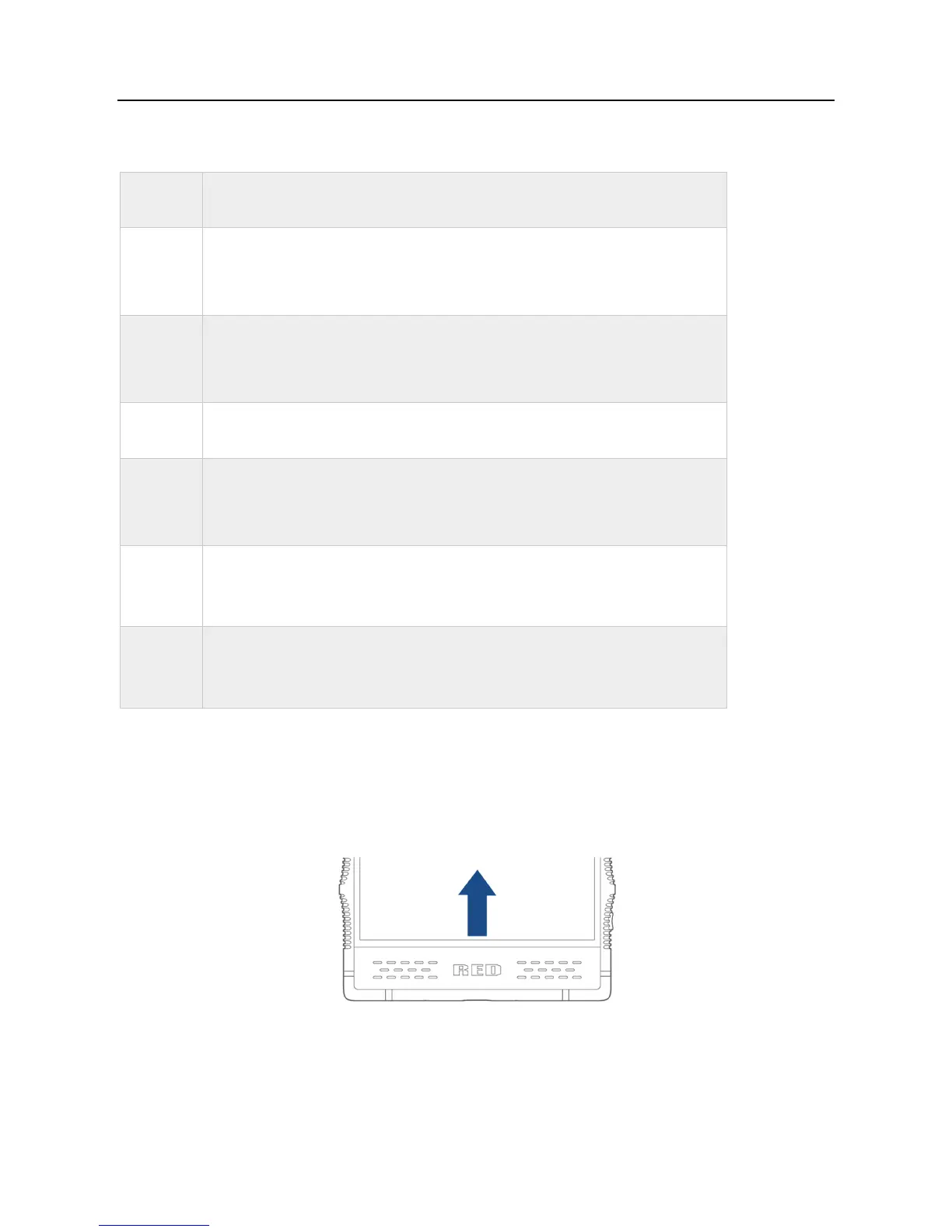
In some circumstances, such as when you are taking a photo or viewing an image, the device automatically hides the navigation icons at the bottom of the
screen. Swipe up from the bottom of the screen to reveal the hidden navigation icons.



 To Next Page