15
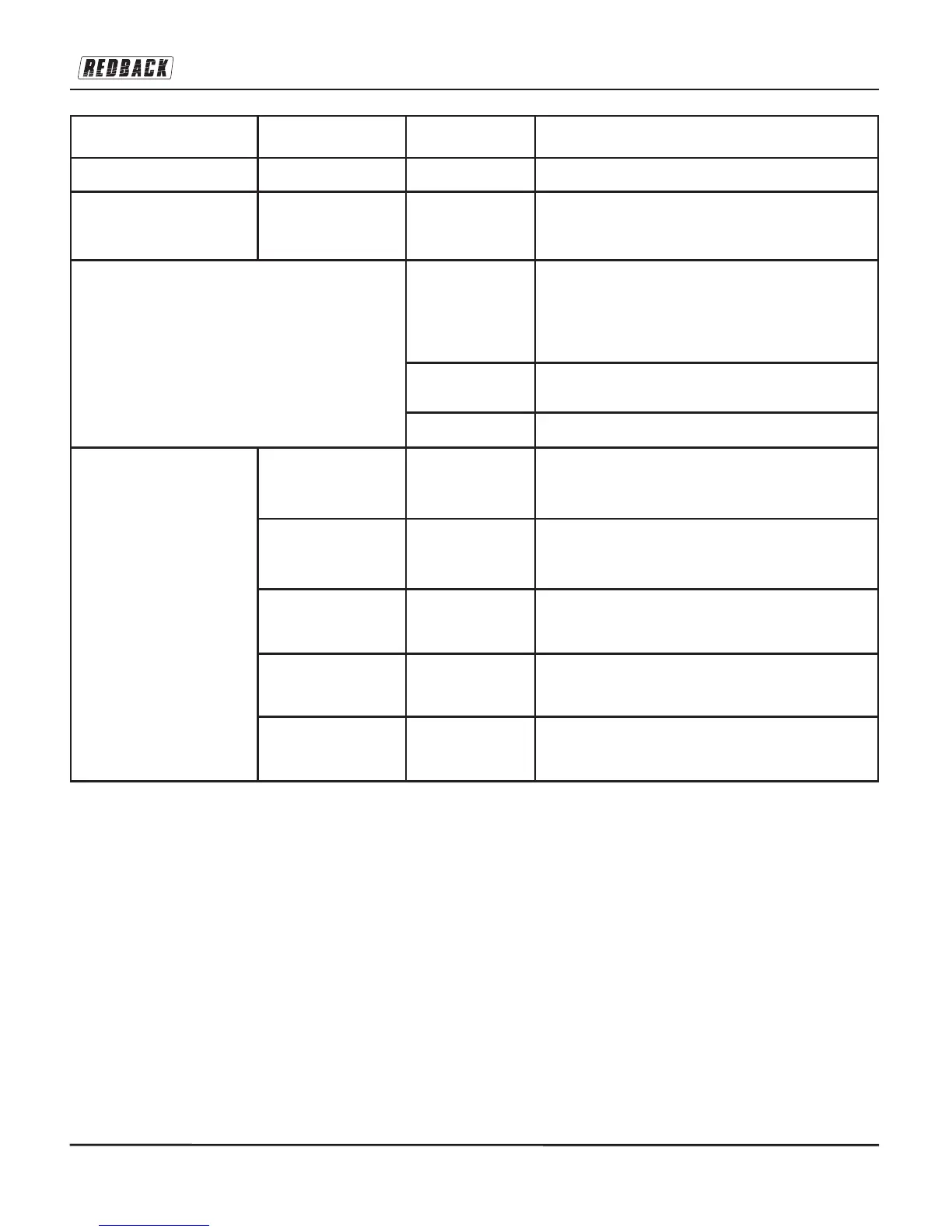
Mode Function Options Actions
Bluetooth (BT) Smart Device System SEE DESCRIPTION. SAME FOR ALL MODES
System (is not a mode but a
sub-menu!)
Time Set Time/Date Press ENTER, use the jog wheel or TUN+/TUN- buttons to
change the time (hr:min) and the date (DD:MM:YYYY)
Auto Update Press Enter. use the control knob or the tuning keys to
select how the time / date will be maintained or updated (i.e.
what source will be used to get the correct time): DAB / FM /
ANY / NO UPDATE (Which implies manual time setting
only). Default ANY.
Set 12/24 Hour Choose from 12 hr or 24 hr time display setting. Default 24
Hour.
Set Date Format DD:MM:YYYY (Default) or MM:DD:YYY
Inactive Standby Timeout-OFF / 2
Hours / 4 Hours / 5
Hours / 6 Hours
Press ENTER, use the jog wheel or TUN+/TUN- buttons to
select the channel you want and press ENTER again. This
is basically a sleep timer. Default Off.
Language English / French /
German / Italian
Press ENTER, use the jog wheel or TUN+/TUN- buttons to
select the language you want and press ENTER again.
Default English.
Factory Reset ^ Yes / No Press ENTER and then use the tuning buttons to choose
one or the other condition and press ENTER again.
Software Upgrade Yes / No Press ENTER and then use the tuning buttons to choose
one or the other condition and press ENTER again.
SW Version None Just displays the software version number.

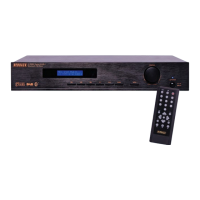

 To Next Page