14
MENU FUNCTIONS
Mode Function Options Actions
DAB+ Full scan None Press ENTER to select and full scan will commence.
Manual Tune Channels 5A – 13F Press ENTER, use the jog wheel or TUN+/TUN- buttons to
select the channel you want and press ENTER again to tune
that bank of stations. (Signal bar will show if the channel is
active in that area).
DRC (Dynamic Range
Compression)
ON / OFF Press ENTER to choose one or the other condition. Default Off.
Prune None Press ENTER and the invalid (? in front of the name) DAB+
stations will be deleted from the station list.
System See Description
FM Scan Setting Strong Stations / All Stations Press ENTER, use the jog wheel or TUN+/TUN- buttons to
select the setting you want and press ENTER again. Default
ALL.
Audio Setting Forced Mono / Stereo Allowed Press ENTER, use the jog wheel or TUN+/TUN- buttons to
select the channel you want and press ENTER again. Default
Stereo.
System SEE DESCRIPTION SAME FOR ALL MODES
Time Setting parameters are important for situ-
ations where the radio tuner is being used in
areas where there are no DAB broadcast serv-
ices (and no FM RDS) available. In such loca-
tions, set the TIME > Auto Update to ‘No
Update’ and then set the time and while the
unit is power on, the time will be maintained by
the internal clock. Where DAB and FM RDS
are both available, the tuner can check the time
by the clock data that is broadcast in these
radio transmissions.
~ DRC function reduces the difference between
the loudest and quietest audio being received
by the tuner. When set to ON, it effectively
makes the loudest audio comparatively quieter
and the softest audio comparatively louder.
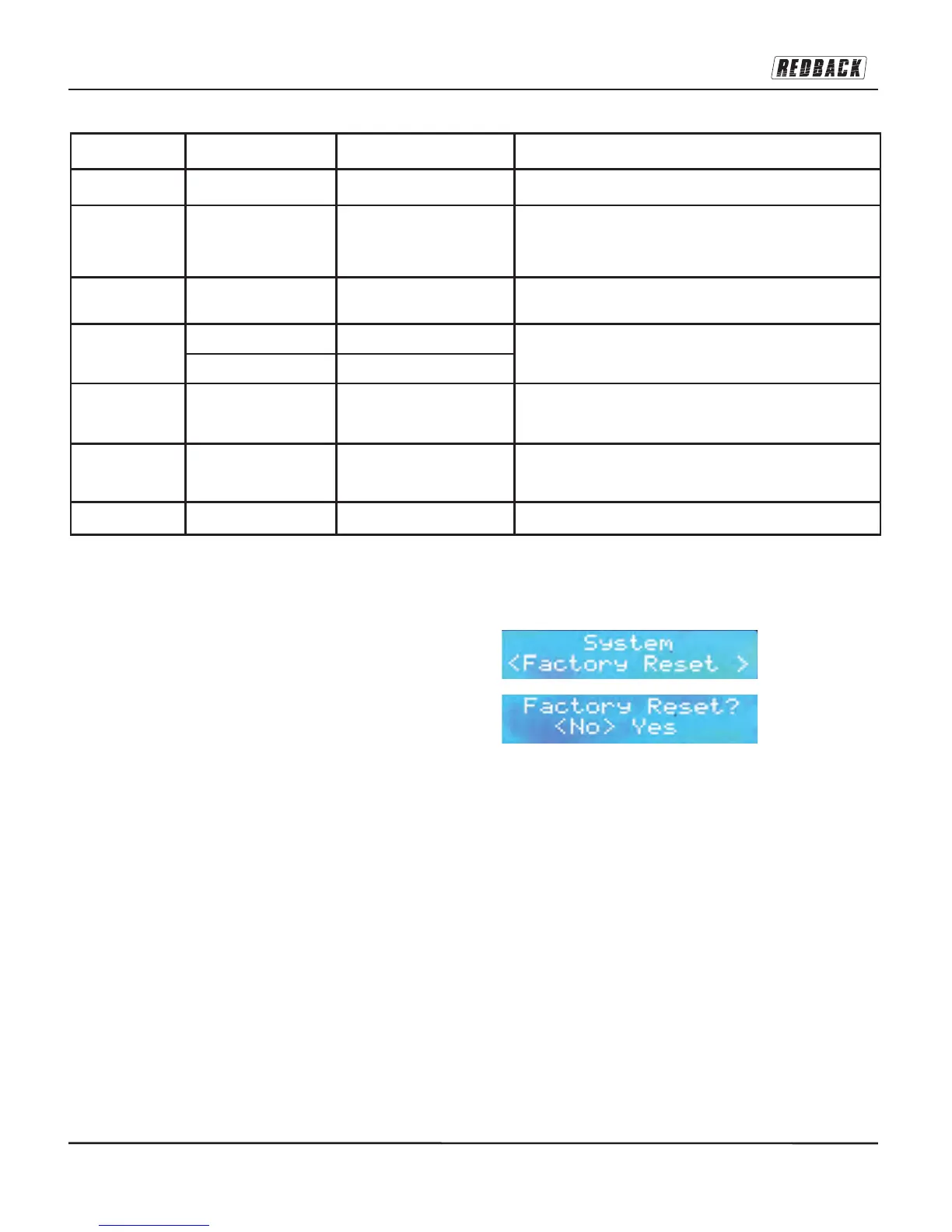
^ Factory Reset allows a user to return the unit
to its ‘just-out-of-the-box’ state. This is helpful if
you are having trouble with your unit (i.e. tuning
blockage) or you have moved to another city
and/or you wish to delete the station presets. A
factory reset will initiate a fresh scan of the
DAB+ channels. In most cases the rescanning
will commence automatically after reset. If not,
press and hold AUTO button in DAB mode.
[Need a diagram showing how the Factory
Reset appears on screen]


 To Next Page