5
Revised 03 2020 Drawing No. LP1117
RS485/422 COMMS PORT
The RS485 port of the DA50D can be used for RS485 or RS422
communication. The serial port has a pair of LEDs to indicate
transmit and receive activity.
Note: All Red Lion devices connect A to A and B to B. Refer to
www.redlion.net for additional information.
Examples of RS485 2-Wire Connections
DH485 COMMUNICATIONS
The DA50D’s RS485/422 COMMS port can also be used for
Allen Bradley DH485 communications.
WARNING: DO NOT use a standard DH485 cable to connect
this port to Allen Bradley equipment. A cable and wiring
diagram are available from Red Lion at www.redlion.net/cables-
drivers.
STATUS RING LED
LED COLOR LED STATE MEANING
Green Solid Converter is configured and running
Blue Rapid Flashing Bootloader is Active
Blue Slow Flashing Invalid File System
Red Solid Active Auto Alarm
Red Flashing Active Manual Alarm
USB, DATA TRANSFERS FROM THE microSD CARD
In order to transfer data from the SD card via the USB port, a
driver must be installed on your computer. This driver is installed
with Crimson and is located in the folder C:\Program Files\Red
Lion Controls\Crimson 3.1\Device\ after Crimson is installed.
This may have already been accomplished if your DA50D was
configured using the USB port.
Once the driver is installed, connect the DA50D to your PC
with a USB cable, and follow “Mounting the microSD” instructions
in the Crimson 3.1 User Manual.
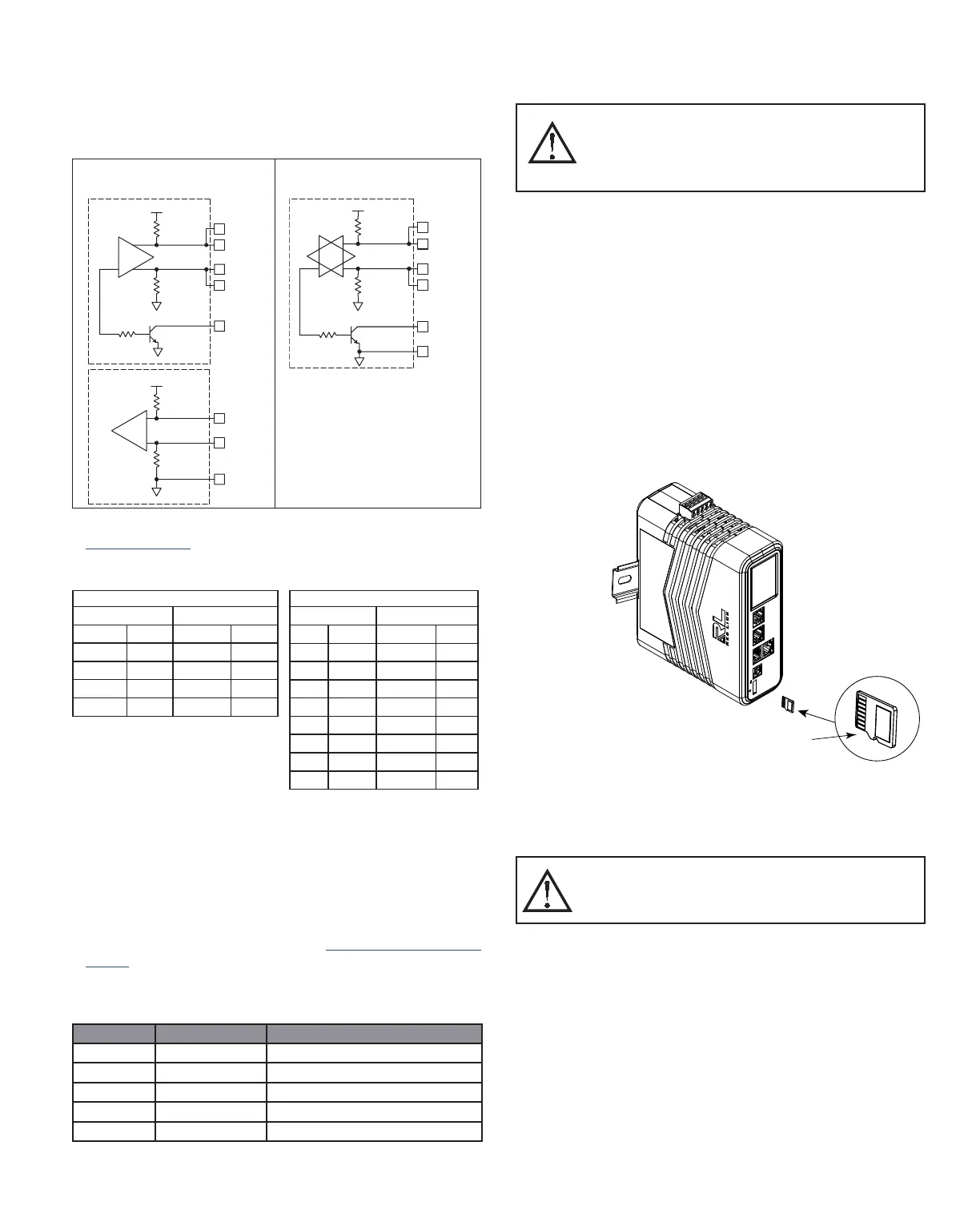
INSTALL THE microSD CARD
Insert the microSD card into the slot on the front of the
Converter with the card oriented as shown. The card is inserted
properly when the card clicks into place in the card holder. To
remove the microSD card, push in slightly on the card.
DA50D CONVERTER BATTERY & TIME KEEPING
A battery is used to keep time when the unit is without power.
The battery of a DA50D Converter unit does not affect the unit’s
memory, all configurations and data is stored in non-volatile
memory.
TX
5V
8
1
7
2
TxB
TxA
130K
130K
5
TxEN (OC)
RX
130K
5V
130K
RxB
4
RxA
3
COMM
6
TxEN (OC)
TX/RX
130K
5
TxA
2
8
130K
5V
7
1
TxB
6 COMM
RS485/422 4-WIRE
CONNECTIONS
RS485 2-WIRE CONNECTIONS
DA50D to Red Lion RJ11
DA50D : RJ45 RLC : RJ11
Pin # Name Pin # Name
5 TxEN 2 TxEN
6 COMM 3 COMM
1 TxB 5 B-
2 TxA 4 A+
DA50D to Modular Controller
DA50D Modular Controller
Pin # Name Pin # Name
1,4 TxB 1,4 TxB
4,1 RxB 4,1 RxB
2,3 TxA 2,3 TxA
3,2 RxA 3,2 RxA
5 TxEN 5 TxEN
6 COMM 6 COMM
7 TxB 7 TxB
8 TxA 8 TxA
WARNING - Do not connect or disconnect cables
while power is applied unless area is known to be
non-hazardous. Not hot swappable. USB port is for
system set-up and diagnostics and is not intended for
permanent connection.
microSD Card
Orientation
Note: Removal of the
microSD while power is
applied may result in
corruption or loss of data.
WARNING - Explosion Hazard - The area must be known
to be non-hazardous before servicing/ replacing the unit
and before installing or removing I/O wiring and battery.
Not hot swappable.


 To Next Page
 Loading...