EasyManua.ls Logo

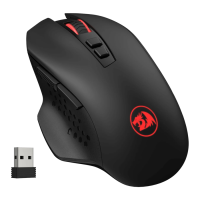
REDRAGON M656 Gainer Wireless - OS Support and Connectivity; Connecting the Mouse; Power Saving and Reconnection

REDRAGON M656 Gainer Wireless
7 pages
Print Icon
To Next Page IconTo Next Page
To Previous Page IconTo Previous Page
Loading...
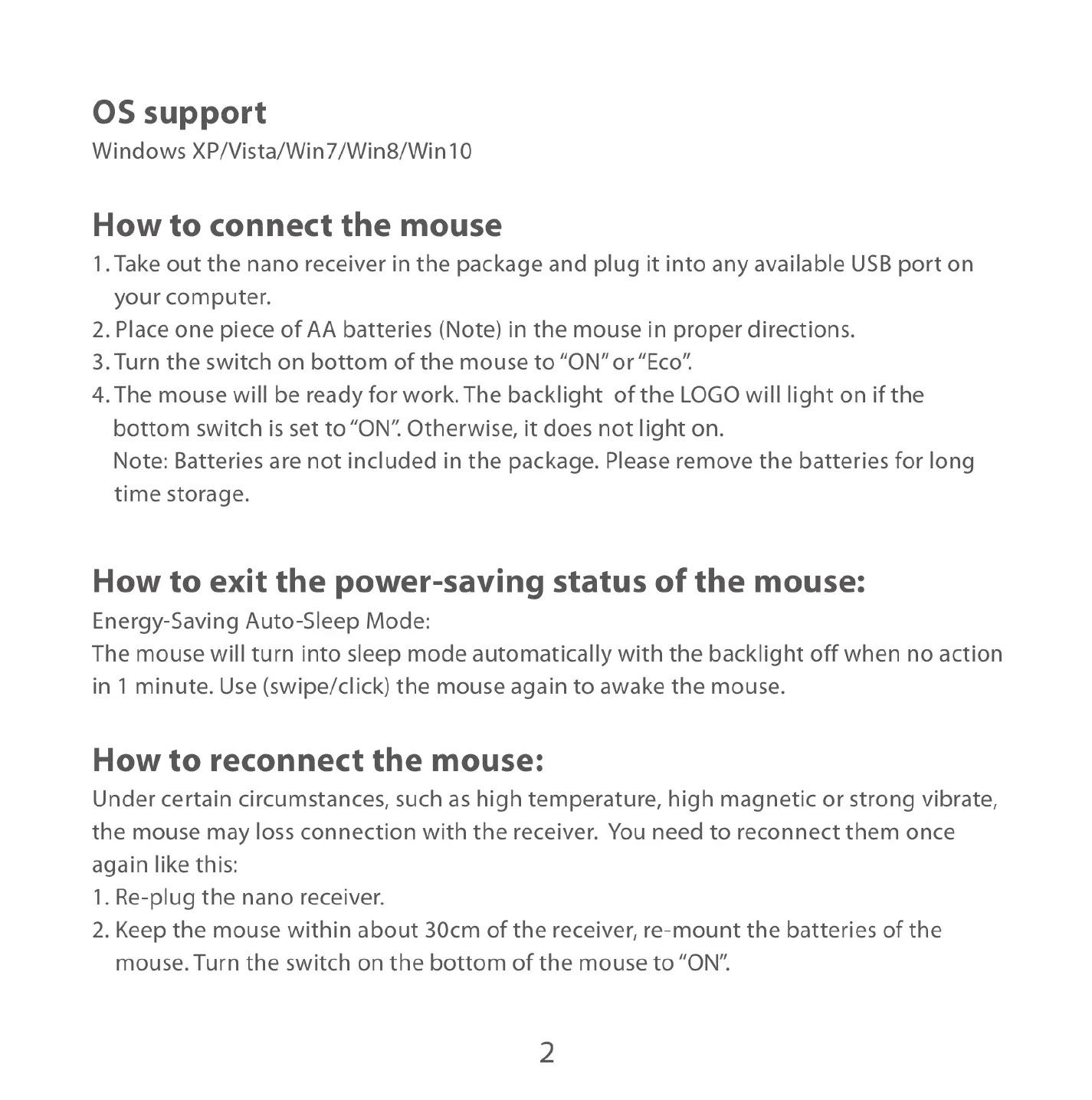
OS
support
Windows
XP/Vista/Win7/Win8/Win10
How
to
connect
the
mouse
1.
Take
out
the
nano
receiver
in
the
package
and
plug
it
into
any
available
USB
port
on
your
computer.
2.Place one
piece
of
AA
batteries
(Note)
in
the
mouse
in
proper
directions.
3.Turn
the
switch
on
bottom
of
the
mouse
to
“ON”
or
“Eco”.
4.The
mouse
will
be
ready
for
work.
The
backlight
of
the
LOGO
will
light
on
if
the
bottom
switch
is
set
to
“ON".
Otherwise,
it
does
not
light
on.
Note:
Batteries
are
not
included
in
the
package.
Please
remove
the
batteries
for
long
time
storage.
How
to
exit
the
power-saving
status
of
the
mouse:
Energy-Saving
Auto-Sleep
Mode:
The
mouse
will
turn
into
sleep
mode
automatically
with
the
backlight
off
when
no
action
in
1
minute.
Use
(swipe/click)
the
mouse
again
to
awake
the
mouse.
How
to
reconnect
the
mouse:
Under
certain
circumstances,
such
as
high
temperature,
high
magnetic
or
strong
vibrate,
the
mouse
may
loss
connection
with
the
receiver.
You
need
to
reconnect
them
once
again
like
this:
1.
Re-plug
the
nano
receiver.
2.
Keep
the
mouse
within
about
30cm
of
the
receiver,
re-mount
the
batteries
of
the
mouse.
Turn
the
switch
on
the
bottom
of
the
mouse
to
“ON".

Related product manuals