EasyManua.ls Logo

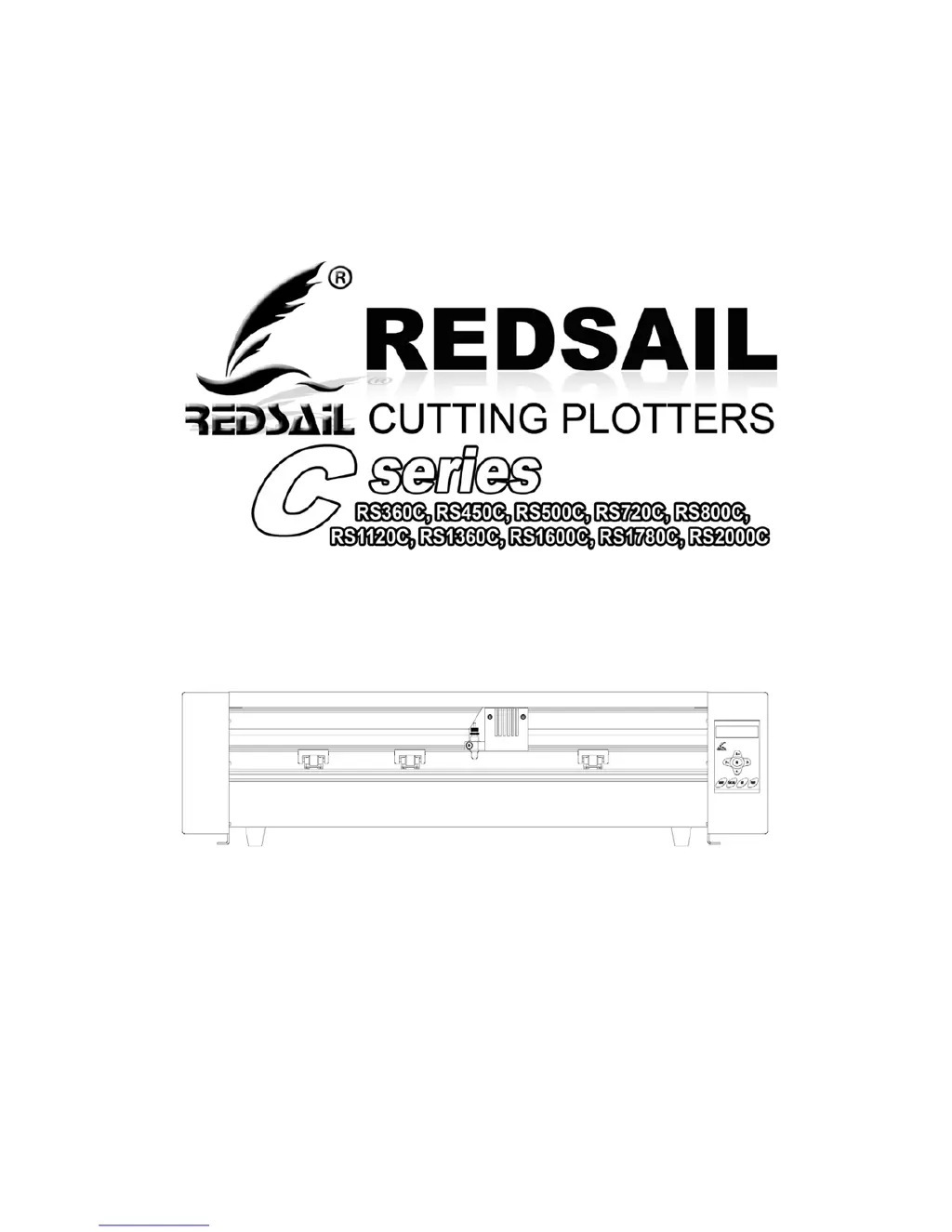
Redsail C series - User Manual

Redsail C series
41 pages
Print Icon
To Next Page IconTo Next Page
Loading...
version number: 1.1.1.140508_PRO
RedsailTechCo.,Ltd
www.hflaser.com
1
wo

Questions and Answers

  • N
    nicole04Aug 8, 2025
    Why are my Redsail C series Plotter cuts jagged?
    • J
      John FernandezAug 8, 2025
      If your Redsail Plotter cuts are jagged or inconsistent, the blade might be dull or damaged. Replace it with a new one. Ensure the blade can turn freely by attempting to turn it with your fingers while pressing the release button of the Blade Carriage. Adjust the blade depth of the Blade Carriage and the Force setting on the cutter until you get solid, uniform cuts. Start with a blade depth of around 1/64th of an inch and a pressure setting of 100g, and try increasing the pressure before increasing the blade depth.
  • J
    jalvarezAug 14, 2025
    What to do if Redsail C series Plotter cuts erratically?
    • A
      Amanda MorrowAug 14, 2025
      If your Redsail Plotter performs erratically, stops cutting prematurely, or cuts unexpected lines, the issue might be related to the USB connection. Some computers don't work well with cutters via USB. If you're using a USB cable, try a serial cable connection. If a serial connection isn't available, consider using a third-party USB-to-serial connector or a PCI card serial adapter.
  • J
    jerry37Aug 19, 2025
    How to fix Redsail C series Plotter vinyl feeding issue?
    • T
      Tina PageAug 19, 2025
      If the vinyl isn't feeding straight and the rightmost Pinch Roller of your Redsail Plotter won't move, it might be stuck on a screw on the back of the machine due to shipping or movement. Press forcefully against the pinch roller until it becomes dislodged. If needed, remove the screw to reposition the pinch roller.
  • G
    Gregory FloresAug 26, 2025
    Why does my Redsail C series blade slash the vinyl?
    • M
      Megan BennettAug 26, 2025
      If your Redsail Plotter blade slashes the vinyl during cutting, it's likely protruding too far from the Blade Carriage. Adjust the blade so that it protrudes minimally from the carriage.
  • G
    geoffreyanthonyNov 1, 2025
    How to fix Redsail C series when it's unresponsive?
    • M
      mgrantNov 1, 2025
      If your Redsail Plotter is unresponsive, it could be due to communication issues if the cutter was powered on while the software was sending data. Try exiting the cutter screen and returning to the main software screen. If that doesn't work, save your work, exit the software, and restart with the cutter powered on. Always start the software with the cutter powered on to prevent communication problems. Also, check that the output device in your software is set to the correct COM port. You can change the COM Port by right-clicking on it in the device manager and going to the advanced section of the Port Settings tab. Adjust your Flow Control settings to Hardware by locating your COM Port in the device manager, right-clicking, and selecting Properties. Then, on the Port Settings tab, change t...

Summary

Control Panel Operation

Setup and Connection

Selecting Cutter Location

Guides on choosing a suitable, stable, and dust-free location for the cutter.

Connecting Cutter to Computer

Instructions for connecting the cutter via serial or USB cable to a computer.

Finding Your COM Port

Guides on locating the COM port assigned to the USB connection in Device Manager.

Pen Carriage Installation and Maintenance

Blade Handling

Installing a New Blade

Detailed steps for properly installing a new cutting blade into the blade carriage.

Preparing for Cutting Operations

Product Specifications

Desktop Cutting Plotter Specifications

Technical specifications for Redsail Desktop Cutting Plotter models.

Vinyl Cutter Specifications

Technical specifications for Redsail Vinyl Cutter models.

Large Format Plotter Specifications

Technical specifications for Redsail Large Format Plotter models.

Troubleshooting Common Issues

Cutter Communication Problems

Addresses issues with the cutter not communicating with the computer or software.

Erratic Cutting or Design Inaccuracies

Resolves problems like erratic cuts, stopping mid-job, or incorrect design output.

Redsail C series Specifications

General IconGeneral
BrandRedsail
ModelC series
CategoryPlotter
LanguageEnglish

Related product manuals