06
Mounting the rear camera
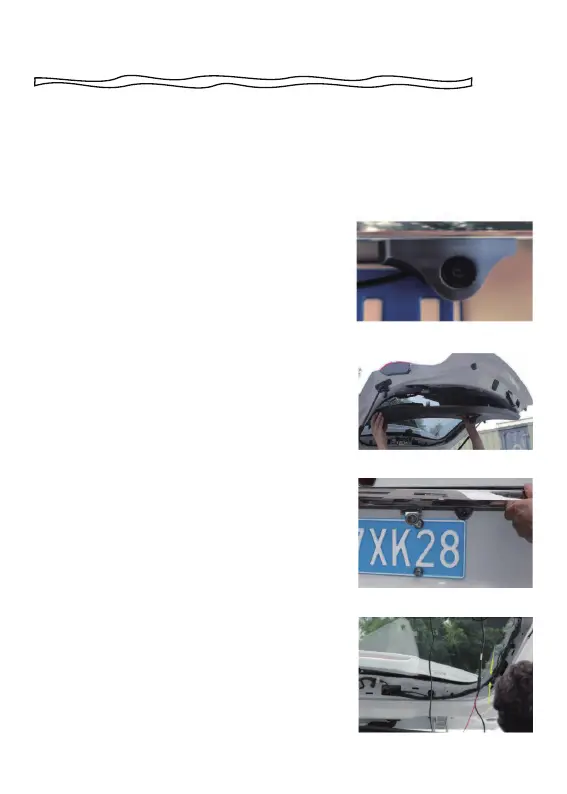
How to install the rear camera
We recommend installing the rear camera outside the car (above the
license plate). The effect of the rear camera inside the car may be
affected by the windshield.
1. Tear off the 3M tape on the rear lens and
paste it above the license plate.
2. Remove the Panel
Remove the inner panel of the trunk to
expose the rear wiring compartment of the
car. Open the trunk and look for a sturdy
inner panel covering the other side of the
license plate installation area. Then, insert
a decorative removal tool or another thin
device behind the panel and pry it apart.
3. Snake the cable
Use a trim removal tool to pop out tailgate
trim, then run the cable from outside of the
car into the trunk of your car.
4. Connect the rear cameras power cable
to the extension cable. After snaking your
rear camera's extension cable, connect
the power cable to your rear camera's
extension cord.If you need to install a
trigger cable to activate the reversing
guidelines, please find the positive cable
of the reversing lamp or ask a professional
for help.



 To Next Page