11
Mounting the GPS
Considering the use effect and installation convenience, we usually
recommend customers to install it at position 1. Of course, you can
also try to install it in other locations for testing, and choose the
location you think is most suitable.
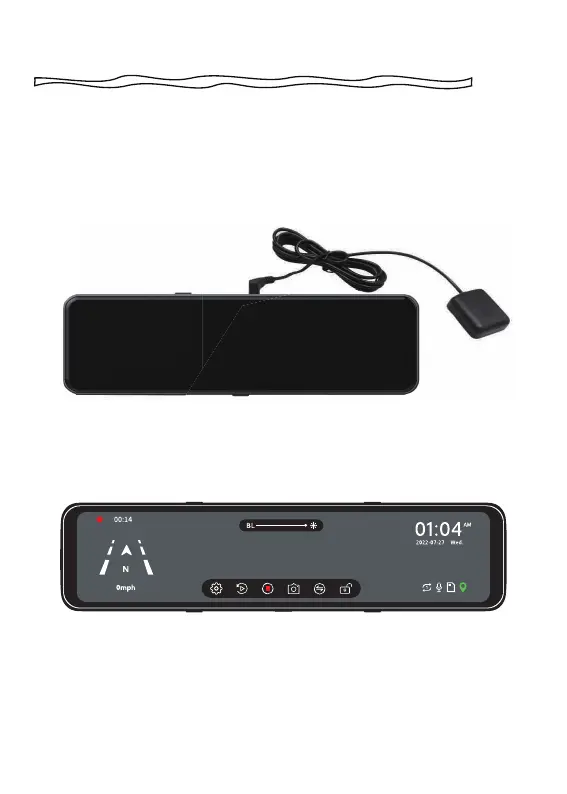
(1) Install the GPS Antenna onto the camera, the GPS Antenna will
start to search for a GPS signal.
(2) Once the GPS is installed, the GPS icon on the home screen will
show. After the GPS signal has been received, it will show direction
and speed. (Prerequisite: "GPS Disp" in the settings is turned on)



 To Next Page