15
Setting Up Your Camera
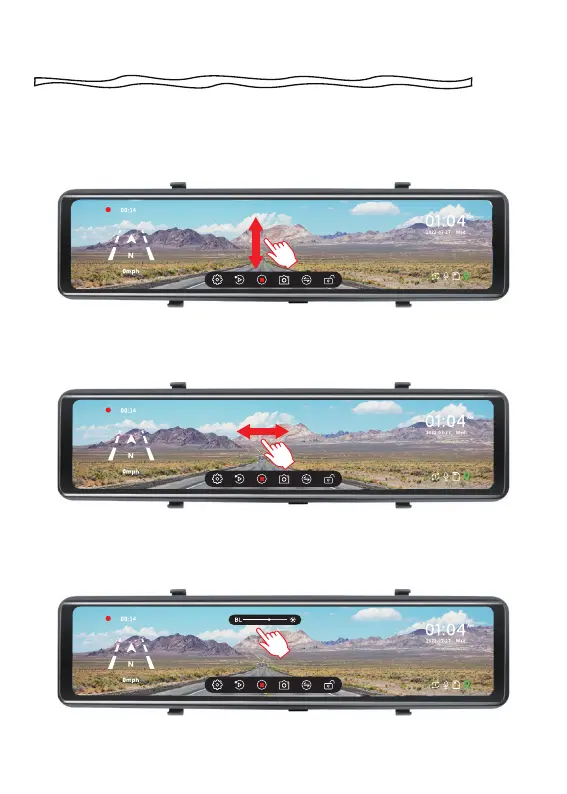
While recording, swiping the screen up and down adjusts the angle
of view.
While recording, swipe the screen left or right to switch between
front view, rear view, or split-screen view.
Touch the touchscreen to diaplay the brightness scrollbar at the
upper center, then slide right or left to adjust the brightness.



 To Next Page