IX. Device update
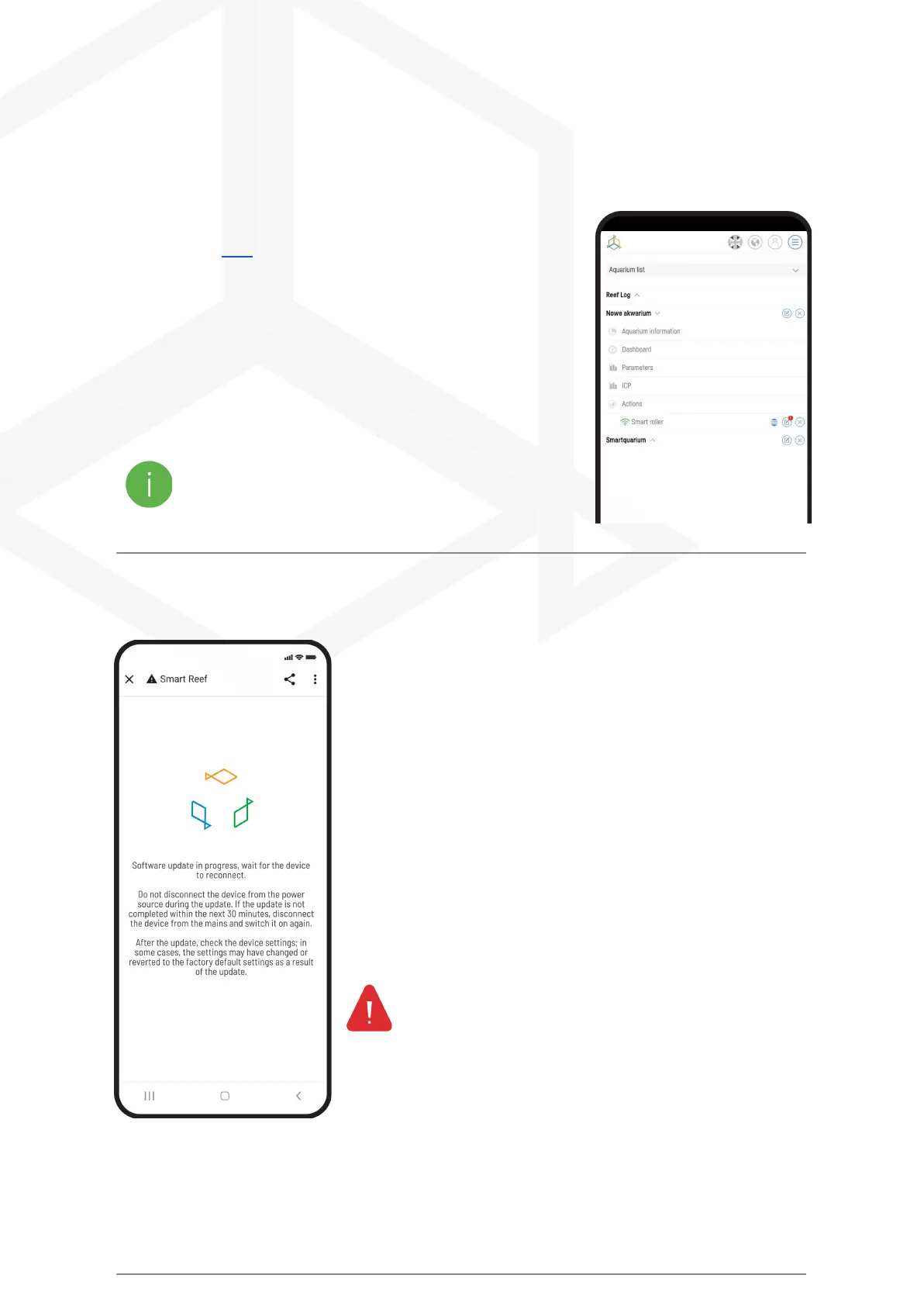
To update, log in to the Smartwww.reeffactory.com in the mobile
application or at Reef.
Then press the "Edit" button next to which there is a red indicator
informing about the available update.
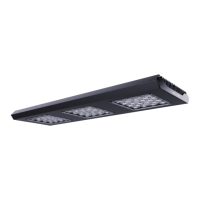
In the next one you will see a message about the availability of a new
version of the software. Press "OK" to update the software.
Note that after some updates, your device may need to be
reconfigured or recalibrated.
After pressing the "OK" button, the device will automatically update.
Do not disconnect the device from the power supply during the update.
If the update doesn't complete within 30 minutes, reset your device.
After the update, check the device settings, in some cases, as
a result of the update, I may change or return to the factory
settings.
Smart roller manual © Reef Factory 2023
34



 To Next Page