VII. Resetting the device to factory settings
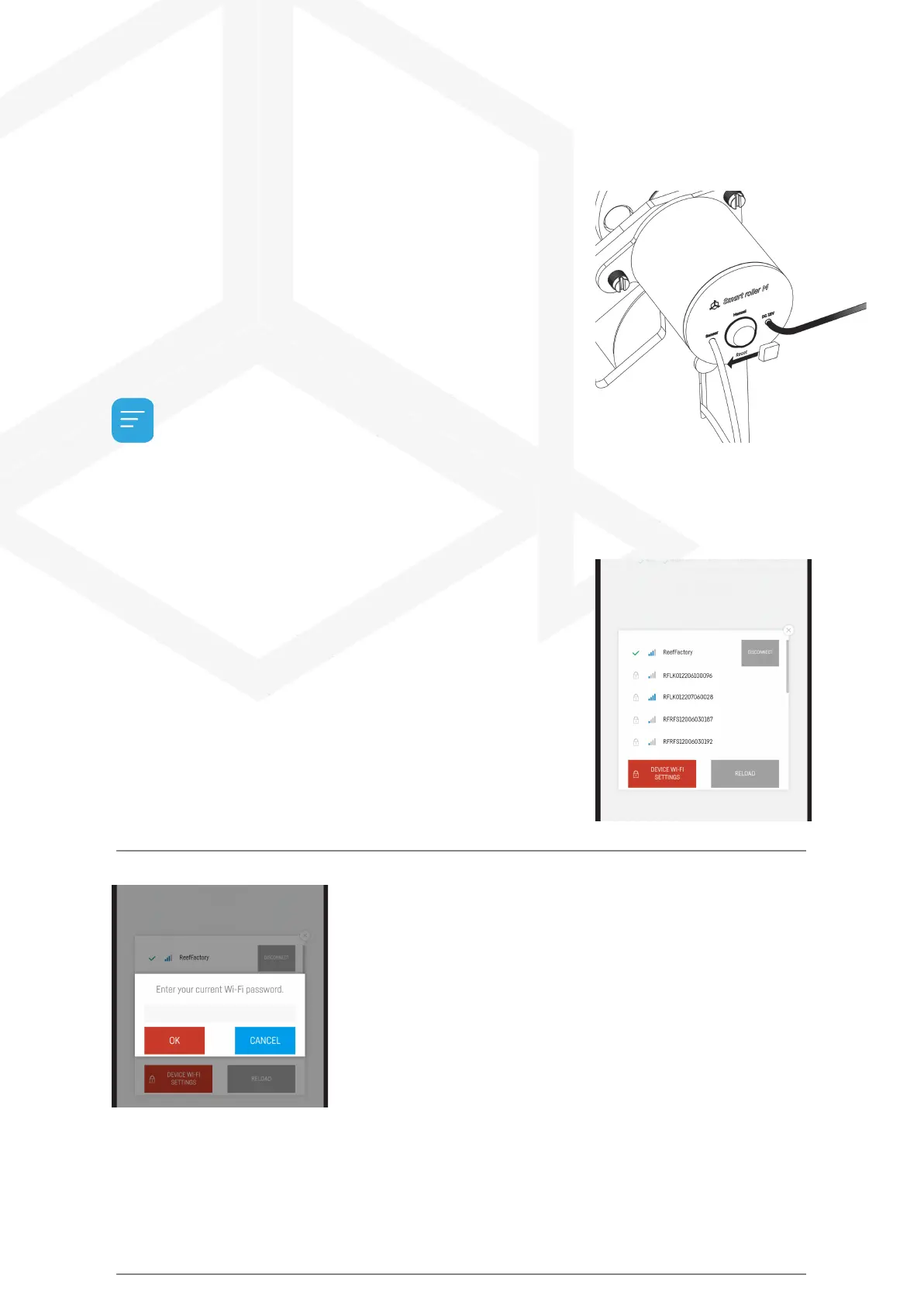
If your device does not work properly, you want to configure it again or
you cannot connect to it after several attempts, you can restore it to
factory settings by applying a magnet (included in the set) to the
device's housing in the place marked RESET.
After resetting the device to factor y settings, you need to reconfigure
it.
VIII. Changing the device access
password
For security reasons, it is recommended to change the standard device
access password. The password should be suciently complex to
prevent third parties from connecting to the device. Changing the
password requires a direct connection to the device's WiFi network as
in step 4 of Initial Device Setup.
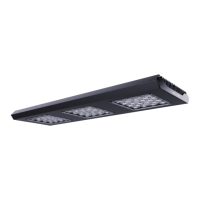
Once you are connected to the device, expand the list by clicking on the
3 bars in the upper right corner of the screen, then go to the WiFi
network settings.
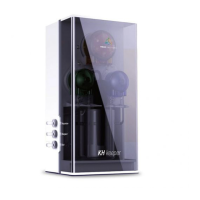
Enter your current password (default is reeffactory)
then press "OK".
In the next step, enter a new password and press "OK",
then confirm the new password and press "OK".
Congratulations! The password has successfully changed
Smart roller manual © Reef Factory 2023
33



 To Next Page