ENGLISH
16
d. Single Slide Scanning
t Load the empty magazine into the tunnel FIRST until it touches the slide
transport arm completely. Slide the magazine forward to be sure that the
rst slot of the magazine.
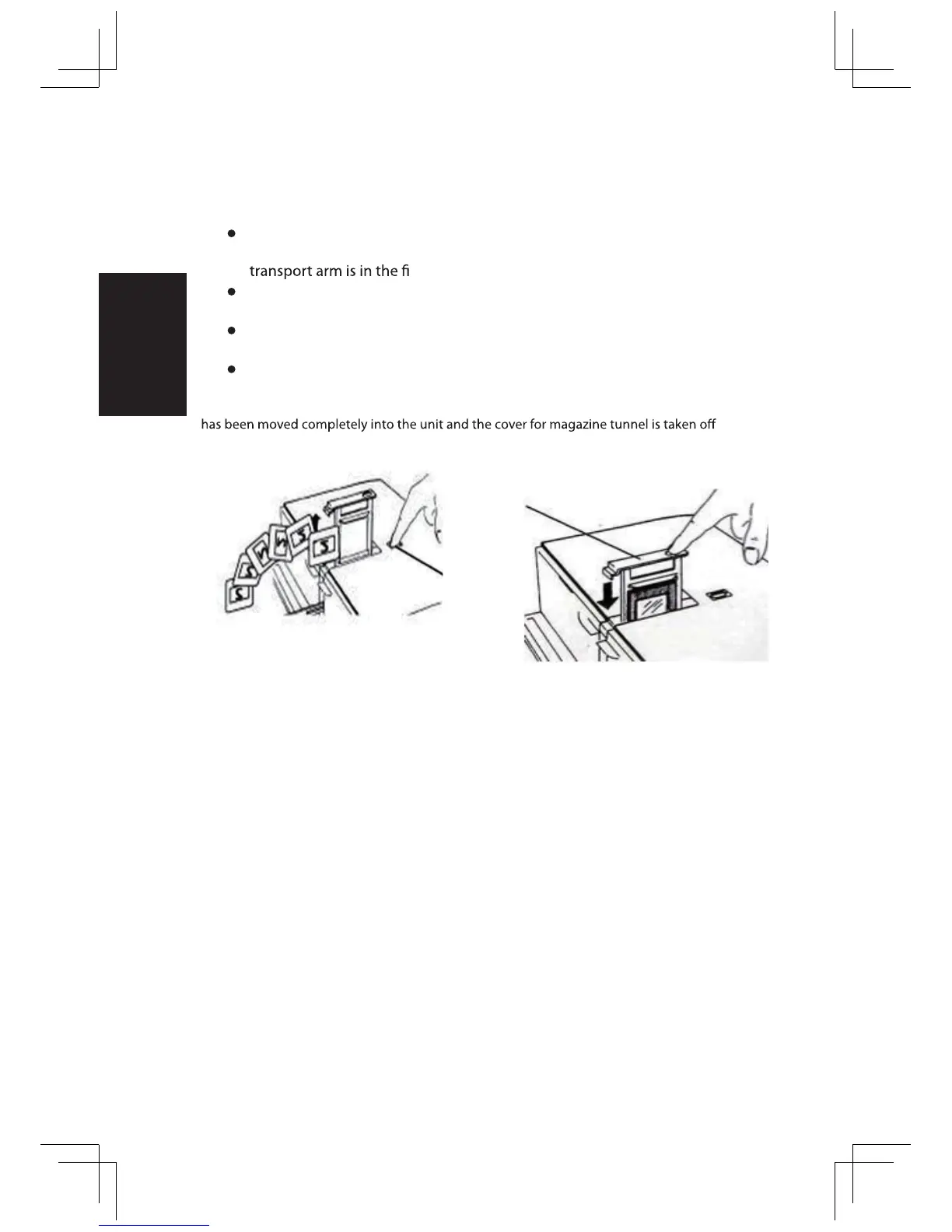
t Press the eject button [I] to make the slide holder open exposing the loaded
slide.
t Place the slide as illustrated [I] into the slide holder and press the slide holder
down [II].
t Open the CyberView X 5.0 driver program to scan the slide.
Attention!
When using the single slide scanning function, please check the slide transport arm
.
Eject
Button
Slide
Holder
II.I.















 To Next Page